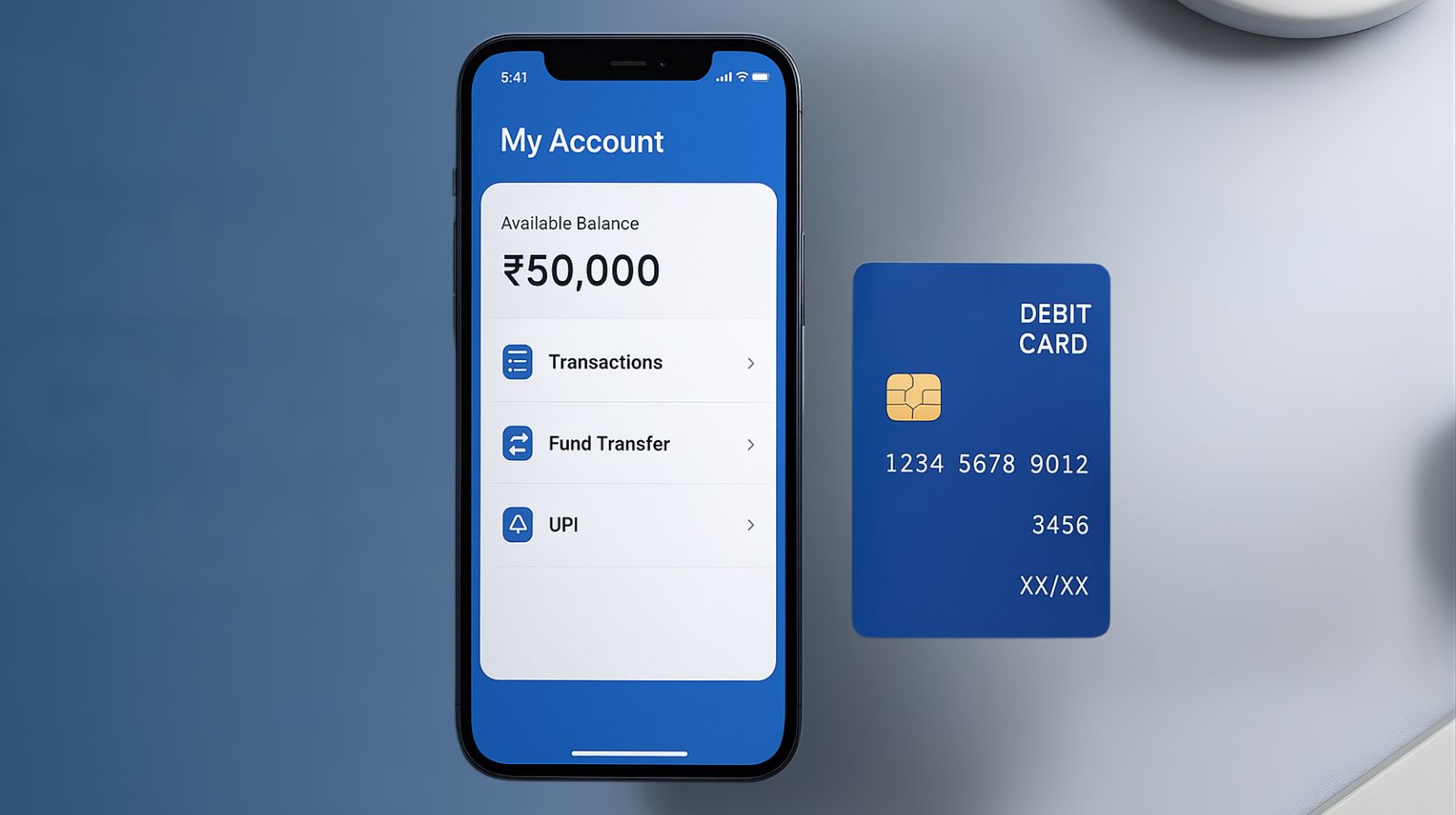
Nowadays, digital payments and online banking have become staples in our everyday lives, making regular Bank Balance Checks more essential than ever. Whether you’re using UPI apps, mobile banking, or sticking with traditional ATMs, being aware of your account balance helps you steer clear of issues like failed payments or unexpected deductions. Nowadays, even small retailers, students, and seniors depend on quick digital transactions, which means knowing your exact balance at the right moment is incredibly important. A proper Bank Balance Check not only aids in better financial planning but also helps you keep your finances in check. As banking becomes faster and more digital, making it a habit to check your balance regularly ensures you enjoy a safe, accurate, and stress-free financial experience.
Why Bank Balance Check Matters
1. Helps Maintain Daily Financial Control
The regular checking of bank balance provides complete clarity regarding the exact amount of money one has and how he or she is spending it. In today’s fast-moving digital world, payments through UPI, cards, and wallets happen in less than a second, which also means deductions are taking place at the same speed. Not keeping an eye on your balance can make you unaware of where your money is going, which is why people often submit an Application for Bank Statement to review detailed transaction history. Routine balance checking helps manage daily petty expenses more wisely and may also prevent unwanted overspending.
2. Avoids Failed or Declined Transactions
There is nothing as embarrassing as when a payment declines at a shop counter or an official tour. A simple Bank Balance Check saves you from such situations, always ensuring enough funds in your account before you enter any transaction. In 2025, when digital payments are used everywhere, from vegetable shops to hospitals, knowing the balance in your account becomes mandatory. This quick balance check saves time and frustration. It ensures smooth functioning of your UPI apps without errors created by insufficient funds.
3. Protects You from Unauthorized Transactions
Even with higher security in banking, fraud cases and unauthorized deductions do occur. That is why regular checking of the Bank Balance is one of the easiest ways to trace suspicious activity as early as possible. By monitoring your account, you can trace every unknown transaction immediately and notify your bank instantly. This habit will also ensure more financial safety for senior citizens, students, and busy professionals. Instant tracking brings in peace of mind and helps in responding quickly to abnormal deductions.
4. Helps in Monthly Budgeting and Expense Planning
Performing a timely Bank Balance Check makes managing monthly expenses easier. It allows one to understand patterns of expenditure and helps in decision-making on how much to save or spend. Digital lives, which involve online shopping, instant payments for subscriptions, and more, require balance tracking to prevent overspending. In addition, it helps households and small businesses maintain financial discipline rather than borrowing needlessly. You will be in a better position to plan your month with regular checks.
Methods for Bank Balance Check (Step-by-Step Guides)
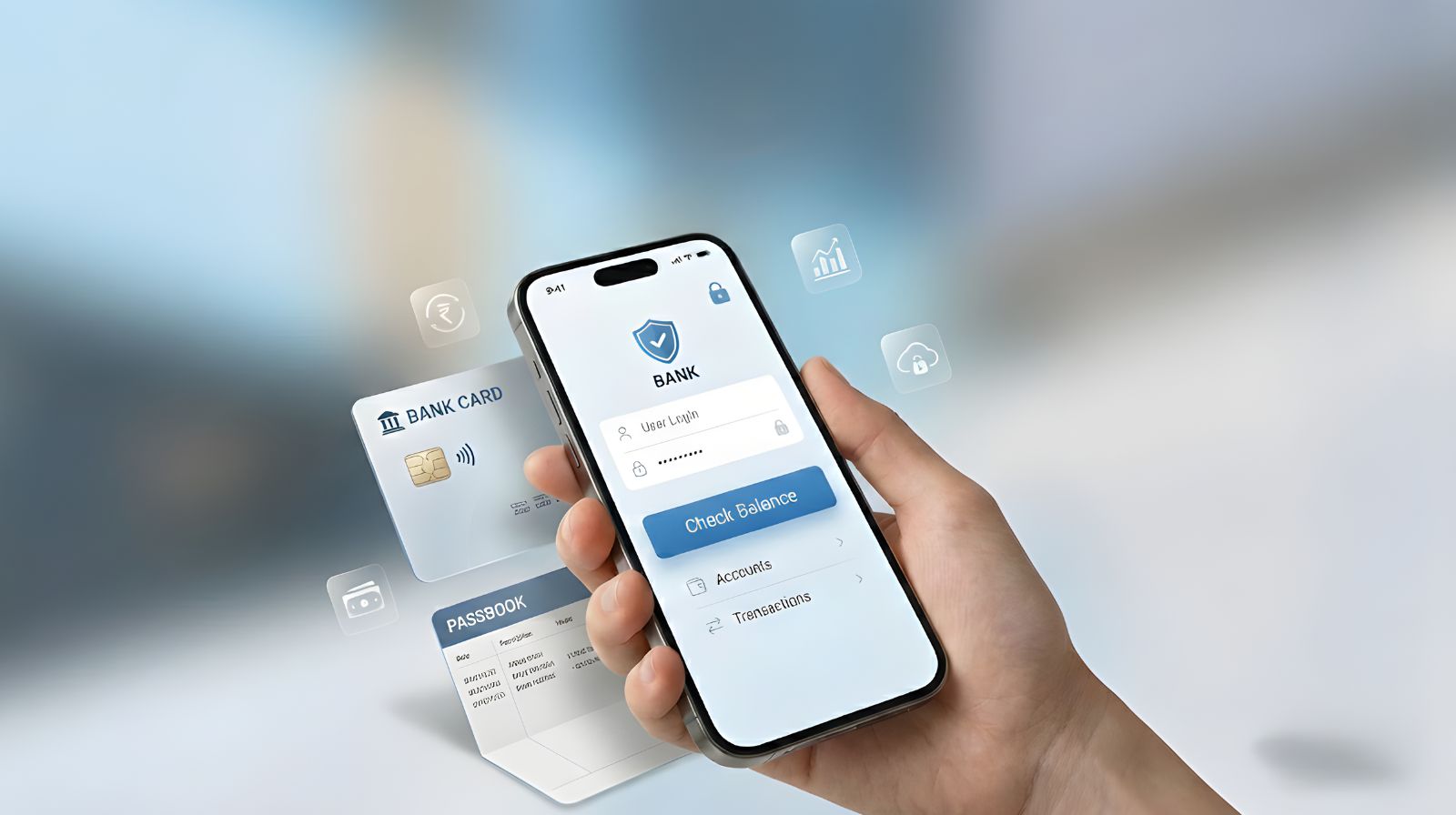
Below are the most popular and easy methods to check your bank balance in 2025, explained step by step.
1. Bank Balance Check Using ATM Card
One of the most rapid ways of checking your bank balance anytime is using an ATM. Visit any ATM; your bank’s or another bank’s; insert your ATM card into the machine, input your PIN, and select “Balance Inquiry” from the main menu. The machine will display your available balance within a few seconds on the screen. Some ATMs also give you a printed slip if you want to have a physical copy of the information about your balance.
2. Bank Balance Check Through Mobile Banking App
Almost every bank provides a mobile banking application through which customers can check their balance instantly. Download your bank’s official application from the Play Store or App Store and log in by entering your registered mobile number and password. After logging in, navigate to “Accounts” or “Balance” to see your real-time updated balance. Mobile applications also display transaction history, mini statements, and insights into spending. This method is safe, easy, and works 24*7 provided you have access to the internet.
3. Checking Bank Balance through SMS Banking
SMS banking is a pretty straightforward approach. It doesn’t require an Internet plan to work. All banks have their specific format for SMS, where you send a keyword, say BAL or BALANCE, to a particular number from your registered mobile number. You get a reply with your current balance and, sometimes, the last few transactions within seconds. This facility is ideal for customers in remote areas or areas of low connectivity. It is also quite secure. The service works from your registered phone number alone.
4. Checking Bank Balance Using Missed Call Banking
One of the easiest methods of balance enquiry introduced in recent times is a missed call banking. The banks provide a toll-free number on which you just need to give a missed call from your registered mobile number. And in no time, you will get an SMS along with your updated bank balance. This service is completely free and much quicker and also can be availed without having even a smartphone. This service has become more popular in India because it saves you from visiting the branch or ATM.
5. Check Your Bank Balance via Internet Banking – Net Banking
With internet banking, you have detailed access to your bank account with any electronic device that has access to the internet. You just need to log in to your bank’s net banking portal with your User ID and password. Once you log in, click on “Account Summary, ” which shows your available balance. Net banking also allows you to keep track of statements, transfers, and all kinds of detailed transactions. This is highly reliable and best for people who prefer checking finances on a desktop or laptop.
6. Checking Bank Balance by Visiting the Bank Branch
On the other hand, you can do it offline by visiting your nearest bank branch. Approach the customer service desk or passbook update counter for this purpose. You can get your passbook updated with all details of the transaction to date and your current balance in it. This will be ideal for those who need official printed records or face problems with online services. Although it’s time-consuming, it is entirely accurate, and you will have the personal service of the bank staff.
7. Checking Bank Balance Using UPI Apps (Google Pay, PhonePe, Paytm)
Most UPI applications show your bank account balance in a few clicks. Open your UPI application and tap on your bank account name that comes under the “Bank Accounts” section. Tap “Check Balance” and enter your UPI PIN to view your current balance in an instant. This is very popular because people use UPI frequently for daily payments. It is very fast and secure, working across multiple bank accounts linked to your UPI ID.
8. Bank Balance Check Through Passbook Update
A passbook update gives a full and correct record of your transactions. Go to any branch of your bank and use the passbook printing machine or seek assistance at the counter. Your passbook balance, after this update, will show your balance with records of your deposits, withdrawals, and other transactions. It is very convenient, especially for senior citizens or people who prefer physical documents. Though it is not digital, it is one of the most trusted bank balance check methods in India.
Bank-Wise Balance Check Process
Below are the most popular Indian banks and how their customers can check their account balance using missed call, SMS, UPI, and mobile banking.
1. SBI (State Bank of India) Balance Check
SBI customers can check their balance quickly by making a missed call to 9223766666 from their registered number. They will get an SMS with their available balance in a few seconds. They can also send “BAL” to 09223766666 via SMS for balance details. Users of the SBI YONO app can log in and see their updated balance and mini statement under the “Accounts” section. If they don’t use the app, they can check their balance at any SBI ATM or update their passbook for a detailed statement.
2. HDFC Bank Balance Check
HDFC customers can check their account balance by calling 1800-270-3333 and waiting for an automatic SMS with the balance. For SMS banking, they can type “BAL” and send it to 5676712 from their registered mobile number. Using the HDFC Mobile Banking app, customers can log in and see their current balance instantly. They can also check their balance through UPI apps like GPay or PhonePe by entering their valid UPI PIN. They can also verify their balance using any HDFC ATM or branch.
3. ICICI Bank Balance Check
ICICI users can check their balance by making a missed call to 9594612612 from their registered mobile number. For SMS banking, they can send “IBAL” to 9215676766 to get their updated account balance. The iMobile Pay app allows quick and secure access to balance, mini statements, and recent transactions. Customers can also check their balance through UPI apps or the ICICI net banking portal. For offline checks, they can use any ICICI ATM or update their passbook for a detailed statement.
4. Axis Bank Balance Check
Axis Bank offers a quick way to check your balance by making a missed call to 1800-419-5959. You will get an SMS with your balance instantly. You can also send “BAL” to 5676782 to get your balance details through SMS. If you use the Axis Mobile app, you can check your balance with just one tap on the “Accounts” section. Customers can also check their balance using UPI apps like Google Pay and Paytm. For those who prefer not to use digital methods, Axis Bank ATMs and visiting a branch are always available.
5. Bank of Baroda (BOB) Balance Check
To check your BOB account balance, make a missed call to 8468001111 from your registered mobile number.
You will receive an SMS with your account balance within a few seconds. For SMS banking, type “BAL <Last 4 digits of account>” and send it to 8422009988. The BOB M-Connect Plus app also shows your current balance and mini statements. For offline options, you can rely on passbook updates or visit any BOB branch using an ATM.
6.Punjab National Bank (PNB) Balance Check
PNB customers can use the missed call feature by dialling 1800-180-2223 or 0120-2303090 to get instant balance updates.
For SMS banking, send “BAL ” to 5607040 to get your balance details. If you use the PNB One mobile app, you can log in and check your real-time balance directly from the home screen. UPI apps linked with PNB accounts also help in checking your balance quickly. Offline users can check their balance using passbook updates at any PNB branch.
7.Canara Bank Balance Check
Canara Bank offers a missed call service on 09015483483 to get your balance details.
For SMS banking, type “BAL” and send it to 09015734734 using your registered mobile number. With the Canara ai1 app, customers can check their balance, mini statement, and past transactions. The bank also allows balance checks through UPI platforms like PhonePe, GPay, and Paytm. For offline methods, customers can use ATMs or passbook update machines.
8. Kotak Mahindra Bank Balance Check
Kotak users can check their account balance by making a missed call to 1800-274-0110. If they prefer SMS banking, they can type “BAL” and send it to 5676788 from their registered mobile number. The Kotak 811 app lets them see their current balance and check their recent transactions instantly. Customers can also check their balance through popular UPI apps. If they want a physical copy of their account details, they can get a passbook printed at any branch counter.
9. Yes Bank Balance Check
Yes Bank customers can check their balance by making a missed call to +91-9223920000.
For SMS balance inquiries, they can send “YESBAL” to +91-9840909000. Once logged into the YES Mobile app, they can view their updated balance and full transaction history. UPI users can also check their Yes Bank balance using the “Check Balance” option in their UPI app. If they need a printed statement, they can use an ATM or visit a branch.
10. Union Bank of India Balance Check
Union Bank customers can check their balance by making a missed call to 09223008586.
To check their balance via SMS, they should send “UBAL ” to 09223008486. The Union Bank mobile app provides real-time updates on their balance, along with mini statements and insights on their spending. UPI-linked accounts allow customers to check their balance instantly within seconds. They can also use ATMs or passbook printing machines at any branch for offline balance checks.
Security Tips While Doing Bank Balance Check
While it is handy to check your bank balance, there are some security measures you have to take in protecting your account and personal information.
1. Utilize Official Bank Applications or Websites
Always check your balance through your bank’s official mobile application or website. Never use third-party applications or unofficial portals, as they can even steal your login credentials. Official applications provide you with end-to-end encryption and secure servers, which ultimately keep your account data private. Double-check the URL when accessing internet banking to avoid falling victim to phishing attacks. Logging out after every session is also important in this regard.
2. Avoid Using Public Wi-Fi
Never check your bank balance over open networks; hackers sniff around unsecured connections, stealing data that passes through. If you find it absolutely necessary, use a personal hotspot or a home network you find trustworthy. Banks do track suspicious logins from odd locations. By using secured networks, you minimize fraud attempts. Compared with open Wi-Fi, mobile data connections are a safer choice for performing certain financial transactions.
3. Keep Your Mobile Number Updated
Always use a registered mobile number for SMS banking, missed call banking, or OTP verification. Avoid frequently changing it without informing the bank. All bank alerts, OTPs, and balance notifications are sent to this number. Keeping it updated ensures you receive important messages. More importantly, it prevents fraudsters from diverting your banking information to another number.
4. Set Strong Passwords and PINs
Use a strong, unique password for mobile and internet banking. Avoid using easily guessable PINs. Combine uppercase, lowercase, numbers, and special characters to enhance the security of your password. Periodically change your password and never share your password with anyone. Even on UPI apps, your UPI PIN must be secure, not stored on shared devices.
5. Enable Two-Factor Authentication (2FA)
For better security in balance enquiry and transactions, banks often resort to two-factor authentication. Enable 2FA wherever possible, which usually involves OTPs or authentication apps. This adds an additional layer of protection if someone gains access to your password. It’s pretty simple yet a very effective way to avoid illegal entrants.
6. Refrain from sharing account information.
Never disclose your account number, ATM PIN, internet banking password, or UPI PIN to anyone. No bank would ask for a password or PIN through any email or phone call. Fake calls or messages claiming to be from bank officials are common techniques used by scammers. Be cautious to avoid phishing of information, identity theft, and fraudulent transactions.
7. Monitor Account Activity Regularly
Check your balance and recent transactions on a regular basis to find out any suspicious activities. More and more mobile banking apps allow real-time notifications for withdrawals, transfers, and deposits. If you suspect that there is something wrong, call the bank right away. Regular checks will help you avoid losses and keep your account secure.
8. Log Out After Each Session
Always log out after checking your balance or performing any banking activity. Leaving apps or net banking sessions open can expose your account to unauthorized access, especially on shared or public devices. Close the browser window or mobile app completely to ensure that your session is terminated securely.
Common Issues During Bank Balance Check & Their Solutions
While checking your balance is not a difficult thing to do in general, there are some common problems with the process for any end user. The following are some tips on how you can troubleshoot these problems.
1. OTP Not Received
The most frequently encountered problem with balance enquiries through mobile banking, UPI, or net banking is that the OTP is not received. This may be because of network problems, a mobile number not correctly registered, or delays in the bank server. To resolve this issue, make sure your number is updated at the bank, and there is proper network connectivity; you may try to resend the OTP after a few minutes. If the problem continues, immediately contact your bank’s customer care.
2. Mobile App Not Responding or Crashing
Sometimes, the bank’s mobile app either freezes, crashes, or fails to load your balance. It usually happens with an outdated version of the app, software bugs, or issues related to device compatibility. The solution is to update the app to its latest version, clear cache, restart your phone, or reinstall the app. If the problem does not go away, then checking your balance via net banking or UPI apps may be a reliable alternative.
3. Incorrect or late SMS notifications
Due to network problems or technical glitches at the bank side, SMS banking may send delayed or incorrect alerts on balance. In such cases, avoid the dependence on SMS for urgent transactions. Normally, you can cross-check your balance through mobile banking apps, net banking portals, or through any ATM. Reporting the repeated errors to the bank can help in avoiding such erroneous SMS notifications in the future.
4. Missed Call Balance Not Working
It may not work if you are calling from an unregistered number or the bank’s server is down, or if a toll-free line is busy. Recheck whether your mobile number is registered; also, call during off-peak hours. If issues persist, use SMS banking, net banking, or mobile banking apps as alternatives. Banks usually resolve such server issues within a few hours.
5. Internet Connectivity Issues
Such internet-based balance checks through mobile applications or net banking usually fail due to poor connectivity. Slow or unstable internet may not allow one to log in or load account details properly. This is usually overcome by switching to a stable mobile data connection or any Wi-Fi network. You may also restart your router or mobile device to get proper connectivity restored.
6. Invalid Login Credentials
Too many bad user IDs, passwords, or multiple tries of PINs will temporarily lock your account. Keep your log-in information correctly given every time you log in and always keep that information safe. If you forget your password, take the “Forgot Password” option from your bank, or reset it for easy access. It will be locking if done several times, so you need to call customer care.
7. ATM Issues While Checking Balance
ATMs may sometimes not show your balance or print a statement due to a malfunctioning machine or due to network failure. Try operating another ATM of the same bank or use your bank’s mobile or internet banking app instead. Always check the balance displayed on the screen carefully and keep the receipt for your records. Reporting frequent ATM failures to the bank ensures better service.
8. UPI App Not Showing Balance
UPI apps may not sometimes show the updated balance due to issues like server downtimes, app glitches, or problems with account linking. Check whether the bank account is linked properly, the app is updated, and the UPI PIN is correctly punched in. Logging out and then logging back into the application often works, as does reinstalling the application. If that doesn’t work, call customer care.
Smart Banking Tips
Nowadays, banking will be faster, smarter, and more digital. Following these tips can help you manage your finances efficiently while keeping your account safe.
Banking is quicker, wiser, and more digital. Following these tips will help you in managing your finances with efficiency and maintaining a secure account.
1. Enable Real-Time Notifications
Always allow SMS or push notifications for every banking transaction. It will keep you informed about withdrawals, deposits, and fund transfers in real time. The real-time alerts will also help you to check your bank balance and update it immediately to detect any unauthorized activity. Most banks and UPI apps have options to send custom alerts for different kinds of transactions, thus keeping you well-informed.
2. Using Mobile Banking and UPI Apps Effectively
Mobile banking and UPI apps let you check your balance, transfer money, and pay bills from anywhere. Keep updating your apps to have more advanced features like instant checking of bank account balance, mini statements, and digital receipts. There are also provisions for budget insights, spending analytics, and reminders for recurring payments with these mobile applications, making financial management even smarter and easier.
3. Safeguard your devices and accounts.
Along with increasing digital banking, the security of devices and accounts plays a very important role. One should always log in with strong passwords, PINs, or biometric authentication. Also, avoid transaction activities from public devices or public Wi-Fi, especially for bank balance inquiries or fund transfers. Two-factor authentication provides an additional layer of security against cyber threats and affirms that your accounts stay secure.
4. Keep Multiple Banking Channels Ready
Operating or depending upon one channel is very risky. In addition to mobile applications, keep access to SMS banking, net banking, missed call services, and ATM options. This would ensure that even if one channel goes down, the bank balance check or any other transaction related to it can be performed. More options mean more convenience with less dependency on any one banking system.
5. Regularly Track Expenses
Regular balance and transaction history checks put you in better control over overspending. Categorize your transactions using your bank’s mobile app or UPI apps to analyze spending patterns. Frequent bank balance checks prevent overdrafts and allow maintenance of a very healthy financial habit. Some of the apps also send notifications on low balances, upcoming EMIs, or unusual spending.
6. Automate Payments and Savings
Automating payments towards bills, EMIs, and saving bank deposits can minimize manual effort and avoid missing deadlines. Set up auto-payments through net banking or UPI apps while keeping track of your account with regular bank balance checks. Automation will ensure timely payment and avoidance of late fees, building up disciplined saving habits without monitoring constantly.
7. Go for Digital Statements
Switch to digital bank statements instead of paper statements for secure tracking of your finances. Digital statements can easily be accessed through mobile applications or via email. Therefore, it will be easy to verify transactions and check your balance. You can also store them safely with you for future reference.
8. Stay updated with the bank offers and features.
Banks keep on introducing new features, offers, and digital services to make banking easier. Always stay updated on the notifications from the app, emails, or official websites for benefits such as an instant bank balance check, cashback, or reward points. Your awareness of updates enables you to handle your finances more effectively and implement different modern banking toolsets proficiently.
Security Tips While Doing a Bank Balance Check
While it is handy to check your bank balance, there are some security measures you have to take in protecting your account and personal information.
1. Utilize Official Bank Applications or Websites
Always check your balance through your bank’s official mobile application or website. Never use third-party applications or unofficial portals, as they can even steal your login credentials. Official applications provide you with end-to-end encryption and secure servers, which ultimately keep your account data private. Double-check the URL when accessing internet banking to avoid falling victim to phishing attacks. Logging out after every session is also important in this regard.
2. Avoid Using Public Wi-Fi
Never check your bank balance over open networks; hackers sniff around unsecured connections, stealing data that passes through. If you find it absolutely necessary, use a personal hotspot or a home network you find trustworthy. Banks do track suspicious logins from odd locations. By using secured networks, you minimize fraud attempts. Compared with open Wi-Fi, mobile data connections are a safer choice for performing certain financial transactions.
3. Keep Your Mobile Number Updated
Always use a registered mobile number for SMS banking, missed call banking, or OTP verification. Avoid frequently changing it without informing the bank. All bank alerts, OTPs, and balance notifications are sent to this number. Keeping it updated ensures you receive important messages. More importantly, it prevents fraudsters from diverting your banking information to another number.
4. Set Strong Passwords and PINs
Use a strong, unique password for mobile and internet banking. Avoid using easily guessable PINs. Combine uppercase, lowercase, numbers, and special characters to enhance the security of your password. Periodically change your password and never share your password with anyone. Even on UPI apps, your UPI PIN must be secure, not stored on shared devices.
5. Enable Two-Factor Authentication (2FA)
For better security in balance enquiry and transactions, banks often resort to two-factor authentication. Enable 2FA wherever possible, which usually involves OTPs or authentication apps. This adds an additional layer of protection if someone gains access to your password. It’s pretty simple yet a very effective way to avoid illegal entrants.
6. Refrain from sharing account information.
Never disclose your account number, ATM PIN, internet banking password, or UPI PIN to anyone. No bank would ask for a password or PIN through any email or phone call. Fake calls or messages claiming to be from bank officials are common techniques used by scammers. Be cautious to avoid phishing of information, identity theft, and fraudulent transactions.
7. Monitor Account Activity Regularly
Check your balance and recent transactions on a regular basis to find out any suspicious activities. More and more mobile banking apps allow real-time notifications for withdrawals, transfers, and deposits. If you suspect that there is something wrong, call the bank right away. Regular checks will help you avoid losses and keep your account secure.\
8. Log Out After Each Session
Always log out after checking your balance or performing any banking activity. Leaving apps or net banking sessions open can expose your account to unauthorized access, especially on shared or public devices. Close the browser window or mobile app completely to ensure that your session is terminated securely.
Conclusion
A continuous Bank Balance Check habit keeps you financially safer, your decisions wiser, and money better managed. With the availability of multiple digital tools, such as UPI, mobile banking, SMS, ATMs, and many others, balance enquiring has gotten easier, quicker, and safer. By availing the services of secure methods and keeping track of your money, one can avoid failed payments, frauds, and unexpected deduction issues. Regular monitoring of account balance has now become part of modern financial discipline.
Just like how keeping track of your bank balance helps your finances stay organized, so does staff attendance within an organization. If you are seeking simplicity and power within an attendance and payroll tool, then QR Staff is trusted across India to make every day function smoothly and efficiently.
FAQs – Bank Balance Check
The balance in your bank account can be checked from anywhere through your bank’s online banking portal. Log in with a user ID and password and go to the Account Summary section. Almost all banks display the available balance, a mini statement, and recent transactions on the same page. Since online banking is available 24/7, and it also works on mobiles as well as computers, this is one of the fastest ways to check the balance.
Yes, you can even check your bank balance in the absence of the internet. Banks offer various services such as Missed Call Banking, SMS Banking, and *USSD codes-99# for checking account balance offline. These services work on basic phones as well, and mobile data is not required. Give a missed call or send an SMS to your bank’s official number to get your instant balance details.
The easiest way is through your bank’s mobile banking app. You have instant access to your balance, statements, fund transfers, and much more in one place. A lot of apps also support Fingerprint or Face ID login for speed and security. If you prefer options that work offline, missed call or SMS banking is also very easy and works on any phone.
Yes, nearly all banks provide balance inquiries through SMS Banking. You need to send an appropriate keyword like BAL or STMT to the official SMS number of your bank. Soon after sending the message, you will get your current account balance and sometimes your last few transactions. Please make sure that your mobile number is registered with your bank.
You cannot check the balance using only an account number due to security reasons. Banks require verification like a registered mobile number, ATM card, mobile banking login, or internet banking ID. The safest offline way is by using your registered number for accessing missed call or SMS banking, which automatically links to your account.
It is advisable that one checks his or her bank balance at least once a week. Keeping frequent checks on your account helps you keep tabs on your spending, avoid overdrafts, and find unauthorized transactions quickly. If you are using digital payments regularly, you may check it every 2–3 days for better financial control.
It is, provided you use only official banking apps or websites. Banks take all necessary security measures with powerful encryption and security systems to ensure your information is safe. Just avoid using public Wi-Fi, enable app lock or biometric login, and never share OTPs or login details. All these small steps will keep your banking safe.
Yes, the quickest method is Missed Call Banking. Just dial the bank’s toll-free number from your registered mobile number, and you get an SMS in a few seconds with your balance. Yet another such fast way is through USSD banking (*99#), which also works without net access and does not require logging into any app.
You can check your bank balance at any ATM without needing to withdraw money. Insert your debit card, enter your PIN, and then select the option to conduct a “Balance Inquiry.” The available balance will appear on the screen of the ATM and may print out a receipt if you choose that option.
If I don’t have a smartphone? People who do not use smartphones can check their bank balance through offline modes of Missed Call Banking, SMS Banking, and USSD codes. You may also visit any nearest ATM for a balance enquiry or use internet banking with the help of a basic computer or cyber café. Banks do provide passbook updates, too, which show the full transaction history.
Leave a Reply