Author: Avaneesh Tyagi

  • How to Calculate Overtime Automatically (2026 Guide)

    How to Calculate Overtime Automatically (2026 Guide)

    Growing businesses often ask how to calculate overtime automatically once spreadsheets stop meeting their payroll needs. Payroll teams spend hours every pay cycle cross-checking punch cards, manually applying overtime rules, and hoping nobody made a typo in a formula. The moment the workforce grows past a handful of employees, manual overtime tracking turns from a minor inconvenience into a genuine business risk. Overtime errors do more than frustrate employees. They can trigger compliance complaints, back-pay claims, and costly labor audits. This is why more organizations, from small businesses to large enterprises, are shifting toward automated systems that calculate overtime accurately, consistently, and in real time.

    How to Calculate Overtime Automatically Without Manual Errors

    Before exploring automation, it is important to understand how overtime works. Employers pay overtime when employees work beyond the standard working hours defined by labor laws or company policies. In many countries, employees earn overtime after completing 40 hours in a workweek, although local regulations may set different limits. Most employers pay overtime at one and a half times the regular hourly rate, commonly known as time-and-a-half. Some industries also offer double-time pay for holidays, extended shifts, or consecutive working days.

    Overtime calculations become more complex when bonuses, commissions, and shift allowances affect the employee’s regular pay rate. Payroll teams often track these details manually in spreadsheets, increasing the risk of calculation errors. Automated overtime software removes this complexity by applying the correct overtime rules without manual calculations.

    Why Businesses Should Calculate Overtime Automatically

    Businesses that calculate overtime automatically can reduce payroll errors, improve compliance, and give employees greater confidence in their salary calculations. Manual timesheets and Excel-based formulas might work for a five-person team, but they buckle under the weight of shift differentials, multiple pay rates, varying state laws, and remote employees working across time zones. Human error is the biggest culprit. Human error causes most overtime mistakes. A misplaced decimal or outdated formula can lead to underpayment and wage claims. It can also result in overpayment that slowly increases payroll costs.

    Visibility is another challenge. When managers calculate overtime only at the end of a pay period, they lose the opportunity to make timely staffing decisions. By the time a spreadsheet reveals that an employee has crossed into overtime territory, the extra hours have already been worked and the cost has already been incurred. Automating overtime calculation flips this dynamic, giving managers live data they can act on before costs spiral.

    How to Calculate Overtime Automatically Using HRMS Software

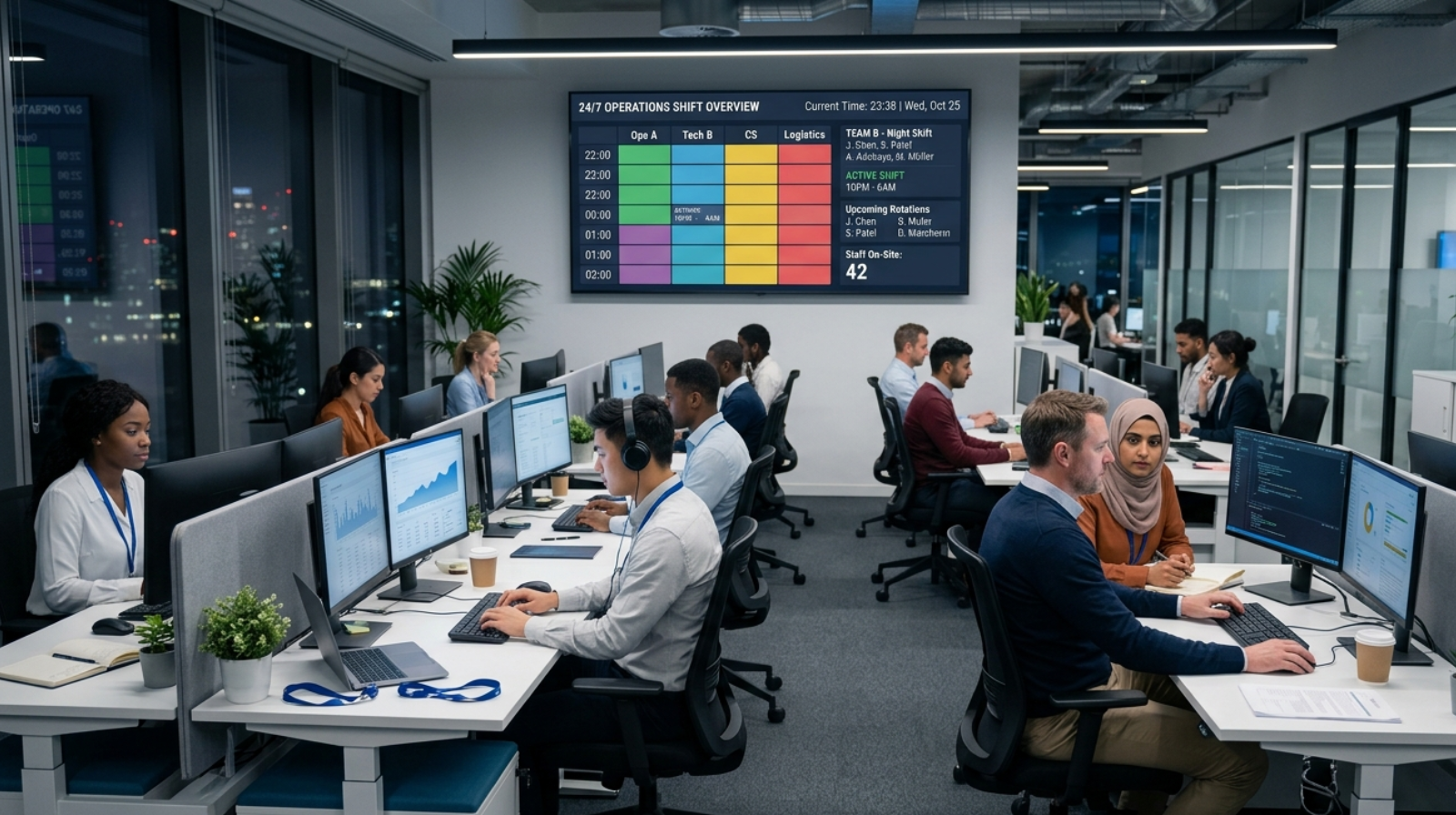
    Calculate Overtime Automatically workflow from attendance to payroll
    Employee attendance automatically flows into overtime calculation and payroll processing through HRMS software.

    Modern HRMS solutions help organizations calculate overtime automatically through predefined overtime rules. The software connects with attendance systems, biometric devices, QR code attendance, and shift schedules to capture employee working hours in real time. Every clock-in and clock-out updates the employee’s attendance record instantly. The HRMS checks overtime limits, applies the correct overtime rate, and calculates additional pay automatically. As a result, payroll teams no longer need to rely on spreadsheets or manual calculations.

    Most payroll and workforce management platforms let administrators configure overtime rules only once. They can define work schedules, overtime rates, employee exemptions, and region-specific labor rules from a single dashboard. After setup, the system monitors employee hours continuously and calculates overtime automatically. This approach improves payroll accuracy while reducing administrative work.

    If your business wants to calculate overtime automatically, choosing software with real-time attendance tracking and payroll integration is essential.

    Essential Features to Calculate Overtime Automatically

    Payroll leaders should choose software that provides real-time overtime tracking instead of processing data only at the end of the pay period. Real-time tracking helps managers monitor labor costs and control overtime before expenses increase. Businesses should also select software that supports flexible overtime rules because labor regulations differ across industries and locations.

    Integration is equally important. The best overtime software connects with HRMS platforms, attendance systems, scheduling tools, and payroll software. This integration eliminates duplicate data entry and improves accuracy. The software should also generate detailed reports and audit trails so HR teams can quickly verify overtime calculations during compliance reviews or employee disputes.

    Businesses looking to calculate overtime automatically should choose software that combines attendance tracking, shift management, overtime rules, and payroll processing in one platform. QR Staff HRMS offers these essential features, helping organizations automate overtime calculations, improve payroll accuracy, and streamline workforce management.

    The Business Case for Automating Overtime Pay

    Automation delivers financial benefits beyond compliance. Businesses often uncover payroll errors after replacing manual overtime calculations with automated systems. By integrating overtime data with payroll processing, companies reduce salary errors, speed up payroll cycles, and strengthen compliance with labor laws. Accurate overtime calculations also protect businesses from penalties, employee disputes, and unnecessary payroll expenses.

    There is also a productivity dividend. Payroll teams that previously spent days each month manually reconciling overtime can redirect that time toward strategic work such as workforce planning, benefits administration, or employee experience initiatives. For growing companies, this shift in focus often pays for the software investment many times over within the first year.

    Common Challenges During Implementation

    Switching from manual to automated overtime calculation takes planning. Organizations should clean historical timekeeping data before migrating to a new system. Accurate records help the software calculate overtime correctly from day one. Managers should train employees to use new time-tracking devices or mobile clock-in apps, especially in industries that still rely on paper timesheets.

    Organizations must also align software settings with company policies and labor agreements. Union contracts often include overtime rules that differ from standard labor laws. HR teams should configure these rules carefully before going live. Working closely with the software provider and compliance specialists helps prevent payroll issues during implementation.

    Best Practices for Maintaining Accurate Automated Overtime Calculations

    Even after automation is in place, ongoing maintenance is essential. Regularly reviewing payroll compliance requirements helps businesses stay aligned with labor regulations while ensuring overtime payments remain accurate and legally compliant. Labor laws change regularly. HR teams should update overtime rules whenever minimum wage rates or overtime thresholds change to maintain compliance. Scheduling a quarterly review of overtime rules against current labor law is a simple habit that prevents costly compliance gaps.

    HR teams should audit overtime calculations regularly to verify system accuracy after software updates or policy changes. Managers should review overtime reports every week instead of waiting until payroll closes. Clear documentation of overtime rules also helps new payroll administrators manage the system confidently.

    How to Choose Software to Calculate Overtime Automatically

    Not every business needs an enterprise-grade payroll suite to benefit from overtime automation. Small businesses can often start with a dedicated time and attendance tool that includes built-in overtime rules, while larger organizations with multi-state or international operations typically require a more robust human capital management platform capable of handling complex, jurisdiction-specific labor rules. The right choice depends on company size, industry, geographic footprint, and the complexity of existing pay structures.

    Whatever the scale, the underlying goal remains the same: remove human error from a calculation that directly affects employee trust and legal compliance. Automating overtime is no longer a luxury reserved for large corporations with dedicated payroll departments. It has become an accessible, practical step that any growing business can take to protect its workforce and its bottom line at the same time.

    Companies that calculate overtime automatically spend less time on payroll processing and more time improving workforce productivity.

    Conclusion

    Learning how to calculate overtime automatically is ultimately about protecting both employees and the business itself. Manual calculations, however well-intentioned, leave too much room for costly mistakes, delayed insights, and compliance risk. Automated systems bring consistency, transparency, and real-time visibility to a process that used to be reactive and error-prone. As labor laws continue to evolve and workforces become more distributed, the companies that invest in reliable overtime automation today will be the ones best positioned to scale confidently tomorrow.

    As businesses continue to digitize HR operations, the ability to calculate overtime automatically is becoming an essential part of modern workforce management.

    Frequently Asked Questions

    What is the standard formula for calculating overtime pay?

    The most common formula multiplies an employee’s regular hourly rate by 1.5 for every hour worked beyond 40 hours in a workweek, though the exact threshold and multiplier can vary depending on state law, industry, and whether the employee is classified as exempt or non-exempt.

    Can overtime calculation software handle multiple pay rates for the same employee?

    Yes, most modern overtime automation tools can calculate a blended or weighted average rate when an employee works multiple roles at different pay rates within the same workweek, ensuring the overtime premium is applied correctly across all hours worked.

    Does automating overtime calculation eliminate the need for a payroll team?

    No, automation reduces manual effort and errors, but payroll professionals are still needed to configure rules, review exceptions, handle disputes, and ensure the system remains aligned with changing labor regulations.

    How does automatic overtime calculation handle different state laws?

    Quality overtime automation software allows administrators to configure state-specific rules, such as California’s daily overtime threshold, so that the correct calculation method is applied automatically based on where the employee is legally working.

    Is it expensive for a small business to automate overtime tracking?

    Many time and attendance platforms offer affordable, scalable pricing designed for small businesses, and the cost is often quickly offset by the time saved and the reduction in costly payroll errors.

    What happens if an employee disputes an automatically calculated overtime payment?

    A well-implemented system maintains a detailed audit trail showing exactly how each calculation was derived, which allows payroll administrators to quickly verify and resolve disputes with clear, documented evidence.

  • Payroll Processing Guide 2026: Complete Process

    Payroll Processing Guide 2026: Complete Process

    Payroll Processing Step-by-Step Guide is a topic that becomes increasingly important as businesses grow. Whether an organization has 20 employees or 2,000, payroll remains one of the few business functions where mistakes are noticed immediately. Employees may never know how much effort goes into processing salaries, but they certainly notice when something goes wrong.

    Think about the last working day of any month. Employees are waiting for salary credits, managers are approving attendance corrections, HR teams are reviewing leave records, and finance departments are finalizing reports. What appears to be a simple bank transfer is actually the result of dozens of interconnected activities happening behind the scenes.

    In many organizations, payroll is still viewed as an administrative task. In reality, it is much more than that. Payroll affects employee trust, compliance, workforce planning, and even a company’s reputation. When salaries are processed accurately and on time, employees feel valued. When errors occur repeatedly, confidence in the organization begins to decline.

    This is why successful companies invest significant time in building a reliable payroll process. A structured approach not only reduces mistakes but also helps businesses stay compliant with changing regulations and workforce expectations.

    Why Payroll Processing Matters More Than Most Businesses Realize

    Many business owners assume payroll is simply about calculating salaries and transferring funds. The reality is quite different.

    Payroll sits at the intersection of HR, finance, compliance, and operations. Every attendance record, overtime hour, leave request, incentive payment, reimbursement claim, and statutory deduction eventually affects payroll calculations.

    A small discrepancy in attendance can create a salary dispute. An incorrect tax deduction can lead to compliance issues. A delayed payment can affect employee morale. These seemingly minor issues can quickly become larger operational challenges.

    For growing businesses, payroll becomes even more complex. As employee numbers increase, manual processes that once worked efficiently often become difficult to manage. This is one reason why organizations frequently look for automated payroll and workforce management solutions as they expand.

    Understanding the Foundation of Payroll Processing

    Before salaries can be calculated, organizations need reliable employee data. Payroll accuracy depends heavily on the quality of information collected throughout the month.

    Employee records, salary structures, tax declarations, attendance logs, leave balances, reimbursement requests, and compliance information all contribute to payroll calculations.

    If any of this information is incomplete or inaccurate, payroll errors become almost inevitable.

    Experienced HR professionals often say that payroll success is determined long before payroll day arrives. The quality of data collected during the month directly influences the accuracy of final salary calculations.

    Payroll Processing Guide: Step 1 – Collect and Verify Employee Information

    The payroll process starts with maintaining accurate employee records.

    This includes basic employee details, compensation structures, bank account information, tax declarations, employment agreements, and statutory registrations. While this may seem straightforward, it is often one of the most overlooked aspects of payroll administration.

    Consider a scenario where an employee receives a promotion midway through the month. If the revised salary structure is not updated in time, payroll calculations may reflect outdated information. Similar issues can arise when employees change departments, relocate, receive allowances, or update tax declarations.

    Organizations that regularly review employee records generally experience fewer payroll-related problems.

    Payroll Processing Guide: Step 2 – Track Attendance and Working Hours

    Attendance data forms the backbone of payroll calculations.

    In many businesses, payroll disputes do not begin with salary calculations. They start with attendance records. A missed punch, an unrecorded overtime shift, or an incorrectly approved leave request can affect salary outcomes significantly.

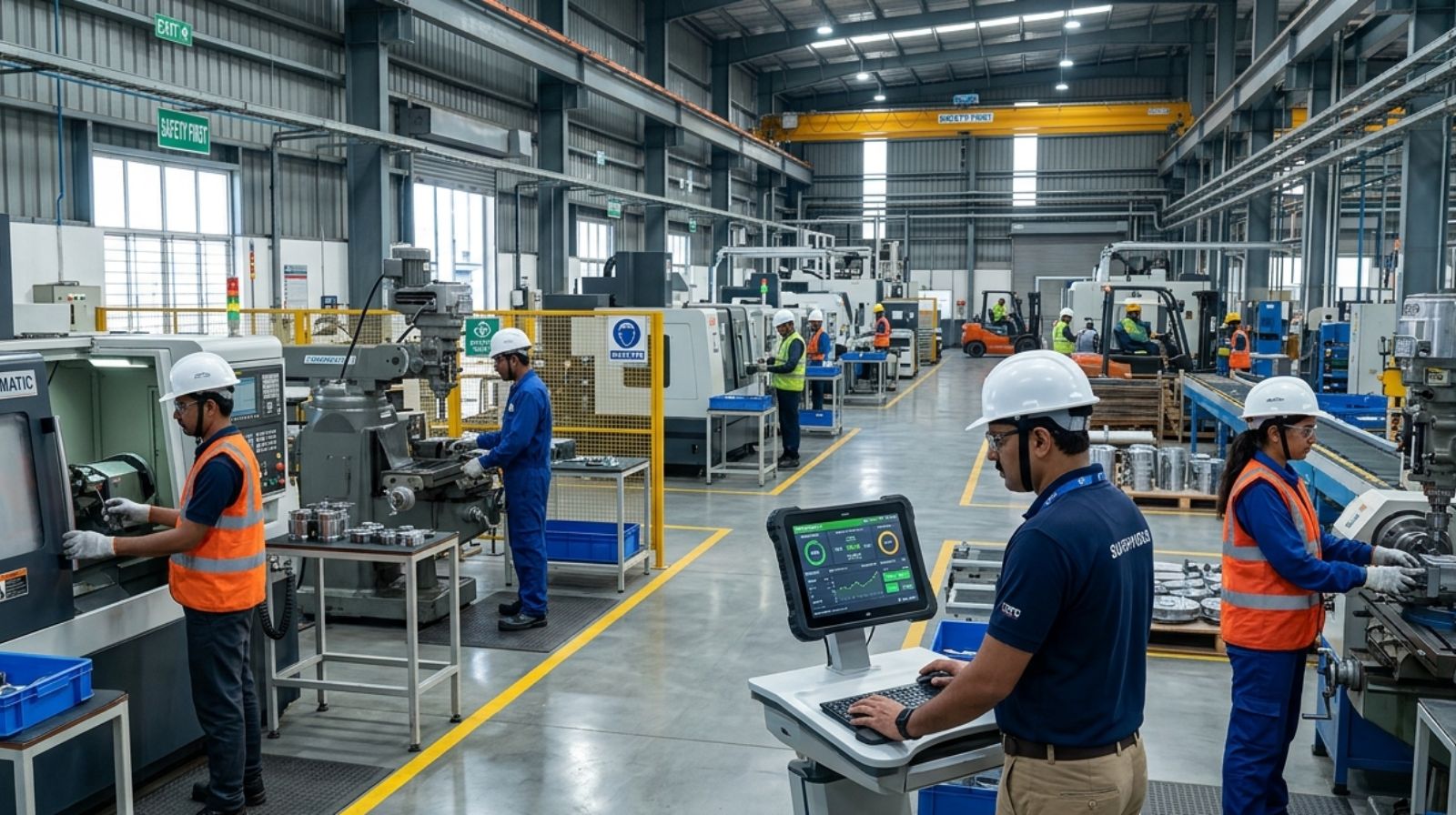
    This challenge becomes even greater in industries such as manufacturing, facility management, security services, healthcare, and field operations, where employees often work across multiple locations and shifts.

    Businesses operating multiple shifts can also read our guide on shift management to improve workforce scheduling, attendance tracking, and payroll accuracy.

    Modern organizations increasingly rely on digital attendance systems because they reduce manual intervention and improve data accuracy. Real-time attendance tracking also provides greater visibility into workforce productivity and scheduling.

    When attendance records are accurate, payroll processing becomes considerably smoother.

    Payroll Processing Guide: Step 3 – Review Salary Components

    Once attendance information has been finalized, organizations begin reviewing salary structures.

    Employee compensation is rarely limited to basic pay. Most payroll calculations involve multiple components such as allowances, incentives, overtime payments, bonuses, reimbursements, and performance-based earnings.

    Each organization follows its own compensation framework, making payroll administration unique to every business.

    This stage requires careful verification because even small errors can affect final salary calculations. Businesses that conduct salary reviews before processing payroll typically reduce correction requests and employee complaints.

    Payroll Processing Guide: Step 4 – Calculate Deductions

    One of the most sensitive areas of payroll processing involves deductions.

    Employees often pay close attention to deduction amounts because these directly affect take-home salary. Any discrepancy can quickly lead to questions and concerns.

    Depending on applicable regulations and company policies, deductions may include tax obligations, provident fund contributions, insurance contributions, professional taxes, loan repayments, or other approved adjustments.

    Compliance requirements also continue to evolve. Payroll teams must stay informed about regulatory changes and ensure calculations remain aligned with current legal requirements.

    Businesses that rely solely on manual calculations often spend considerable time verifying the accuracy of deductions every payroll cycle.

    If your organization frequently experiences salary errors, delayed payroll, or compliance issues, explore our guide to payroll problems and solutions for practical ways to improve payroll accuracy and efficiency.

    Payroll Processing Guide: Step 5 – Validate Payroll Before Approval

    One of the biggest mistakes organizations make is rushing payroll approvals.

    Before salaries are released, payroll data should undergo a thorough review process. This step acts as a final quality check and helps identify discrepancies before employees receive payments.

    Many experienced payroll managers compare this stage to proofreading an important document. Even when calculations appear correct, a final review often reveals issues that may otherwise go unnoticed.

    Validation typically includes attendance verification, deduction reviews, salary component checks, reimbursement confirmation, and compliance assessments.

    Organizations that prioritize payroll validation generally experience fewer disputes and stronger employee trust.

    Payroll Processing Guide: Step 6 – Process Salary Payments

    Once payroll receives final approval, salaries are disbursed through banking channels.

    For employees, this is the most visible stage of the entire payroll cycle. Regardless of how much work occurs behind the scenes, employees ultimately judge payroll based on whether they receive the correct amount on time.

    Timely salary payments contribute significantly to employee satisfaction. Delays, even when caused by technical issues, can create frustration and impact workplace morale.

    This is why many organizations build payroll schedules that include buffer periods for reviews and approvals.

    Payroll Processing Guide: Step 7 – Generate Reports and Maintain Records

    Payroll does not end once salaries have been credited.

    Organizations must maintain payroll records for compliance, reporting, auditing, and financial planning purposes. Payslips, tax reports, deduction records, and salary summaries all play an important role in payroll administration.

    These records help businesses respond to audits, resolve employee queries, and maintain transparency.

    In addition, payroll reports provide valuable workforce insights. Business leaders often use payroll data to evaluate labor costs, identify workforce trends, and support strategic decision-making.

    Why Payroll Automation Is Becoming Essential

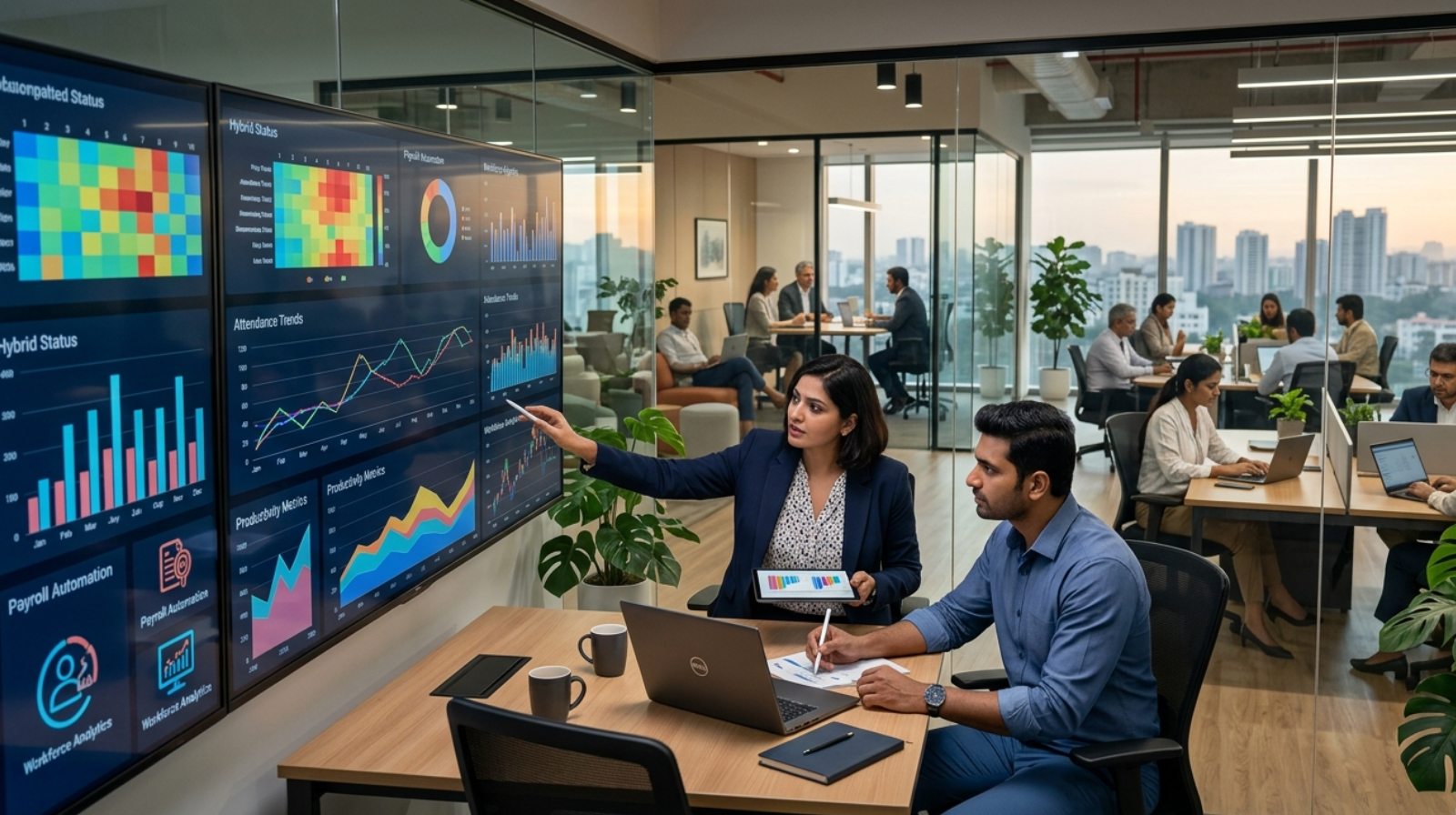
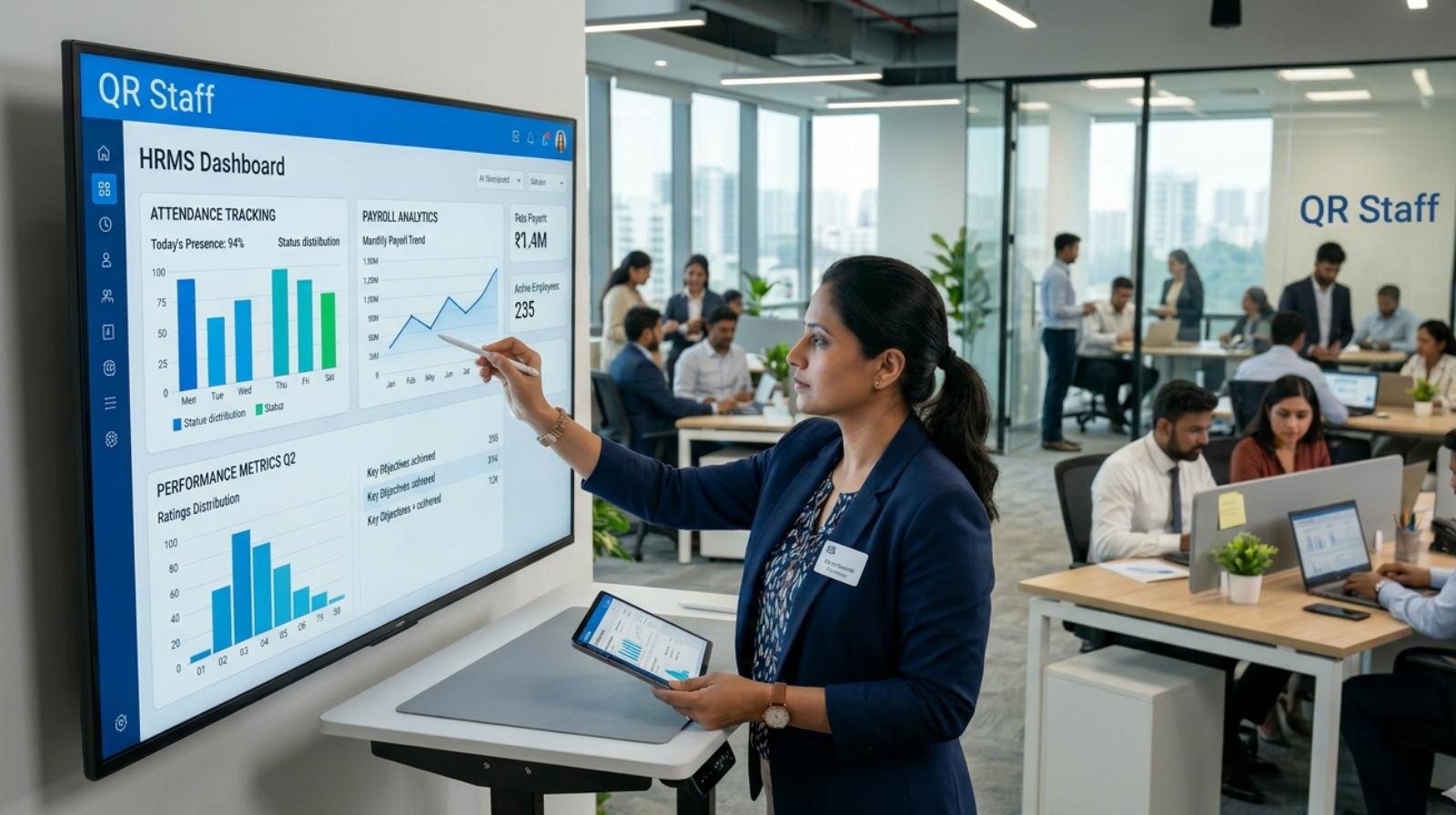
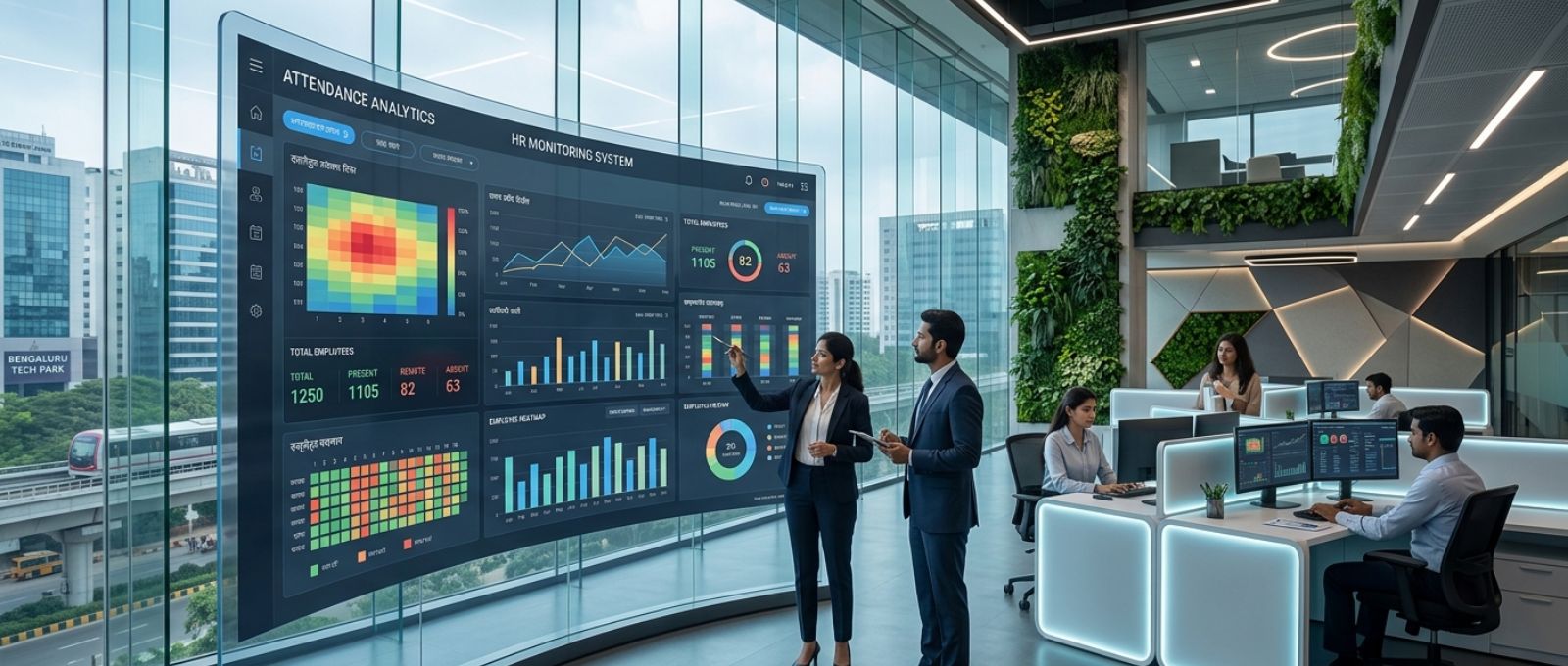
    Payroll automation software dashboard with attendance tracking and salary management.
    Automated payroll software reduces manual work and improves payroll accuracy.

    A decade ago, spreadsheets were sufficient for many businesses. Today, workforce complexity has changed that reality.

    Organizations manage hybrid workforces, multiple shifts, remote employees, contractual staff, compliance obligations, and changing labor regulations. Manual payroll systems often struggle to keep pace.

    Automation helps businesses reduce repetitive tasks while improving accuracy and efficiency. Instead of spending hours consolidating attendance data and calculating salaries, HR teams can focus on workforce planning and employee engagement.

    Businesses managing distributed teams can also benefit from HR software for facility management companies, which combines attendance, leave management, payroll, and compliance into a single platform for smoother workforce operations.

    Integrated workforce management platforms such as QR Staff help organizations connect attendance management, leave tracking, shift scheduling, and payroll workflows within a single system. This reduces data duplication and minimizes the risk of payroll errors caused by manual processes.

    Common Payroll Challenges Businesses Continue to Face

    Even experienced organizations encounter payroll challenges.

    Last-minute attendance corrections, incomplete employee records, regulatory changes, reimbursement delays, and payroll calculation errors remain common across industries.

    Interestingly, most payroll issues are not caused by salary calculations themselves. They often originate from inaccurate workforce data collected earlier in the month.

    This is why many organizations focus on improving attendance management, employee record accuracy, and workflow automation before making changes to payroll systems.

    The Future of Payroll Processing

    Payroll management is evolving rapidly.

    Artificial intelligence, cloud-based payroll platforms, predictive analytics, and integrated HR ecosystems are transforming how businesses manage employee compensation.

    Organizations increasingly view payroll as a strategic function rather than an administrative requirement. Accurate payroll data supports workforce planning, budgeting, compliance management, and business growth.

    As employee expectations continue to rise, businesses that modernize payroll processes will be better positioned to attract talent, maintain compliance, and improve operational efficiency.

    Conclusion

    A well-structured Payroll Processing Step-by-Step Guide is not just about paying employees. It is about creating trust, maintaining compliance, and supporting business growth.

    From collecting employee information and tracking attendance to validating calculations and processing salary payments, every stage contributes to payroll accuracy. Businesses that invest in efficient payroll workflows and modern workforce management technology are more likely to reduce errors, improve employee satisfaction, and strengthen operational performance.

    In an increasingly competitive business environment, payroll excellence is no longer optional. It has become a fundamental requirement for sustainable growth and workforce success.

    FAQS

    Why do so many businesses struggle with payroll processing?

    Payroll looks simple until you have to manage it every month. Attendance corrections, overtime approvals, leave adjustments, tax deductions, and last-minute employee updates can quickly make the process complicated. Even a small mistake can lead to salary disputes, which is why many businesses invest in better payroll systems and processes.

    What is the biggest mistake companies make during payroll processing?

    One of the most common mistakes is relying on incomplete or inaccurate employee data. In many cases, payroll errors don’t happen during salary calculations—they start with incorrect attendance records, missed leave entries, or outdated employee information. By the time payroll is processed, these small issues can become much bigger problems.

    How can businesses make payroll processing easier?

    The easiest way to simplify payroll is to reduce manual work wherever possible. Businesses that automate attendance tracking, leave management, and payroll calculations spend less time fixing errors and more time focusing on employees and operations. A streamlined process also helps ensure salaries are paid accurately and on time.

    Why is payroll accuracy so important for employee satisfaction?

    Employees may not see the work that goes into payroll, but they immediately notice when something is wrong. An incorrect salary, missing allowance, or delayed payment can quickly affect trust. Consistently accurate payroll shows employees that the organization values their time and contributions.

    When should a company switch from manual payroll to payroll software?

    Most businesses reach a point where spreadsheets and manual calculations are no longer practical. If payroll takes several days to complete each month, errors are becoming more frequent, or compliance requirements are getting harder to manage, it’s usually a sign that payroll software can save time and improve accuracy.

  • Payroll Compliance Checklist in India: Complete 2026 Guide

    Payroll Compliance Checklist in India: Complete 2026 Guide

    The Payroll Compliance Checklist in India is one of the most important aspects of workforce management for businesses of all sizes. Whether you run a startup, SME, or large enterprise, ensuring payroll compliance is essential to avoid legal penalties, maintain employee trust, and streamline HR operations. With evolving labour laws, tax regulations, and statutory requirements, organisations must regularly review their payroll processes to remain compliant.

    A structured payroll compliance approach helps businesses accurately manage employee salaries, deductions, contributions, taxes, and government filings. This guide explains everything employers need to know about maintaining payroll compliance in India and provides a practical checklist to ensure error-free payroll management.

    What is Payroll Compliance in India?

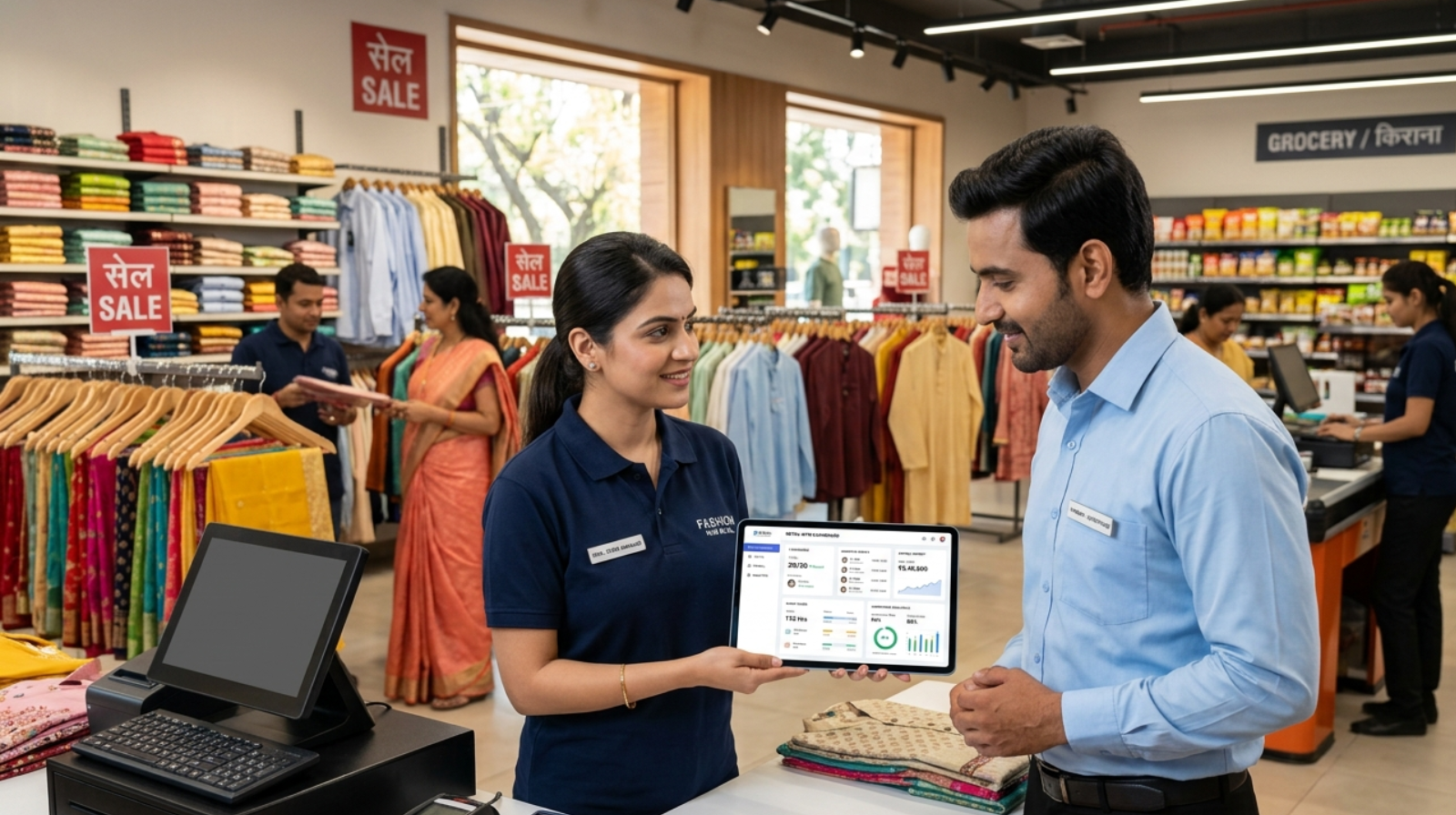
    Payroll compliance process in India with PF ESI TDS and salary management
    Understanding the Payroll Compliance Process in India

    Payroll compliance refers to adhering to all statutory regulations, labour laws, tax provisions, and employee benefit requirements while processing employee salaries. It ensures that employers calculate wages correctly, deduct applicable taxes and contributions, deposit them within prescribed timelines, and maintain accurate records.

    Payroll compliance is not limited to salary processing. It includes Provident Fund contributions, Employee State Insurance, Tax Deducted at Source, Professional Tax, labour welfare obligations, minimum wage compliance, bonus payments, and various employee-related filings mandated by the central and state governments.

    Organisations that fail to comply with payroll regulations may face financial penalties, legal notices, audits, and reputational damage.

    Why the Payroll Compliance Checklist in India is Important

    A well-defined Payroll Compliance Checklist in India helps businesses stay aligned with legal requirements while reducing payroll errors. Compliance not only protects employers from penalties but also ensures employees receive their rightful benefits and deductions.

    Accurate payroll compliance improves organisational transparency and strengthens employee confidence. It also simplifies audits and enables HR and finance teams to maintain proper documentation throughout the year.

    As government regulations continue to evolve, businesses that proactively monitor compliance requirements can avoid disruptions and focus on growth.

    Payroll Compliance Checklist in India for Employers

    Payroll Compliance Checklist in India for employers and HR departments
    Essential Payroll Compliance Checklist for Indian Employers

    Every organisation should establish a payroll framework that covers all mandatory statutory requirements. The following areas require continuous monitoring throughout the financial year.

    Employee Classification Compliance

    The first step in payroll compliance is correctly classifying workers. Employers must clearly distinguish between permanent employees, contractual staff, consultants, interns, and freelancers.

    Incorrect classification can lead to disputes regarding benefits, tax liabilities, and statutory contributions. Proper employment agreements and payroll records help organisations remain compliant with labour regulations.

    Minimum Wage Compliance

    Minimum wage regulations vary across states, industries, skill categories, and employee classifications. Employers must ensure that employee salaries meet or exceed the applicable minimum wage rates prescribed by state governments.

    Regular updates should be monitored because revisions are announced periodically. Paying wages below prescribed rates can result in legal action and penalties.

    Provident Fund Compliance

    Provident Fund compliance is a crucial part of the Payroll Compliance Checklist in India. Businesses covered under the Employees’ Provident Funds and Miscellaneous Provisions Act must deduct employee contributions and deposit employer contributions within specified deadlines.

    Organisations must generate UAN numbers, maintain contribution records, file electronic returns, and ensure timely PF payments. Delayed contributions may attract interest and penalties.

    Employee State Insurance Compliance

    Employee State Insurance provides social security benefits to eligible employees. Employers covered under the ESI Act must register employees, calculate contributions accurately, and deposit payments within the prescribed timelines.

    Compliance also includes maintaining employee records and submitting required returns to authorities. Proper ESI administration ensures employees can access healthcare and insurance benefits.

    Tax Deducted at Source Compliance

    TDS compliance is another critical element of the Payroll Compliance Checklist in India. Employers are responsible for calculating income tax liabilities based on employee declarations, applicable tax regimes, exemptions, and deductions.

    Accurate tax deduction, timely deposit of TDS, quarterly return filing, and issuance of Form 16 are mandatory obligations. Errors in TDS calculations can lead to notices from tax authorities and employee grievances.

    Professional Tax Compliance

    Several Indian states levy Professional Tax on salaried employees. Employers must deduct applicable tax amounts from employee salaries and deposit them with state authorities.

    Since Professional Tax regulations vary by state, businesses operating across multiple locations must ensure compliance with respective state-specific requirements.

    Labour Welfare Fund Compliance

    Certain states require contributions towards Labour Welfare Funds. Employers must identify whether their workforce falls under applicable state regulations and ensure timely deductions and deposits.

    Although contribution amounts are generally small, non-compliance can still result in penalties and legal complications.

    Payment of Bonus Compliance

    Organisations covered under the Payment of Bonus Act must calculate and distribute bonuses according to statutory requirements. Eligibility, salary limits, and bonus percentages should be reviewed carefully before processing payments.

    Maintaining transparent bonus records helps organisations avoid disputes and demonstrate compliance during inspections.

    Gratuity Compliance

    Employers must comply with gratuity provisions for eligible employees who complete the required period of continuous service. Proper record maintenance and accurate gratuity calculations are essential for statutory compliance.

    Organisations should periodically review gratuity liabilities to ensure financial readiness for employee settlements.

    Payroll Compliance Checklist in India for Monthly Activities

    Monthly payroll compliance requires consistency and attention to detail. Employers should verify employee attendance, leaves, overtime, salary revisions, and reimbursement claims before processing payroll.

    Salary calculations should accurately reflect deductions related to Provident Fund, Employee State Insurance, Professional Tax, and Tax Deducted at Source. Many employers use a QR code attendance system to maintain accurate attendance records that support error-free payroll processing. Statutory payments must be deposited before the prescribed due dates to avoid penalties.

    Payroll records should be securely maintained and reconciled regularly with accounting systems to ensure financial accuracy.

    Payroll Compliance Checklist in India for Annual Activities

    Annual payroll compliance involves several important responsibilities. Organisations must issue Form 16 to employees, reconcile payroll records, prepare annual tax reports, and review statutory filings.

    Annual audits should be conducted to identify discrepancies in salary calculations, tax deductions, and statutory contributions. Reviewing compliance processes at the end of each financial year helps organisations strengthen payroll governance and prepare for regulatory changes.

    Common Payroll Compliance Mistakes Businesses Should Avoid

    Many organisations face compliance challenges due to delayed statutory deposits, incorrect employee classifications, inaccurate tax calculations, and poor record management.

    Another common issue is relying on outdated wage rates or ignoring state-specific compliance requirements. Businesses operating in multiple locations often encounter difficulties when managing different labour regulations and tax structures.

    Implementing a structured payroll review process significantly reduces compliance risks and improves operational efficiency.

    How Technology Improves Payroll Compliance in India

    Modern payroll software has transformed compliance management by automating calculations, statutory deductions, return generation, and reporting. Automation minimises human error and helps organisations meet filing deadlines consistently.

    Integrated payroll systems can automatically update compliance rules, generate statutory reports, and maintain digital records for audits. This enables HR and finance teams to focus on strategic workforce management rather than manual administrative tasks. Organisations with distributed workforces can improve payroll accuracy by adopting HR software for facility management companies that integrates attendance, payroll, and compliance workflows.

    Modern workforce management solutions such as QR Staff help organisations automate attendance tracking, payroll processing, and statutory compliance, reducing administrative effort while improving payroll accuracy.

    Businesses that adopt payroll automation often experience greater accuracy, improved transparency, and stronger compliance outcomes.

    Future of Payroll Compliance in India

    As India continues to embrace digital transformation, payroll compliance is becoming more technology-driven. Government initiatives promoting digitisation, electronic filings, and online compliance reporting are encouraging businesses to modernise payroll operations.

    Organisations must remain proactive in monitoring regulatory changes and adopting systems that support real-time compliance management. Businesses that invest in compliance-ready payroll processes will be better positioned to manage growth and avoid regulatory risks.

    Conclusion

    A comprehensive Payroll Compliance Checklist in India is essential for every organisation seeking to manage employee compensation legally and efficiently. From Provident Fund and Employee State Insurance to TDS, Professional Tax, and labour law requirements, payroll compliance involves multiple responsibilities that require ongoing attention.

    By implementing structured payroll processes, maintaining accurate records, and leveraging modern payroll technology, businesses can reduce compliance risks, improve employee satisfaction, and ensure long-term operational stability. Regular reviews and proactive compliance management will help organisations stay ahead of regulatory changes and build a strong foundation for sustainable growth. In addition to payroll compliance, businesses can benefit from workforce management software that improves attendance tracking, employee productivity, and workforce planning.

    Frequently Asked Questions (FAQs)

    What exactly does payroll compliance mean for a business in India?

    Payroll compliance simply means making sure your company follows all the rules related to employee salaries and statutory deductions. This includes things like PF, ESI, TDS, Professional Tax, minimum wages, bonus payments, and other legal requirements. If payroll is handled correctly, employees get paid accurately, and the business stays on the right side of the law.

    Is payroll compliance only important for large companies?

    Not at all. Even small businesses need to pay attention to payroll compliance. Many startups and growing companies assume compliance is only a concern for large organisations, but penalties can apply regardless of business size. Having a proper payroll process from the beginning can save a lot of trouble later.

    What are the most common payroll compliance mistakes employers make?

    One of the biggest mistakes is missing statutory payment deadlines. Some businesses also calculate deductions incorrectly or fail to keep proper employee records. These issues may seem minor at first, but they can create problems during audits or government inspections.

    Can payroll software help with compliance management?

    Yes, payroll software can make a significant difference. Instead of manually calculating deductions and tracking due dates, businesses can automate many of these tasks. This reduces errors, saves time, and helps ensure that compliance-related responsibilities are completed on schedule.

    What could happen if payroll compliance is ignored?

    Ignoring payroll compliance can lead to penalties, interest charges, and unnecessary legal complications. In some cases, it can also affect employee trust, especially if salary deductions or statutory contributions are not handled properly. Staying compliant is generally far less expensive than dealing with the consequences of non-compliance.

  • QR Code Attendance System in India: Complete Guide (2026)

    QR Code Attendance System in India: Complete Guide (2026)

    QR Code Attendance System in India is becoming one of the fastest-growing workforce management solutions for businesses, schools, retail stores, factories, hospitals, and field teams seeking accurate attendance tracking, payroll integration, and real-time employee monitoring.

    Modern Indian businesses are moving away from traditional registers, punch cards, and outdated biometric systems. Companies now prefer cloud-based QR code attendance systems because they are faster, contactless, cost-effective, and easier to manage across multiple locations. From startups to enterprises, organizations are adopting smart attendance management software to improve workforce productivity and eliminate manual attendance errors.

    Why Businesses Need a QR Code Attendance System in India

    The Indian workforce ecosystem has changed significantly in recent years. Hybrid work culture, remote teams, multi-location businesses, and mobile-first operations have increased the demand for digital attendance solutions.

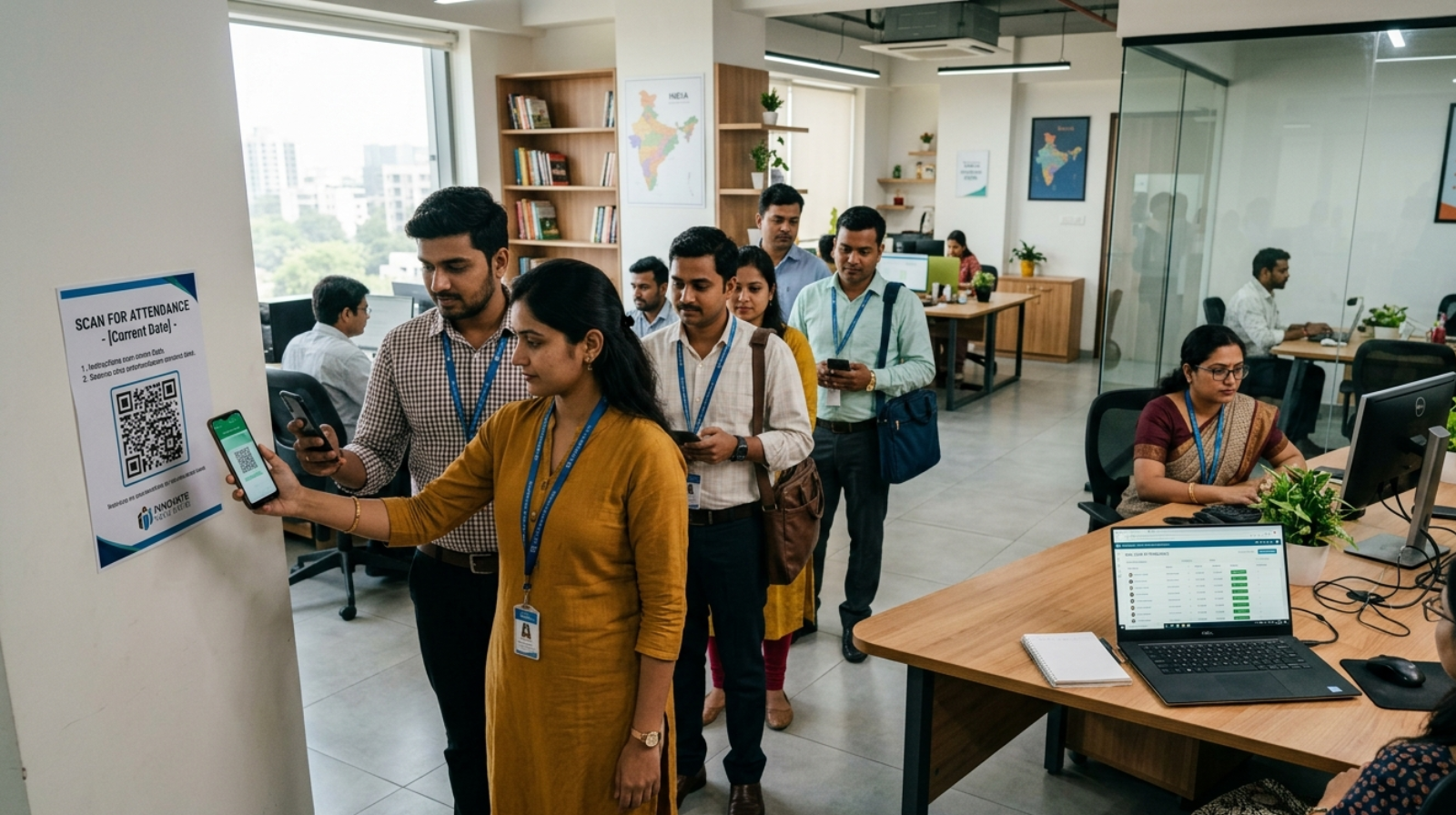
    A QR code attendance system allows employees to scan a QR code using their smartphones to mark attendance instantly. The system automatically records login time, location, shifts, and attendance reports in real time.

    Unlike manual attendance registers, QR-based attendance software reduces proxy attendance, minimizes human errors, and simplifies payroll calculations. Businesses no longer need to spend hours managing spreadsheets or correcting attendance disputes.

    Industries such as retail, healthcare, education, logistics, hospitality, construction, and manufacturing are rapidly adopting QR attendance systems to streamline workforce operations.

    What is a QR Code Attendance System in India?

    A QR code attendance system is a digital employee attendance management solution that uses QR codes for recording attendance.

    Each organization generates a unique QR code through attendance management software. Employees scan the code using a mobile app or web-based system to mark their check-in and check-out.

    The software then stores attendance data in a centralized cloud dashboard where HR teams and business owners can monitor employee activity, leaves, overtime, shifts, and payroll records.

    In India, QR attendance systems are becoming popular because they offer affordable deployment without requiring expensive hardware installations.

    How QR Code Attendance Systems Work

    The working process of a QR code attendance system is simple yet highly efficient.

    The organization creates secure QR codes through attendance software. Employees use their smartphones to scan the code when arriving at the office, retail store, factory, or worksite.

    Once scanned, the system verifies the employee and records:

    Employee Check-In Time

    The software captures exact login timing to maintain accurate attendance records.

    Employee Location

    Advanced QR attendance systems with GPS tracking verify whether the employee is physically present at the assigned workplace.

    Shift and Working Hours

    The software automatically calculates shift timings, overtime, late arrivals, and total working hours.

    Real-Time Attendance Reports

    Managers and HR teams can monitor attendance data instantly through dashboards and mobile applications.

    This automation reduces administrative workload and improves workforce transparency.

    Key Features to Look for in a QR Code Attendance System in India

    Choosing the right QR code attendance software requires understanding the features that directly impact workforce management efficiency.

    Cloud-Based QR Code Attendance System in India

    A cloud-based attendance system allows businesses to access employee records anytime from any location. This is essential for companies operating across multiple branches.

    GPS Tracking Features in QR Code Attendance System in India

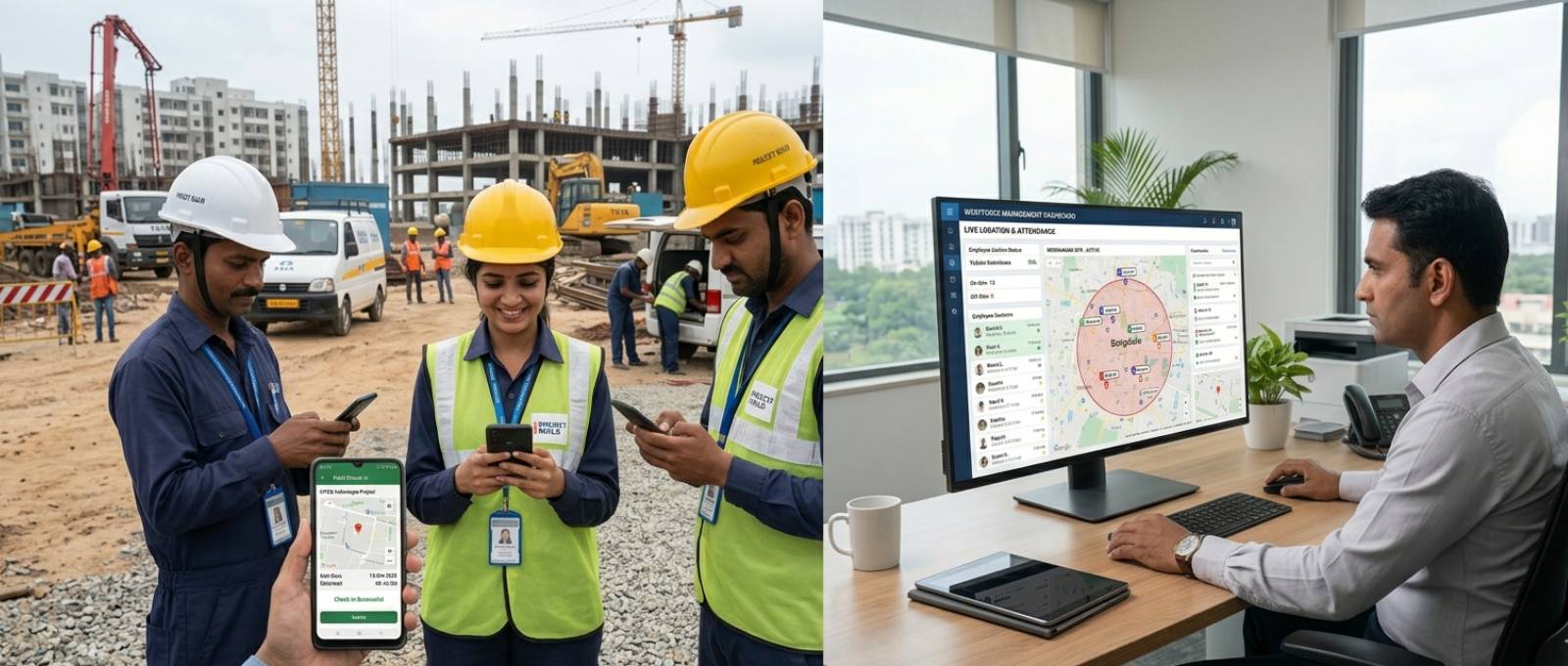
    Mobile QR Code Attendance System in India for field employee tracking
    Track field employees and attendance in real time using mobile QR attendance software.

    GPS-enabled attendance systems help organizations verify employee location during attendance marking. This feature is especially useful for field staff and sales teams.

    Payroll Integration in QR Code Attendance System in India

    Attendance and payroll integration reduces manual salary calculations and improves payroll accuracy.

    Shift Management in QR Code Attendance System in India

    Businesses with rotational shifts need attendance software that can automatically manage shift schedules, overtime, and break timings.

    Leave Management System

    Integrated leave management simplifies employee leave approvals and keeps attendance records synchronized.

    Mobile App for QR Code Attendance System in India

    A mobile attendance application improves employee convenience and increases adoption rates.

    Real-Time Notifications

    Instant alerts help HR teams monitor late check-ins, absenteeism, and attendance irregularities.

    Multi-Location Employee Tracking

    Businesses operating across multiple cities or offices need centralized workforce monitoring features.

    Benefits of Using a QR Code Attendance System in India

    The growing demand for QR attendance software in India is driven by the operational benefits it offers.

    Reduced Attendance Fraud

    Traditional attendance systems often face issues like buddy punching and proxy attendance. QR-based verification significantly reduces these risks.

    Faster Attendance Tracking

    Employees can mark attendance within seconds using their smartphones.

    Lower Operational Costs

    Businesses save money by avoiding expensive biometric devices and manual attendance processes.

    Contactless Attendance Solution

    Post-pandemic workplace safety standards have increased the demand for touchless attendance systems.

    Improved Payroll Accuracy

    Automated attendance records reduce payroll errors and disputes.

    Better Workforce Productivity

    Managers can focus on business operations instead of spending time on manual attendance management.

    Real-Time Workforce Visibility

    HR teams gain instant access to employee attendance status and workforce analytics.

    Industries Using QR Code Attendance Systems in India

    The adoption of QR code attendance systems is expanding across various industries.

    Retail Stores

    Retail businesses use QR attendance software to manage store staff, shift rotations, and payroll processing.

    Schools and Colleges

    Educational institutions use QR attendance systems for student and staff attendance management.

    Healthcare Industry

    Hospitals and clinics rely on digital attendance systems to track medical and administrative staff.

    Manufacturing Units

    Factories use attendance management software for shift-based workforce monitoring.

    Construction Companies

    Construction businesses use GPS-enabled attendance systems for on-site workforce tracking.

    Hospitality Industry

    Hotels and restaurants implement attendance systems to manage employee schedules efficiently.

    QR Code Attendance System vs Biometric Attendance System

    Many businesses in India compare QR attendance systems with biometric attendance machines before making a purchase decision.

    Biometric systems require hardware installation, maintenance, and physical touch interaction. They may also face challenges related to fingerprint mismatches and device failures.

    QR code attendance systems, on the other hand, are mobile-friendly, cost-effective, and easier to scale. Employees can mark attendance using their smartphones without needing dedicated hardware devices.

    For businesses seeking flexibility, remote access, and faster implementation, QR attendance software is often the preferred choice. Businesses comparing traditional and modern attendance methods can also explore our guide on Manual vs Digital Attendance: What’s Right for Your Business? to make an informed decision.

    Important Factors to Consider Before Buying QR Attendance Software

    Selecting the right employee attendance management software requires evaluating multiple operational factors.

    Scalability

    The system should support future business growth and multiple employee locations.

    Data Security

    Attendance software must provide secure cloud storage and encrypted employee data protection.

    Ease of Use

    A simple user interface improves employee adoption and reduces training requirements.

    Customer Support

    Reliable technical support is essential for smooth software implementation and maintenance.

    Integration Capabilities

    The software should integrate with payroll software, HRMS platforms, and workforce management tools.

    Mobile Compatibility

    Businesses should ensure the software works efficiently on Android and iOS devices.

    Why Cloud-Based Attendance Software is Growing in India

    Cloud adoption is transforming workforce management across Indian businesses.

    Companies now prefer cloud-based attendance systems because they offer:

    Centralized Workforce Monitoring

    HR teams can access employee attendance data from anywhere.

    Automatic Data Backup

    Cloud systems reduce the risk of data loss.

    Remote Workforce Management

    Businesses with remote teams can track attendance seamlessly.

    Lower IT Infrastructure Costs

    Organizations do not need expensive on-site servers or hardware systems.

    The increasing digitization of Indian businesses is expected to further the adoption of QR attendance systems in the coming years.

    Future of QR Code Attendance System in India for Workforce Management

    The future of attendance management in India is closely tied to automation, AI-driven workforce analytics, and mobile-first HR technology. As workplace digitization continues to grow, initiatives such as Digital India are encouraging businesses to adopt modern technologies for workforce management, employee tracking, and operational efficiency. This shift is accelerating the adoption of QR code attendance systems across organizations of all sizes.

    Modern attendance software is evolving beyond simple attendance tracking. Businesses are now looking for solutions that combine attendance management, payroll processing, employee tracking, shift management, and workforce analytics into a single platform.

    Artificial intelligence and automation will continue improving employee productivity, monitoring, and attendance insights. Businesses planning long-term workforce optimization can explore our guide on Best Workforce Management Software in India to understand how integrated HR technologies improve productivity.

    As Indian businesses prioritize operational efficiency and digital transformation, QR code attendance systems are expected to become a standard workforce management solution across industries.

    How QR Staff Helps Businesses Manage Attendance Efficiently

    Modern workforce management platforms like QR Staff are helping Indian businesses simplify attendance tracking, payroll management, leave management, and employee monitoring through smart QR-based solutions.

    Businesses can manage office staff, field employees, retail teams, and multi-location workforces from a centralized dashboard while improving attendance accuracy and operational efficiency.

    The growing demand for digital HR solutions makes QR-based attendance software an essential investment for organizations aiming to improve workforce productivity and streamline HR operations.

    Conclusion

    A QR Code Attendance System in India is no longer just a modern HR tool. It has become a practical business necessity for organizations seeking accurate attendance tracking, payroll automation, workforce transparency, and operational efficiency. Companies seeking advanced attendance automation can also learn how modern workforce solutions work in our detailed guide on Best Workforce Management Software in India.

    Whether you operate a retail store, school, hospital, factory, startup, or enterprise, implementing the right attendance management software can reduce manual workload, improve employee accountability, and support long-term business growth. Solutions like QR Staff help businesses implement a reliable QR Code Attendance System in India with features such as attendance tracking, payroll integration, shift management, and workforce analytics.

    As digital workforce management continues evolving in India, businesses investing in cloud-based QR attendance systems today will be better prepared for the future of smart employee management.

    FAQs

    What is a QR code attendance system?

    A QR code attendance system is a digital attendance management solution where employees scan QR codes using smartphones to mark attendance automatically.

    Is QR code attendance software suitable for small businesses?

    Yes, QR attendance software is highly suitable for startups and small businesses because it reduces hardware costs and simplifies workforce management.

    Can QR attendance systems track employee location?

    Yes, many advanced QR attendance systems include GPS tracking features for location verification.

    Is QR code attendance better than biometric attendance?

    QR attendance systems are often more flexible, cost-effective, contactless, and easier to manage compared to traditional biometric systems.

    Which industries use QR code attendance systems in India?

    Retail, healthcare, education, manufacturing, hospitality, logistics, and construction industries commonly use QR attendance systems.

    Does QR attendance software integrate with payroll systems?

    Yes, most modern attendance management platforms integrate with payroll and HR software for automated salary processing.

  • Attendance App for Hospitals: Best Attendance System for Clinics

    Attendance App for Hospitals: Best Attendance System for Clinics

    Managing healthcare staff efficiently is one of the biggest operational challenges for hospitals and clinics. A modern Attendance App for Hospitals helps healthcare organizations track employee attendance accurately, manage complex shift schedules, reduce payroll errors, and improve workforce visibility. Whether you operate a large hospital, diagnostic center, or small clinic, the right attendance management solution can streamline daily operations and support better patient care.

    This is why healthcare services are choosing to use a modern Attendance App rather than manual attendance systems such as paper registers, spreadsheets, and old punch machines.

    A multi-specialty hospital, a diagnostic center, a dental clinic, or even a small healthcare facility needs a modern system.

    An attendance app is much more than a simple electronic attendance app. It can help healthcare services streamline their HR operations and field staff. Best of all, it can reduce absenteeism and help the organization stay compliant while also keeping the administrative burden to a minimum.

    In this article, we will cover why the healthcare industry needs a modern attendance app and the challenges this industry faces. We will discuss the most important components of a modern attendance app and how the right attendance app can help radically change the daily operations of a hospital or a healthcare clinic.

    Healthcare organizations looking to streamline workforce operations can benefit from an attendance and payroll management system that automates employee tracking, salary processing, and compliance management.

    Attendance App for Hospitals: Solving Attendance Challenges in Healthcare

    Healthcare is a people business. Unlike traditional businesses, hospitals are open 24/7 with varying staff categories that rotate shifts and cover emergencies.

    Managing attendance without the aid of automated systems creates serious operational challenges.

    Complexity of Shift Patterns

    One of the challenges is the complexity of shift patterns. Staff across the categories and departments (doctors, nurses, ward staff, receptionists, pharmacists, technicians, housekeepers, and more) work shifts of different timings. Using registers or Excel sheets to capture staff attendance is almost impossible.

    Proxy Attendance and Buddy Punching

    The proxy attendance and buddy punching attendance systems are more common challenges. Many clinics and hospitals still employ traditional attendance machines, and some staff members enter attendance for their coworkers. This results in payroll discrepancies and poor accountability.

    Overtime Management Challenges

    Overtime is another significant challenge for hospitals. Employees are frequently required to take emergency shifts, work night duties, and perform surgeries that extend beyond the scheduled work. The manual systems are unable to capture this, and the result is broken staff relations and pay disputes.

    Managing Mobile and Field Staff

    Most healthcare organizations also have mobile or field staff, such as ambulatory care staff, unit-based small teams, hub-and-spoke models, and home healthcare staff. Without mobile attendance systems, attendance reporting is extremely difficult.

    Administrative Burden

    The final challenge is the administrative burden. The manual systems result in attendance and payroll discrepancies, and HR staff spend inordinate amounts of time calculating attendance, preparing payroll, correcting mistakes, and resolving disputes. This adds operational costs and reduces productivity.

    Hospitals that employ home healthcare workers and outreach teams can improve accountability using a field employee attendance tracking system without compromising employee privacy.

    What is an Attendance App for Hospitals?

    A hospital attendance management system is used to digitally track and manage employee attendance at a hospital.

    Healthcare attendance management systems manage more complex workforce needs and requirements compared to standard attendance management systems. Complexities of a workforce can include overtime, remote attendance, and attendance management by department; multiple and rotating shifts, and real-time data and analytics.

    A hospital attendance management system can also combine:

    • Mobile attendance management
    • Location attendance systems using GPS
    • Cloud-based attendance systems
    • Real-time data and analytics
    • Biometric attendance systems

    Each of these systems reduces the hospital burden of keeping manual and accurate records for employee attendance.

    The best employee attendance management systems integrate workforce management for all departments in multiple branches within a single system.

    Why Every Healthcare Facility Needs an Attendance App for Hospitals

    Effective attendance management systems help hospitals design and automate each employee’s attendance to ensure that attendance is never missed.

    An effective staff attendance management system also eliminates manual attendance errors.

    An effective attendance management system also enables hospital staff to effectively manage and plan operations, staff absenteeism, arrivals, and department staffing, and attendance in real time.

    Improved Shift Management

    Hospital staff, including physicians, may work split shifts, and many employees may work night shifts and rotate shifts. An effective attendance management system automatically records attendance for each shift. An effective attendance management system also enables effective staffing and planning.

    Reduced Payroll Errors

    Maintaining accurate attendance records is essential for payroll.

    Without accurate attendance records, employees will dispute payroll calculations for missing overtime, incorrect deductions, or attendance records that do not match.

    The integration of automated attendance monitoring software and payroll systems substantially decreases calculation errors and enhances the precision of payroll calculations.

    Time savings for the administration augment employee trust.

    Real-Time Workforce Visibility

    Hospital administrators need immediate access to the availability of the workforce, such as:

    • Who is the nurse on duty?
    • Who is the doctor in the emergency ward?
    • How many are absent today?
    • Who is working overtime today?

    A cloud-based healthcare employee attendance application provides real-time dashboards to respond to these queries instantaneously.

    This results in more efficient operations and improved decision-making.

    Improved Compliance and Record Keeping

    Healthcare organizations often need attendance records for audits, compliance, labor regulations, and payroll documentation.

    Manual registers can be very misleading.

    A digital clinic staff attendance software automatically secures attendance data and generates reports on demand.

    This allows hospitals to document attendance without additional administrative tasks.

    Key Features of the Best Attendance System for Hospitals

    Identifying the most valuable features in healthcare operations is critical to selecting the best solution.

    Mobile Attendance Tracking

    Mobile attendance app for healthcare workers with GPS attendance tracking
    GPS-enabled mobile attendance app for healthcare field staff and home healthcare workers.

    A contemporary mobile attendance application allows staff to log attendance on their mobile devices.

    This is particularly beneficial for:

    • Field healthcare workers
    • Home visit staff
    • Ambulance teams
    • Remote medical teams
    • Multi-branch hospital groups

    Mobile attendance offers flexibility and accurate recordkeeping.

    Using Biometric Authentication

    With biometric attendance systems, fingerprint or facial recognition is used to deter proxy attendance.

    Biometric systems allow accurate payroll processing, as only staff members can register attendance.

    Biometric systems are especially helpful for larger hospitals where a significant number of staff are divided among multiple units.

    Utilizing GPS for Attendance Purposes

    To check attendance, staff members must be situated at designated locations.

    It is most effective for:

    • Staff are located at different points within the healthcare system
    • Home health care services
    • Collection staff
    • Healthcare outreach services

    In addition, GPS positioning promotes transparency and order.

    Management of Shifts and Rosters

    An ideal system allows the administrators to perform the following tasks:

    • Construct shifts that rotate
    • Allocate shifts every week
    • Administer shifts that occur at night
    • Monitor and control overtime
    • Provide the means to cover shifts on short notice

    This enables better workforce planning and lessens HR burdens.

    Instant Notifications

    Managers are notified when employees are:

    • Delayed
    • Absent
    • Fail to complete a shift
    • Complete over a shift
    • Leave early

    Real-time notifications allow healthcare organizations to make the necessary changes before disruptions occur.

    In-Depth Analytics and Reports

    Contemporary attendance tracking software contains the following types of reports:

    • Attendance on an employee and departmental basis
    • Reports containing records of overtime worked
    • Performance of different shifts
    • Trends in an employee’s punctuality

    Management can enhance operational effectiveness by analyzing these metrics.

    How an Attendance App for Hospitals Improves Patient Care

    There are hospital owners who think attendance systems cover only HR functions.

    This is, however, not accurate, as the management of attendance is directly correlated to the care of patients and the quality thereof.

    Hospitals can optimally allocate staff to prevent shortages and delays, as well as improve the response time during emergencies.

    Management has the ability to monitor attendance at all times, thus allowing staff coverage during unexpected absences.

    Employee burnout is common in healthcare providers due to a lack of focus on shift management and poor scheduling. This ultimately can jeopardize the safety of your patients due to increased chances of error among staff.

    Keeping a consistent system to track the attendance of doctors and staff will keep them organized and improve the coordination of the hospital.

    Improving the management of workers will ultimately improve the management of and satisfaction of the patients.

    Why Small Clinics Also Need Attendance Management Software

    A common misconception held by owners of small clinics is that attendance management systems are meant only for large hospitals. This is incorrect.

    Cloud-based systems can be affordably purchased and utilized in small clinics.

    Common Challenges Faced by Small Clinics

    • Late staff arrivals
    • Confusion when processing payroll
    • Unaccounted overtime
    • Poor coordination of shifts
    • Manipulation of attendance records

    These clinic challenges can be solved by an affordable Attendance App for Hospitals that is designed to support both small clinics and large healthcare facilities.

    Even clinics with as few as 15 staff members can benefit from improved operational management using an attendance tracking system.

    Choosing the Best Attendance App for Hospitals and Clinics

    Reliability Over Cost Savings

    A major oversight made by many organizations wishing to install low-cost attendance solutions is the lack of features specific to the management of healthcare systems. This usually creates more problems later due to poor reporting, limited scalability, or inaccurate tracking. Hospitals should prioritize reliability, scalability, and ease of use.

    Accessibility to Mobile Devices

    A major focus of modern healthcare is mobility. If a system cannot be accessed from a mobile phone, it cannot fulfill the operational needs of a healthcare system.

    A mobile attendance system should be adequately designed to fulfill the needs of a healthcare system.

    Poor Design and Integration of the System

    An attendance management system, at its core, is designed to function within the domains of:

    • Payroll
    • HR Management
    • Workforce Management
    • Shift Management
    • Workforce Reporting

    A poorly integrated attendance management system will only add to the complexity of administration.

    Poor User Experience

    Complex systems decrease employee adoption.

    The best attendance solutions are simple, fast, and easy to use by both staff and administrators.

    The Future of Attendance Apps for Hospitals

    The Healthcare workforce management systems are becoming increasingly digital.

    In the future, the hospital will be using attendance systems driven by AI to do the work:

    • Forecast staffing shortages
    • Optimize and manage shifts automatically
    • Recognize absence anomalies
    • Measure and analyze workforce productivity

    Cloud-based attendance systems will become more integrated with hospital management systems.

    AI-powered Attendance App for Hospitals solutions will help healthcare organizations predict staffing shortages and improve workforce planning.

    The first organisations to modernise their attendance systems will be the ones to have a significant improvement in their operations.

    As healthcare operations become more technology-driven, understanding the future of workforce management in healthcare can help organizations prepare for smarter staffing and workforce planning.

    How QR Staff Supports Healthcare Workforce Management

    QR Staff helps hospitals and clinics streamline attendance management, shift scheduling, payroll processing, and workforce monitoring through an easy-to-use platform. With features such as mobile attendance, GPS tracking, real-time reporting, and automated workforce analytics, healthcare organizations can improve operational efficiency while ensuring the right staff is available when needed.

    Final Thoughts

    The efficiency of the workforce is a crucial element in the operation of healthcare systems. No matter how well designed the other components of the healthcare system are, they will not operate as intended without well-coordinated staff operations.

    A modern Attendance App for Hospitals allows accurate attendance tracking, timely payroll processing, better shift management, and complete workforce visibility.

    As the size and complexity of the healthcare facility increase, so will the time savings, a reduction in the workload of administrative processes, and the gain in productivity, as a result of the investment in the appropriate attendance management software.

    It is a well-known fact that a hospital’s capability to meet patient care demands is directly related to the adequacy of the staffing. Effective management of attendance is essential for the timely availability of staff.

    In the current digital age, most healthcare systems find that managing staff attendance in an efficient manner is no longer an option but a necessity.

    Frequently Asked Questions (FAQ)

    Q1. What is the best attendance system for hospitals?

    The best attendance system/solution for hospitals is one that includes management of shifts and attendance, biometrics, attendance recording on a mobile device or via GPS, instant reporting,g and a payroll module.

    Q2. Why do hospitals need an attendance app?

    Managing tight and complicated timetables, accurately tracking how many hours employees worked, minimizing mistakes on payroll, and clarifying the visibility of the workforce are all reasons why hospitals need attendance apps.

    Q3. Can small clinics use attendance management software?

    Absolutely! Thanks to the technological advances made in the design of cloud-based attendance systems, small clinics can use the same systems as larger hospitals.

    Q4. What is a biometric attendance app?

    A biometric attendance app is an attendance application that employs either fingerprint technology or facial recognition technology to capture attendance and eliminate mistakes related to proxy attendance.

    Q5. How does a mobile attendance app work?

    Mobile attendance apps let employees mark their attendance directly on their smartphones with systems integrating GPS and real-time tracking.

    Q6. Is attendance software helpful for doctors and nurses?

    Absolutely! A doctor attendance tracking system can help hospitals administer the scheduling of doctors, shifts, and rotations, as well as overtime and workforce planning.

  • How to Automate Attendance Without Expensive Software:(2026)

    How to Automate Attendance Without Expensive Software:(2026)

    Automate attendance without expensive software is becoming a top priority for small businesses that want to reduce payroll errors, eliminate manual attendance tracking, prevent buddy punching, and improve workforce efficiency without increasing operational costs. If you’re still relying on paper registers or scattered Excel sheets, you’ve probably already felt how quickly small inefficiencies can turn into bigger operational issues.

    For many small business owners, attendance management starts as a simple task. A notebook on the desk, a spreadsheet on a computer, or even WhatsApp messages to confirm presence. But as teams grow, shifts become more complex, and compliance requirements tighten, these methods begin to break down. Errors creep in, accountability fades, and managers spend more time verifying attendance than actually managing work.

    The good news is that you don’t need expensive enterprise software to fix this. Today, there are practical, low-cost ways to bring structure and automation into attendance tracking—without stretching your budget.

    Why Small Businesses Need to Automate Attendance Without Expensive Software

    Most small businesses don’t ignore attendance management; they simply outgrow their initial systems. What works for five employees rarely works for twenty or fifty.

    Manual registers are one of the most common starting points. They seem straightforward, but they rely heavily on honesty and supervision. This is where issues like buddy punching begin to surface, where one employee marks attendance for another. Over time, these small loopholes lead to payroll discrepancies and trust issues.

    Spreadsheets, often seen as a step up, introduce their own challenges. While they offer better organization, they still depend on manual data entry. One wrong formula or missed update can affect salary calculations. And since spreadsheets are rarely updated in real-time, managers often operate with outdated information.

    Another major issue is the lack of visibility. Business owners don’t always know who is present, who is late, or who missed a shift—especially in industries like construction, retail, or field services. This lack of clarity impacts productivity, planning, and ultimately, customer satisfaction.

    Businesses with remote and field teams often face additional attendance challenges. Understanding how to track field employees without invading privacy can help improve accountability while maintaining employee trust.

    Key Benefits of Attendance Automation for Small Businesses

    When businesses move toward attendance automation for small businesses, even with basic tools, the impact is immediate and noticeable.

    The first benefit is accuracy. Automated systems reduce human error significantly. Whether it’s a QR scan or a digital form submission, attendance gets recorded instantly and correctly.

    The second advantage is time savings. Managers no longer need to cross-check registers or fix spreadsheet errors. Payroll processing becomes smoother because the data is already structured and reliable.

    Cost efficiency is another key factor. Instead of investing in expensive enterprise solutions, small businesses can adopt a low-cost attendance system that delivers most of the essential features at a fraction of the price.

    Businesses that eventually outgrow spreadsheets often switch to solutions like QR Staff, which combines QR code attendance, payroll support, and real-time employee tracking without requiring expensive biometric hardware.

    There’s also an improvement in accountability. When employees know their attendance is tracked digitally, the chances of manipulation decrease. This creates a more transparent and fair work environment.

    Finally, automation helps with compliance. Proper attendance records are crucial for labor laws and audits. Even simple digital tools can help maintain consistent and verifiable records.

    Practical Ways to Automate Attendance Without Expensive Software

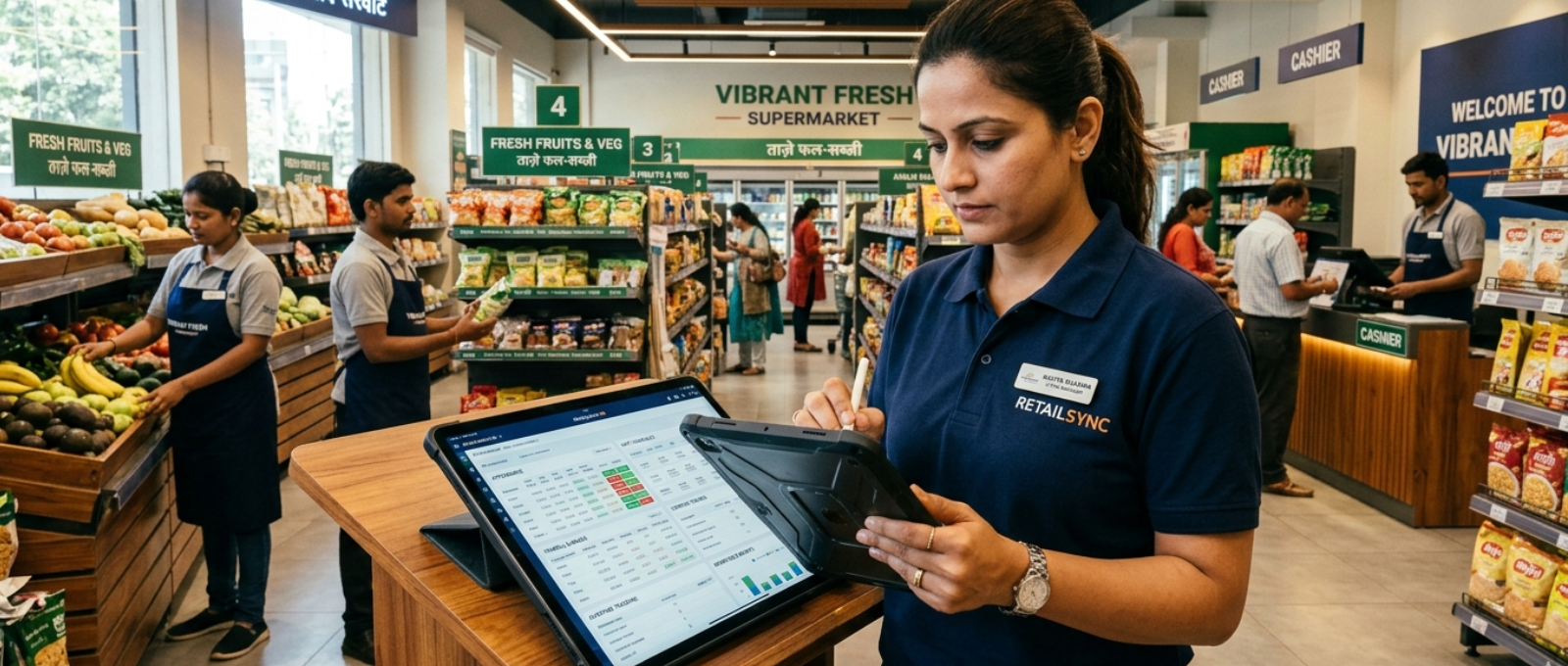
    Low-cost attendance system for small businesses using mobile attendance app
    A low-cost attendance system helps small businesses track employee attendance accurately through mobile technology.

    Small businesses today have multiple options for free attendance-tracking methods and affordable employee attendance solutions. The key is choosing what fits your workflow without adding complexity.

    Using QR Codes as a Low-Cost Attendance System

    One of the most effective methods is QR code-based attendance. Employees scan a QR code using their smartphones to mark their presence. This method is quick, contactless, and eliminates the possibility of proxy attendance. It works especially well for offices, retail stores, and multiple-site operations.

    Google Forms as an Affordable Employee Attendance Solution

    Another widely used approach is to link Google Forms with Google Sheets. Employees fill out a simple form when they arrive, and the data gets recorded automatically in a spreadsheet. This creates a real-time attendance log without manual entry. While it’s basic, it’s surprisingly effective for small teams.

    WhatsApp-based check-ins are also gaining popularity, particularly in businesses where employees are not always in one location. Staff can share their live location or timestamped messages to confirm attendance. When combined with a structured process, this can serve as a lightweight attendance automation system.

    Geo-Tagged Attendance Automation for Small Businesses

    Geo-tagged attendance adds another layer of reliability. Using mobile apps that capture location data, businesses can ensure employees are physically present at the work site when marking attendance. This is especially useful for field staff, delivery teams, and on-site workers.

    Staff Attendance Automation Tools for Growing Businesses

    There are also basic mobile apps designed specifically as staff attendance automation tools. Many of these apps offer free or low-cost plans with features like check-ins, reports, and simple dashboards. They are easy to deploy and don’t require technical expertise.

    The key is not to overcomplicate the system. The goal is to reduce manual work, not replace it with something harder to manage.

    How QR Codes Help Automate Attendance Without Expensive Software

    Not every solution fits every business. Choosing the right affordable employee attendance solution depends on your team size, work environment, and operational needs.

    Ease of use should be your top priority. If the system is complicated, employees won’t adopt it consistently. A simple interface and minimal steps go a long way in ensuring compliance.

    Scalability is another factor to consider. Even if your team is small today, your system should be able to handle growth without requiring a complete overhaul.

    Reporting capabilities also matter. You don’t just need attendance data—you need insights. Look for solutions that allow you to generate summaries, track patterns, and integrate with payroll processes.

    Mobile accessibility is essential, especially in today’s work environment. Whether your team is remote, on-site, or hybrid, the system should work seamlessly on smartphones.

    Ultimately, the best low-cost attendance system is one that blends into your daily operations without friction.

    Common Mistakes When Trying to Automate Attendance Without Expensive Software

    While adopting attendance automation for small businesses is a smart move, certain mistakes can limit its effectiveness.

    One common mistake is choosing a tool that is too advanced for current needs. Complex systems often lead to confusion and low adoption rates. Start simple and scale gradually.

    Another issue is a lack of training. Even the best system won’t work if employees don’t understand how to use it. A short onboarding session can prevent long-term problems.

    Ignoring data consistency is another pitfall. If employees use different methods to mark attendance, the data becomes unreliable. Standardizing the process is crucial.

    Some businesses also fail to review their attendance data regularly. Automation is not just about collection—it’s about using that data to improve operations.

    Avoiding these mistakes ensures that your transition to automation delivers real value.

    Real-World Example of How to Automate Attendance Without Expensive Software

    Consider a small facility management company with around 25 employees working across multiple sites. Initially, they relied on manual registers at each location. Attendance data was collected weekly, often with missing entries and discrepancies.

    Payroll processing took days, and disputes were common.

    The company decided to implement a simple QR-based attendance system combined with a mobile app. Each site had a unique QR code, and employees scanned it at the start of their shift.

    Within a month, attendance tracking became real-time. Managers could see who was present at each location without calling supervisors. Payroll errors dropped significantly because the data was accurate and centralized.

    The cost of implementation was minimal compared to traditional software, but the operational improvement was substantial.

    This is a clear example of how small businesses can automate attendance without expensive software and still achieve professional-level efficiency.

    Before selecting an attendance solution, it is important to compare manual vs digital attendance systems to determine which approach best suits your business requirements.

    Conclusion

    Automating attendance doesn’t have to be expensive or complicated. For small businesses, the goal is not to adopt the most advanced system, but to implement a practical one that solves real problems.

    From QR code check-ins to Google Forms and mobile apps, there are multiple ways to create an efficient attendance system without heavy investment. The right approach saves time, reduces errors, improves accountability, and supports business growth.

    For businesses ready to automate attendance without expensive software, starting with QR codes, cloud-based forms, or dedicated workforce management platforms can deliver immediate improvements in accuracy, accountability, and operational efficiency.

    If you’ve been delaying automation because of cost concerns, it might be time to reconsider. The tools are accessible, the setup is simple, and the impact is immediate.

    FAQ Section

    How can small businesses automate attendance without expensive software?

    Small businesses can automate attendance without expensive software by using tools like QR code systems, Google Forms, mobile apps, and geo-tagging solutions. These methods are affordable, easy to implement, and reduce manual work significantly.

    What is the cheapest way to track employee attendance?

    The cheapest way is to use Google Forms connected to Google Sheets. It allows real-time attendance tracking without any software cost, making it ideal for small teams.

    Is QR code attendance reliable for small businesses?

    Yes, QR code attendance is reliable and widely used. It reduces buddy punching, ensures quick check-ins, and works well for both office and field environments.

    Can Google Sheets be used for attendance tracking?

    Yes, Google Sheets can be used effectively for attendance tracking when integrated with forms or automated inputs. It provides a centralized and organized system for managing records.

    What are the best low-cost attendance system options?

    Some of the best options include QR-based attendance tools, mobile attendance apps, and cloud-based spreadsheets. These solutions offer essential features without high costs.

    Why should small businesses switch to attendance automation?

    Switching to attendance automation improves accuracy, saves time, reduces payroll errors, and enhances employee accountability, making overall operations more efficient.
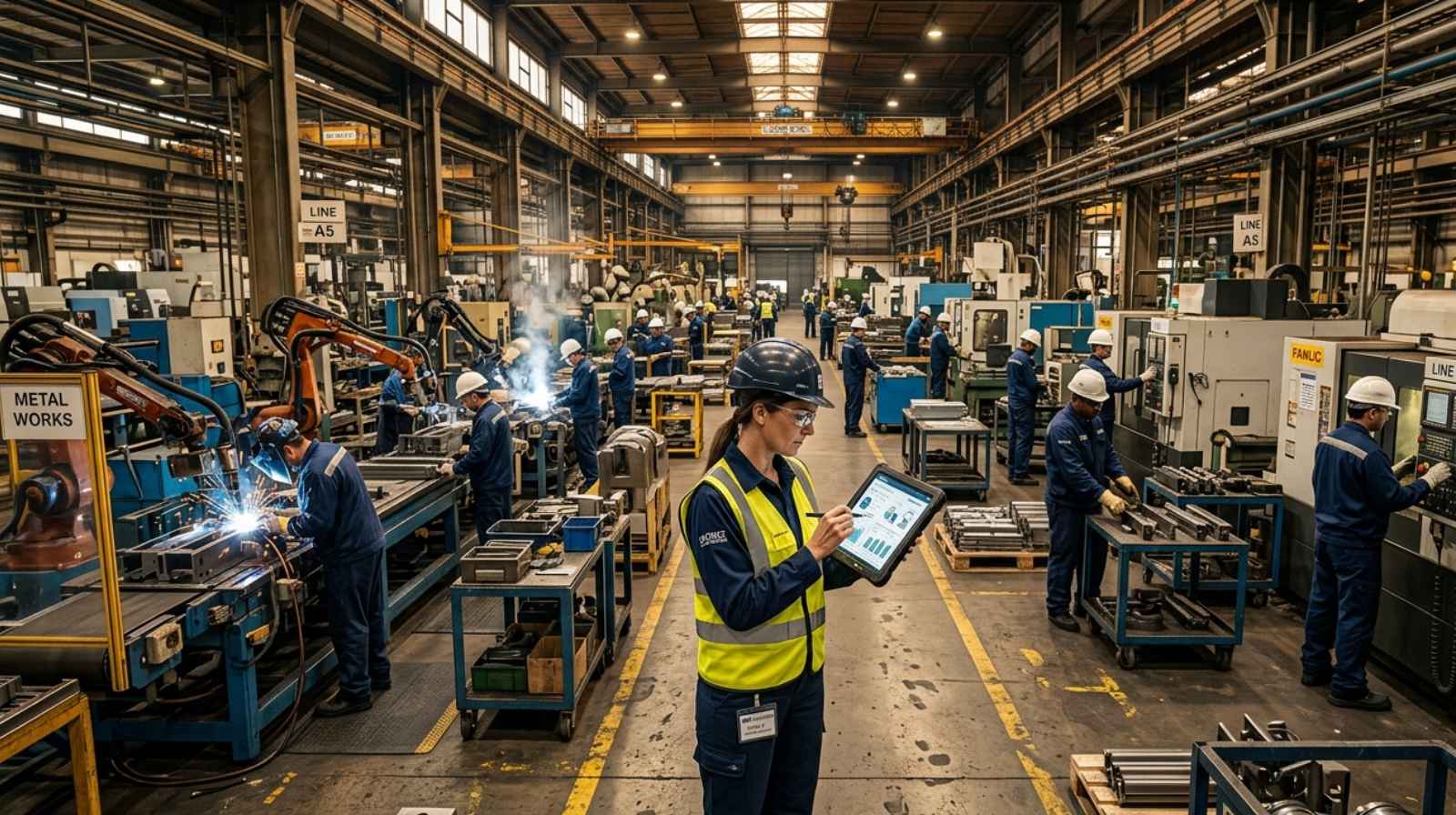
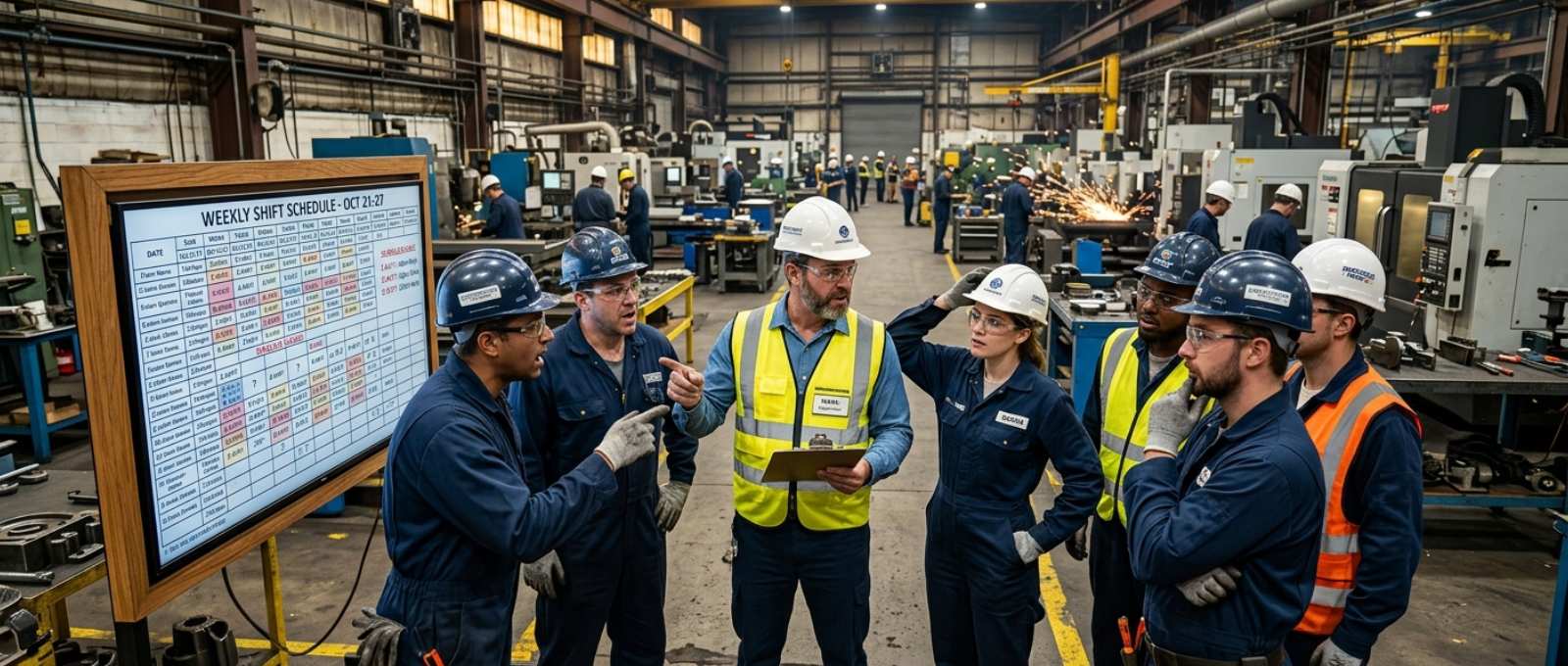
  • Top Staff Management Challenges in Manufacturing Units (2026)

    Top Staff Management Challenges in Manufacturing Units (2026)

    Staff Management Challenges in Manufacturing Units are one of the biggest operational roadblocks for factories aiming to scale efficiently. From attendance discrepancies to shift confusion and compliance risks, these issues directly impact productivity, cost control, and workforce morale.

    In a typical manufacturing setup, where hundreds of workers operate across shifts and locations, even small inefficiencies can multiply quickly. Therefore, solving these challenges is not just about HR—it’s about business continuity and profitability.

    Let’s break down the real problems and, more importantly, the practical solutions that actually work on the ground.

    What Are Staff Management Challenges in Manufacturing Units?

    Staff Management Challenges in Manufacturing Units refer to the difficulties in managing large, shift-based, and often distributed workforces. These include tracking attendance, managing shifts, ensuring compliance, and maintaining productivity.

    Unlike corporate offices, factories operate in dynamic environments. Workers may rotate shifts, move between departments, or work across multiple sites. As a result, traditional HR systems often fail to provide real-time control and visibility.

    Moreover, manual processes still dominate many factories, leading to errors, inefficiencies, and a lack of accountability.

    Top Staff Management Challenges in Manufacturing Units

    Attendance and Time Tracking Challenges in Manufacturing Units

    One of the most common challenges in manufacturing workforce management is inaccurate attendance tracking. Manual registers or biometric systems often fail due to proxy attendance (buddy punching), device failures, or lack of accessibility across sites.

    As a result, HR teams struggle with unreliable data, which directly affects payroll accuracy and compliance.

    Shift Management Complexity

    workforce tracking issues in manufacturing units with workers and shift confusion
    Common workforce management challenges in factory environments

    Factories operate in multiple shifts—day, night, rotational, and overtime. Managing these shifts manually becomes chaotic, especially when workers swap shifts or take unplanned leaves.

    Without a structured system, managers often face scheduling conflicts, understaffing, or overstaffing, all of which impact production timelines.

    Managing rotating schedules becomes even harder as businesses grow. Common issues highlighted in Shift Management in Indian MSMEs show how manual scheduling can lead to conflicts, understaffing, and operational inefficiencies.

    Lack of Real-Time Workforce Visibility

    Another major Staff Management Challenge in Manufacturing Units is the absence of real-time visibility. Managers often don’t know who is present on the shop floor at any given time.

    This lack of transparency leads to poor decision-making, delayed responses, and reduced operational efficiency.

    Payroll Errors and Compliance Issues

    Payroll in manufacturing is complex. It involves overtime, shift allowances, bonuses, and statutory compliance like PF and ESIC.

    Manual calculations increase the risk of errors. Consequently, this leads to disputes, legal risks, and employee dissatisfaction.

    Communication Gaps on the Shop Floor

    Communication in factories is rarely seamless. Workers may miss updates about shift changes, safety protocols, or operational instructions.

    This creates confusion and can even lead to safety hazards, especially in high-risk manufacturing environments.

    Employee Productivity and Accountability

    Without proper tracking systems, measuring productivity becomes difficult. Managers often rely on assumptions rather than data.

    This results in inconsistent performance evaluation and a lack of accountability among workers.

    Impact of Poor Staff Management Challenges in Manufacturing Units

    When Staff Management Challenges in Manufacturing Units are not addressed, the consequences are significant.

    First, productivity drops due to inefficient workforce allocation. Second, payroll inaccuracies increase operational costs. Third, compliance failures can lead to legal penalties.

    Moreover, poor workforce management affects employee morale. Workers feel undervalued when attendance or salary errors occur frequently.

    Over time, this leads to higher attrition rates, which further increase hiring and training costs.

    Proven Solutions to Overcome Staff Management Challenges in Manufacturing Units

    Addressing these challenges requires a shift from manual processes to smart, technology-driven systems.

    1. QR-Based Attendance Systems

    QR-based attendance eliminates buddy punching and manual errors. Workers simply scan a QR code at the workplace to mark attendance.

    This method is fast, accurate, and easy to deploy across multiple locations without heavy infrastructure.

    2. GPS Tracking and Geofencing

    GPS tracking ensures that employees are physically present at the designated location. Geofencing adds an extra layer by restricting attendance marking within a defined area.

    This is particularly useful for large manufacturing plants or multiple-site operations.

    3. Automated Payroll Systems

    Automated payroll software integrates attendance data directly into salary calculations. It handles overtime, deductions, and compliance automatically.

    As a result, HR teams save time and reduce errors significantly.

    4. Workforce Analytics Dashboards

    Analytics dashboards provide real-time insights into attendance, productivity, and workforce trends.

    Managers can make data-driven decisions instead of relying on guesswork. This improves efficiency and accountability.

    5. Mobile-Based Employee Management

    Mobile apps allow workers and managers to stay connected. Employees can check schedules, mark attendance, and receive updates in real time.

    This reduces communication gaps and improves overall coordination.

    How Technology is Transforming Manufacturing Workforce Management

    Technology is rapidly changing how factories handle workforce tracking in manufacturing units.

    Cloud-based HR systems now provide centralized control over distributed teams. Real-time data access enables faster decision-making.

    Additionally, automation reduces dependency on manual processes, which minimizes errors and improves compliance.

    Modern solutions also integrate multiple functions—attendance, payroll, and communication—into a single platform. This creates a seamless management experience.

    Tips to Choose the Right Staff Management Software

    Choosing the right staff management software can have a significant impact on operational efficiency, workforce productivity, and compliance in manufacturing businesses. However, not every solution is designed to handle the unique challenges of factory environments, such as shift-based operations, multiple locations, and large workforces.

    Start by selecting a platform that can scale with your business. As your workforce grows, the software should be able to manage multiple plants, departments, and employee categories without compromising performance. Real-time workforce visibility is equally important, so look for features such as GPS tracking, geofencing, attendance automation, and live reporting.

    Compliance should also be a key consideration. The right solution must simplify payroll processing, overtime calculations, and statutory requirements while reducing the risk of manual errors. In addition, an intuitive and user-friendly interface ensures that employees, supervisors, and HR teams can adopt the system quickly with minimal training.

    Solutions like QR Staff are specifically designed to address modern manufacturing workforce challenges by combining QR-based attendance, GPS-enabled workforce tracking, shift management, payroll automation, and real-time analytics in a single platform. This helps organizations improve accountability, streamline workforce operations, and make data-driven decisions with confidence.

    Finally, choose software that provides actionable insights through detailed dashboards and reports. Access to accurate workforce data enables managers to identify productivity trends, optimize resource allocation, and continuously improve operational performance.

    Conclusion

    Staff Management Challenges in Manufacturing Units are complex, but they are not unsolvable. With the right approach and tools, factories can transform workforce management into a strategic advantage.

    By adopting solutions like QR attendance, GPS tracking, and automated payroll, businesses can improve accuracy, efficiency, and employee satisfaction.

    If you’re still relying on manual systems, now is the time to upgrade. The right technology doesn’t just solve problems—it drives growth.

    FAQs

    What are the biggest staff management challenges in manufacturing units?

    The biggest Staff Management Challenges in Manufacturing Units include attendance tracking issues, shift management complexity, payroll errors, and a lack of real-time visibility.

    How can factories improve workforce tracking?

    Factories can improve workforce tracking in manufacturing units by using GPS-enabled systems, QR-based attendance, and real-time dashboards.

    What software is best for manufacturing staff management?

    The best software includes features like automated attendance, payroll integration, geofencing, and analytics dashboards tailored for factory environments.

    How does automation help in factory workforce management?

    Automation reduces manual errors, improves payroll accuracy, ensures compliance, and provides real-time workforce insights.

    Why is staff management important in manufacturing units?

    Effective staff management ensures productivity, reduces operational costs, and maintains compliance, which is crucial for sustainable growth.

  • How to Track Field Employees Without Invading Privacy (2026) 

    How to Track Field Employees Without Invading Privacy (2026) 

    Tracking field employees without invading privacy is a growing challenge for businesses that manage remote and on-site workforces. Whether you operate in construction, logistics, facility management, or field sales, maintaining visibility into employee activities is important for productivity and accountability. However, employees also expect their personal privacy to be respected. The good news is that modern workforce management tools make it possible to track field employees without invading privacy while maintaining trust, compliance, and operational efficiency.

    So, there’s a tricky balance here. Businesses want people to be accountable, things to be accurate, and work to get done, while employees want clarity, fairness, and trust. The answer isn’t to stop tracking completely. Instead, it’s about learning how to track field employees without invading privacy in a way that fits what the business needs and what’s ethically right.

    Why Businesses Need to Track Field Employees Without Invading Privacy

    If you manage teams working out in the field, knowing what’s going on really helps with efficiency. Without a good system, managers usually rely on manual attendance sheets, phone updates, or reports that come in late. This can lead to all sorts of mix-ups and blind spots in how things are run. Over time, these gaps don’t just affect how much work gets done, but also how happy clients are and how well people are held accountable internally.

    When it’s done correctly, tracking field employees helps companies keep accurate attendance records. It can cut down on “buddy punching” (where one person clocks in for another) and make sure employees are where they’re supposed to be. It also helps with planning who works when, by giving insights into how time is spent and how tasks are completed. But how well these benefits actually work depends entirely on how you set up the tracking. If you do it wrong, people might not trust you and could resist it.

    Challenges When You Track Field Employees Without Invading Privacy

    The talk around tracking often makes it sound like a fight between getting work done and keeping things private. But in reality, the issue isn’t tracking itself; it’s tracking too much or not explaining it well. Employees usually don’t mind being monitored for work, but they get worried when they don’t have control or when things aren’t clear.

    It makes people uncomfortable when tracking goes on after work hours, or when they don’t know how their information is being used. Similarly, if GPS tracking is continuous without clear boundaries, it can feel like an intrusion, even if the goal is just to make operations smoother. That’s why companies need to think differently and build systems that work well and also show respect.

    To truly track field employees without invading privacy, companies need to shift from constantly watching people to a model based on trust. This means tracking should be clear, limited, and have a specific purpose.

    Principles to Track Field Employees Without Invading Privacy

    To track people in a way that respects their privacy, you need to follow a few basic rules about how you collect and use their information. Being open about it is key. Employees should always know what information is being collected, why it’s needed, and when tracking is active. When you’re clear about it, employees are much more likely to accept and even help with the tracking.

    Another big rule is to only track during work hours. A common mistake is leaving tracking on all the time, even when people aren’t working. That brings up ethical issues and can even cause legal problems. By making sure tracking stops automatically after work, companies can draw a clear line between work and personal time.

    Getting their permission is also super important. Modern tracking systems should allow employees to have a say in the process, whether through check-ins, app-based permissions, or by activating it for their shift. When people feel like they have some control, tracking feels more like a team effort than something forced on them.

    It’s also important not to collect data you don’t really need. You usually don’t need to track every single move an employee makes for your business. Instead, companies should just collect information that directly helps with productivity and making sure people are accountable. This way, you protect privacy and also make managing data simpler.

    Smart Ways to Track Field Employees Without Invading Privacy

    Geo-fencing and QR attendance system for privacy-friendly field employee tracking
    Geo-fencing and QR attendance provide accurate workforce tracking without continuous employee surveillance.

    With new technology, companies now have smarter ways to track people without being too nosy. One good way is QR-based attendance. Employees just scan a code when they get to a job site to show they’re there. Businesses looking to track field employees without invading privacy should invest in a reliable field employee tracking software that provides attendance verification, geo-fencing, and transparent monitoring features.

    Geo-fencing is another popular option. It means setting up an invisible fence around a place, like a construction site or service zone. People are marked as present only when they’re inside this boundary, so you don’t need to watch them all the time. It works really well because it cares about whether someone is there, not where they’re constantly moving, which fits with what people expect for their privacy.

    If you absolutely need GPS tracking, you can still do it carefully. By only tracking during work hours and letting employees pause or stop it when they need to, companies can still see what’s happening without going too far into people’s personal lives. The main thing is to make sure tracking always has a clear purpose and isn’t overdone.

    Another newer idea is tracking based on tasks. Instead of worrying about where people are, this focuses on what they get done. Companies can measure productivity by tracking when tasks are finished, getting updates, and reviewing work reports, without relying too much on location data. Moving from tracking where someone is to tracking what they achieve is a more modern and employee-friendly way of doing things.

    Legal and Compliance Considerations

    Tracking employees isn’t just about how you run things; it also comes with legal responsibilities. Different places have specific rules about watching employees, and companies need to make sure their methods follow these laws. Often, getting an employee’s permission isn’t just a good idea; it’s required by law.

    Companies also need to be careful about data security. When you collect employee data, you’re responsible for storing and protecting it correctly. If that data is used wrongly or gets out, it can cause big problems, legally and for the company’s reputation. By not collecting too much data and using secure systems, companies can really cut down on these risks.

    Besides just following the law, ethics matter too. Even if you’re technically allowed to track in a certain way, it might not always be the right thing to do. Companies that put ethics first are more likely to build lasting trust with their employees.

    Benefits of Privacy-Friendly Tracking

    When companies strike the right balance, employee tracking can strengthen workplace relationships rather than weaken them. Employees are more likely to trust organizations that respect their privacy and are transparent about how tracking systems are used. As a result, they become more engaged, cooperative, and open to adopting new technologies because they no longer view tracking tools with suspicion.

    Productivity also improves when employees feel respected and valued. Instead of worrying about constant monitoring, they can focus on their responsibilities and perform their jobs more effectively. Over time, this creates a healthier work environment where accountability and trust go hand in hand.

    Organizations that combine privacy-friendly tracking practices with workplace safety best practices can create a more accountable, productive, and trustworthy work environment.

    Another significant benefit is the reduction of workplace conflicts and misunderstandings. When policies are clearly communicated, and tracking systems operate transparently, managers and employees can align their expectations more effectively. This level of clarity is particularly valuable for field teams, where communication gaps can easily affect productivity and day-to-day operations.

    Common Mistakes Businesses Should Avoid

    Even with good intentions, many companies still have trouble setting up good tracking systems. One of the most common mistakes is tracking people after work hours, which immediately brings up privacy worries. Another frequent problem is not communicating enough, meaning employees don’t fully know how tracking works.

    Using tools that are too intrusive can also cause problems. Systems that track every move or gather too much data often make people resist, instead of making things more efficient. Not listening to what employees say is another big mistake, because it stops companies from finding and fixing problems early on.
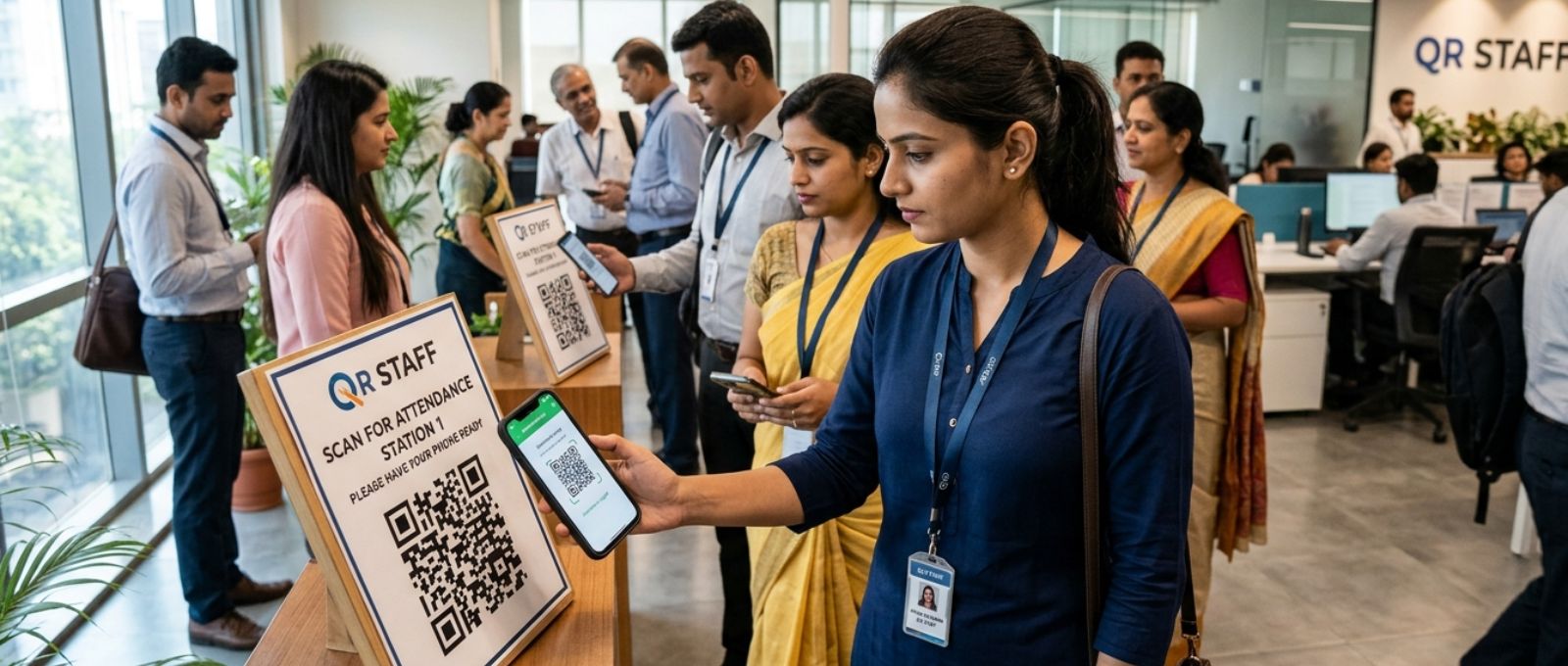
    Any company wanting to track field employees successfully without invading privacy absolutely needs to avoid these mistakes.

    How Large Organizations Approach Employee Tracking

    Big companies and global businesses have already figured this out by using structured, policy-driven ways of tracking. They put money into systems that focus on being open and only collect the data they absolutely need. Regular checks make sure tracking practices still follow rules and fit with company policies.

    More importantly, these companies know that trust is something valuable for the long run. Instead of watching people too much, they focus on building systems that help people be accountable while still respecting their personal space. This way doesn’t just make things more efficient; it also makes the company culture stronger.

    Choosing the Right Tracking Solution

    Solutions such as QR Staff employee tracking software help businesses monitor attendance, field activities, and workforce productivity while respecting employee privacy.

    Picking the right tool is a really important step for good tracking. Companies should look for tools with features like geo-fencing, QR code attendance, and tracking that only works during business hours. It also needs to be easy to use, because complicated systems can make employees not want to use them.

    Businesses with distributed teams can benefit from HR software for facility management companies that simplifies attendance tracking, shift scheduling, payroll, and compliance management while maintaining employee privacy.

    It’s also key to pick platforms that put data privacy and following rules first. A good system should meet both your operational needs and ethical standards, making sure tracking is a helpful addition, not something to worry about.

    The Future of Field Employee Tracking

    The future of tracking employees is definitely heading towards smarter, more privacy-focused tools. New technology is making it possible to get useful information without having to collect data in a way that feels intrusive. For instance, AI is being used to look at how productive people are without needing to track their location all the time.

    At the same time, employees are getting more control. Newer tools are more and more designed to give users a better view and more control over their data, which fits with what people expect about privacy these days. Companies that jump on these trends early will be in a better spot to create workplaces that are both efficient and trusted.

    Conclusion

    To track field employees without bothering their privacy, companies need to be thoughtful and balanced in how they do it. Tracking shouldn’t be about control; it should be about helping with better coordination, accountability, and efficiency. By being open, collecting less data, and using smart tech, companies can reach their goals without losing employee trust.

    Ultimately, the most successful companies get that productivity and privacy aren’t opposites. When done right, they actually work together, creating a system that’s good for both the company and its employees.

    FAQ

    Is it legal to track field employees?
    Yes, but it must be done with proper consent and within applicable legal frameworks.

    How can I track employees without GPS?
    You can use QR-based attendance, geo-fencing, or task-based reporting systems.

    What is the best way to track field employees without invading their privacy?
    Geo-fencing combined with work-hour-based tracking is widely considered the most effective approach.

    Can employees refuse tracking?
    In many cases, yes—especially if tracking is not clearly communicated or justified.

    Does employee tracking improve productivity?
    When implemented ethically, it improves accountability and operational efficiency.

  • HR Software for Cleaning & Facility Management Companies

    HR Software for Cleaning & Facility Management Companies

    HR Software for Cleaning & Facility Management Companies is no longer a luxury—it has become an operational necessity in today’s fast-moving, service-driven environment. If you’ve managed housekeeping teams or facility staff across multiple sites, you already know the daily friction: high workforce turnover, inconsistent attendance, and the chaos of managing teams spread across locations.

    In most facility management companies, HR operations still rely heavily on manual registers, spreadsheets, and fragmented systems. This leads to delayed payroll, attendance discrepancies, and zero real-time visibility into field staff. The result? Frustrated employees, unhappy clients, and operational inefficiencies.

    Modern HR software changes that equation entirely. It brings structure, automation, and real-time tracking into workforce management—helping companies maintain discipline, improve accountability, and scale without operational breakdowns. In this guide, we’ll break down exactly how HR software transforms cleaning and facility management businesses from reactive to proactive operations.

    Why Cleaning & Facility Management Companies Need HR Software

    HR Software for Cleaning & Facility Management Companies directly addresses some of the most persistent operational bottlenecks in the industry.

    First, manual tracking systems are simply not built for dynamic, on-ground teams. Supervisors often struggle to verify whether staff have actually reached the assigned site or completed their shifts. This creates gaps in accountability and increases dependency on middle management.

    Second, compliance risks are significant. Facility companies deal with contract workers, minimum wage regulations, overtime policies, and statutory requirements. Manual payroll processing increases the chances of costly errors or legal issues.

    Finally, workforce visibility remains one of the biggest challenges. Without centralized software, managers lack real-time insights into attendance, shift adherence, and productivity. Decisions are often reactive rather than data-driven.

    HR software eliminates these blind spots by digitizing every aspect of workforce management—from attendance to payroll—ensuring transparency and control.

    Key Features of HR Software for Cleaning & Facility Management Companies

    Attendance & Shift Management

    Managing shifts in facility management is complex due to rotating schedules, night shifts, and site-specific deployments. A robust employee attendance tracking software allows real-time check-ins, shift allocation, and automated attendance logs.

    This reduces manual errors and ensures that every employee’s work hours are accurately captured.

    GPS Tracking & Geofencing

    Cleaning staff using GPS attendance tracking software
    Real-time attendance tracking with GPS and geofencing for cleaning staff

    For field-based teams, GPS tracking and geofencing are game changers. Managers can verify whether employees are physically present at the assigned location before marking attendance.

    This feature eliminates “buddy punching” and ensures authenticity in attendance records. It’s particularly valuable for companies managing multiple sites simultaneously.

    Payroll Automation

    Payroll in cleaning companies involves multiple variables—shift-based wages, overtime, deductions, and compliance requirements. A dedicated payroll software for facility companies automates calculations and ensures accuracy.

    This not only reduces HR workload but also builds trust among employees by ensuring timely and error-free salary processing.

    Employee Self-Service Portal

    An often-overlooked feature, the self-service portal empowers employees to access their attendance, payslips, and leave balances independently.

    This reduces HR dependency and improves transparency, especially in large workforce environments.

    Multi-location Workforce Tracking

    Facility management companies rarely operate from a single location. A strong workforce management software for housekeeping provides centralized dashboards to monitor staff across multiple sites.

    Managers can track deployment, attendance trends, and performance metrics—all in one place.

    Benefits of Using HR Software for Cleaning & Facility Management Companies

    Companies using modern HR platforms often experience better workforce visibility, reduced payroll errors, and improved employee accountability. Investing in the right workforce management software can help facility management businesses streamline operations, automate attendance tracking, and improve overall productivity across multiple locations.

    Increased Productivity

    Automation reduces administrative workload, allowing supervisors to focus on operations instead of paperwork.

    Reduced Absenteeism

    Real-time tracking and accountability discourage unplanned absences and late reporting.

    Accurate Payroll

    With automated calculations, payroll errors drop significantly, improving employee satisfaction.

    Real-time Workforce Monitoring

    Managers gain instant visibility into who is working, where they are, and whether shifts are completed.

    Better Client Satisfaction

    When staffing is consistent and well-managed, service quality improves—leading to stronger client retention.

    Common Challenges Without HR Software

    Companies operating without a structured cleaning staff management system often face persistent operational gaps that directly impact service delivery. One of the most common issues is buddy punching, where employees mark attendance for absent colleagues, leading to inaccurate records and financial leakage. Without a reliable verification mechanism, this becomes difficult to control at scale.

    Payroll errors are another frequent challenge, especially when attendance data is manually compiled. Even small miscalculations can lead to salary disputes, lowering employee trust and increasing HR workload. Over time, these inconsistencies create friction between management and staff, affecting overall morale.

    Lack of accountability further complicates operations, as there is no concrete proof of whether employees were present at assigned locations. This becomes critical in client-facing environments where service quality depends on staff availability. Additionally, miscommunication around shifts and deployment often leads to confusion, understaffed sites, and client dissatisfaction.

    How to Choose the Best HR Software for Facility Management Companies

    When evaluating HR solutions, businesses should prioritize platforms that offer attendance tracking, payroll automation, GPS monitoring, and mobile accessibility. Many facility management companies are adopting solutions like QR Staff to simplify workforce management and improve operational efficiency across multiple client locations.

    Scalability is equally important, especially for growing companies managing multiple sites. The system should be capable of handling workforce expansion without performance issues or operational disruption. A scalable solution ensures long-term usability without the need for frequent system changes.

    Mobile accessibility plays a crucial role in field operations, as employees and supervisors rely on smartphones for daily tasks. A mobile-first platform enables real-time attendance marking, communication, and monitoring. Integration capabilities are also essential to connect payroll, compliance, and reporting systems seamlessly, while cost-effectiveness ensures the investment delivers measurable returns without unnecessary overhead.

    Real-Life Use Case: Transforming Operations with HR Software

    Consider a mid-sized facility management company managing over 200 cleaning staff across corporate offices, malls, and hospitals. Before implementing HR software, the company depended heavily on manual attendance registers and Excel-based payroll systems, which consumed significant time and were prone to human error.

    Supervisors spent hours verifying attendance records, and discrepancies in payroll were a regular occurrence, leading to employee dissatisfaction. The lack of real-time visibility also made it difficult for management to track workforce performance across multiple locations.

    After adopting a centralized HR automation for cleaning businesses, the company experienced a major operational shift. Attendance errors dropped significantly, payroll processing became fully automated, and managers gained real-time visibility into workforce deployment. Within three months, efficiency improved noticeably, and client complaints reduced by a substantial margin.

    Future Trends in HR Software for Facility Management

    The future of HR Software for Cleaning & Facility Management Companies is being shaped by rapid technological advancements. AI-based workforce analytics is emerging as a powerful tool, enabling companies to predict absenteeism patterns and optimize staff allocation based on historical data and trends.

    Automation is also playing a transformative role by streamlining end-to-end HR processes, from onboarding to payroll. This reduces dependency on manual intervention and ensures consistency across operations. As a result, HR teams can focus more on strategic planning rather than routine administrative tasks.

    Smart attendance systems are becoming increasingly sophisticated, with technologies like biometric authentication, facial recognition, and QR-based check-ins gaining traction. These innovations not only enhance accuracy but also strengthen workforce accountability, ultimately leading to more efficient and transparent operations.

    Conclusion

    HR Software for Cleaning & Facility Management Companies is transforming how workforce operations are managed in a traditionally manual industry. From attendance tracking to payroll automation, it brings structure, transparency, and efficiency into every layer of operations.

    For companies aiming to scale, improve service quality, and reduce operational friction, investing in the right HR software is a strategic move—not just an operational upgrade. The shift may seem significant initially, but the long-term gains in productivity, accuracy, and client satisfaction make it indispensable.

    FAQs

    1. What is HR software for cleaning companies?

    It is a digital solution designed to manage workforce operations such as attendance, payroll, and shift scheduling for cleaning staff.

    2. How does HR software help facility management businesses?

    It automates HR processes, improves workforce visibility, and ensures accurate payroll and attendance tracking.

    3. Is GPS tracking necessary for cleaning staff?

    Yes, it ensures employees are physically present at assigned locations, improving accountability and reducing fraud.

    4. Can HR software handle payroll for contract workers?

    Absolutely. Most modern systems support contract-based payroll with compliance features.

    5. What features should I look for in facility management HR software?

    Key features include attendance tracking, GPS monitoring, payroll automation, and multi-location management.

    6. Is HR software affordable for small cleaning businesses?

    Yes, many scalable solutions are available that cater to small and mid-sized businesses with flexible pricing.

  • Best Construction Employee Tracking Software for Site Workers

    Best Construction Employee Tracking Software for Site Workers

    Best Construction Employee Tracking Software for Site Workers is no longer a “nice-to-have” tool—it has become a core operational requirement for modern construction businesses. If you’ve ever managed multiple sites at once, you already understand the chaos: manual attendance registers going missing, supervisors struggling to verify worker presence, payroll disputes at month-end, and limited visibility into what’s actually happening on the ground.

    In traditional construction environments, workforce tracking has always been reactive rather than proactive. You depend heavily on site supervisors, handwritten logs, and fragmented communication. This creates gaps—gaps in accountability, productivity, and ultimately profitability. When workers are spread across locations, even a small inefficiency gets multiplied across projects.

    That’s where digital transformation steps in. Today, construction employee tracking software powered by GPS, mobile apps, and real-time dashboards is reshaping how companies manage labor. It brings transparency, accuracy, and control—three things every project manager wants but rarely gets with manual systems. The shift isn’t about replacing people; it’s about empowering teams with the right tools to perform better.

    Why Construction Companies Need Employee Tracking Software

    Construction operations are fundamentally different from office environments. You are dealing with dynamic locations, shifting labor requirements, and tight project timelines. Without a structured tracking system, you are essentially operating blind.

    One of the biggest challenges is the lack of real-time visibility. When you have five or ten sites running simultaneously, it becomes nearly impossible to know who is present where and whether work is progressing as planned. Site managers may report attendance, but without verification, accuracy is always questionable.

    Attendance fraud is another persistent issue. “Buddy punching,” where one worker marks attendance for another, is more common than many organizations admit. Over time, this leads to inflated labor costs and distorted productivity metrics. GPS tracking for construction workers directly addresses this by tying attendance to physical location.

    Payroll inaccuracies also become a recurring headache. Manual entries often lead to overpayments or disputes. Workers may claim overtime that is difficult to validate, while HR teams spend hours reconciling data. A reliable site worker attendance system eliminates these inefficiencies by capturing exact work hours automatically.

    Productivity tracking is equally critical. Without data, you cannot measure performance. And without measurement, improvement becomes guesswork. Modern field employee monitoring tools provide actionable insights—helping managers identify bottlenecks, optimize workforce allocation, and improve project timelines.

    Key Features of the Best Employee Tracking Software for Construction & Site Workers

    GPS & Geofencing Tracking in Construction Employee Tracking Software

    GPS tracking mobile app for construction workers attendance
    Mobile-based employee tracking system with GPS and geofencing

    At the core of any effective construction workforce management software is GPS tracking. It ensures that workers can only clock in when they are physically present at the job site. Geofencing adds another layer by creating virtual boundaries around project locations. If a worker attempts to mark attendance outside the designated area, the system automatically flags it. This feature alone significantly reduces time theft and improves accountability.

    Mobile Time Tracking for Site Worker Attendance System

    Construction workers are not desk-bound, which is why mobile-first solutions are essential. A good labor tracking software construction platform offers intuitive mobile apps that allow workers to clock in, track tasks, and communicate updates directly from the field. The simplicity of use is critical here—if the tool is complicated, adoption will fail.

    Offline Mode for Remote Construction Sites

    Many construction sites operate in areas with poor or inconsistent internet connectivity. The best systems are designed to function offline, storing data locally and syncing automatically when connectivity is restored. This ensures uninterrupted tracking regardless of location constraints.

    Face Recognition and Photo Verification in Field Employee Monitoring Tools

    To eliminate buddy punching, modern systems incorporate facial recognition or photo capture during check-in. This adds a layer of identity verification without complicating the process. It is particularly useful for large-scale projects with high workforce turnover.

    Job and Cost Code Tracking in Construction Workforce Management Software

    Tracking attendance is only part of the equation. To truly understand labor costs, you need to know how time is being spent. Advanced systems allow workers to log hours against specific tasks or cost codes. This enables project managers to analyze labor efficiency at a granular level and make data-driven decisions.

    Payroll and Reporting Integration

    A well-integrated system connects attendance data directly with payroll. This eliminates manual calculations and reduces errors. Real-time dashboards provide insights into attendance trends, overtime, and workforce utilization—helping leadership teams stay informed and proactive.

    Top 5 Best Employee Tracking Software for Construction & Site Workers (2026)

    When evaluating tools in this category, real-world usability matters more than long feature lists. The right software should solve on-site challenges like attendance accuracy, workforce visibility, and payroll efficiency without complicating daily operations.

    QR Staff

    QR Staff stands out as a highly practical and efficient solution tailored for tracking construction and site workers. It simplifies attendance through QR-based check-ins, eliminating buddy punching while ensuring accurate, real-time records. In addition, it integrates GPS tracking and geofencing features, allowing managers to verify worker presence at exact site locations and prevent off-site check-ins. What makes it especially valuable is its ease of deployment across multiple sites without heavy infrastructure. Managers get instant visibility into workforce movement and attendance, making it ideal for companies that want a reliable, scalable, and cost-effective tracking system.

    Workyard

    Workyard is known for its high-precision GPS tracking, making it a strong choice for companies that need strict location-based monitoring. It allows managers to see exactly where workers are and how long they’ve been on-site. This level of control is particularly useful for businesses managing multiple construction locations where accountability and accurate time tracking are critical.

    Connecteam

    Connecteam offers an all-in-one workforce management platform that goes beyond attendance tracking. It combines communication, task management, and HR tools into a single system. This makes it suitable for mid-sized construction companies looking to streamline operations and reduce dependency on multiple apps while ensuring smooth coordination between field teams and management.

    ClockShark

    ClockShark is particularly strong in job costing and project tracking. It enables managers to assign time to specific tasks, helping track labor costs more accurately. For construction businesses focused on improving profitability and gaining better insights into project expenses, ClockShark provides a balanced mix of functionality and ease of use.

    Hubstaff

    Hubstaff blends GPS tracking with productivity monitoring, offering insights into both location and work patterns. It’s a good fit for companies that want to measure efficiency alongside attendance. While not exclusively built for construction, it still delivers value for teams looking to improve workforce performance and accountability across different sites.

    Benefits of Using Employee Tracking Software in Construction

    Implementing the best employee tracking software for construction & site workers brings immediate and measurable benefits. The most noticeable improvement is real-time workforce visibility. Managers no longer need to rely on second-hand reports—they can access live data at any moment.

    Modern construction businesses need more than basic attendance tracking. They require complete workforce visibility, shift monitoring, payroll accuracy, and productivity insights. Investing in the right workforce management software in India can help construction companies streamline operations, improve workforce accountability, and reduce manual administrative work.

    Productivity improvements follow naturally. When workers know their attendance and performance are being tracked, accountability increases. At the same time, managers can identify underperforming areas and take corrective action.

    Project cost control becomes more effective as well. By linking labor hours to specific tasks, companies gain a clear understanding of where resources are being utilized. This helps in budgeting and forecasting future projects.

    Finally, reducing time theft has a direct impact on profitability. Even small inefficiencies, when eliminated, contribute to significant cost savings over time.

    How to Choose the Right Software for Your Construction Business

    Selecting the right construction employee tracking software requires a practical approach. The first factor to consider is the size of your organization. A small contractor managing two sites has very different needs compared to a large enterprise handling multiple large-scale projects.

    The number of sites you operate also plays a crucial role. If your workforce is highly distributed, GPS tracking and geofencing become essential features. Budget is another important consideration, but it should not be the only deciding factor. Choosing a cheaper tool that lacks critical functionality often leads to higher long-term costs.

    Ease of use is often underestimated. Construction workers may not be highly tech-savvy, so the software must be intuitive and easy to adopt. Training requirements should be minimal to ensure smooth implementation.

    Ultimately, the right tool aligns with your operational workflow rather than forcing you to adapt to it.

    Common Mistakes to Avoid

    Many companies make the mistake of choosing generic tracking software that is not designed for construction environments. This often results in limited functionality and poor adoption.

    Ignoring offline capability is another common oversight. In remote project locations, a lack of connectivity can render a system useless if it lacks offline functionality.

    Training is equally important. Even the best system will fail if workers and supervisors are not properly trained to use it. Finally, overpaying for features that are never used can unnecessarily strain budgets. It’s important to focus on what truly adds value to your operations.

    Future Trends in Construction Workforce Tracking

    The future of construction workforce management is increasingly technology-driven. AI-based analytics are beginning to play a significant role, helping companies predict workforce requirements and optimize scheduling.

    IoT integration is another emerging trend. Smart devices and sensors can provide real-time data on worker activity and site conditions. Wearables such as smart helmets are also gaining traction, offering safety monitoring along with tracking capabilities.

    Automation will continue to evolve, especially in compliance and reporting. Systems will become smarter, reducing manual intervention and improving accuracy across operations.

    Conclusion

    Adopting the Best Employee Tracking Software for Construction & Site Workers is no longer optional in a competitive construction landscape. It directly impacts efficiency, cost control, and project success. From real-time visibility to accurate payroll and improved productivity, the benefits are both immediate and long-term.

    The key is to choose a solution that fits your business needs and ensures easy adoption across your workforce. Technology should simplify operations, not complicate them.

    Choose the right employee tracking software today to improve efficiency and profitability.

    FAQs

    What is the best employee tracking software for construction & site workers?

    The best software depends on your needs, but tools like Workyard, Connecteam, and ClockShark are widely recognized for their construction-specific features.

    How does GPS tracking work in construction sites?

    GPS tracking uses location data from mobile devices to verify worker presence at job sites, ensuring accurate attendance and reducing fraud.

    Is employee tracking software legal in India?

    Yes, employee tracking software is legal in India as long as companies inform employees and comply with data privacy regulations.

    Can tracking software work offline?

    Yes, many modern systems offer offline functionality, allowing data to be recorded and synced later when internet access is available.

    How much does construction tracking software cost?

    Costs vary depending on features and company size, typically ranging from affordable monthly subscriptions to enterprise-level pricing.

    What features should I look for?

    Key features include GPS tracking, mobile access, offline mode, payroll integration, and job costing capabilities.

  • Performance Review Templates: How to Drive Employee Growth

    Performance Review Templates: How to Drive Employee Growth

    Performance Review Templates That Drive Growth are often the missing link between evaluating employees and actually helping them improve. In most companies, performance reviews exist—but growth doesn’t follow.

    What we often see is a disconnect. Managers complete reviews because the process demands it, not because it drives meaningful outcomes. Employees receive feedback, but it rarely translates into action. The result? A system that measures performance but doesn’t improve it.

    The truth is, the format of the review matters more than most organizations realize. A well-designed template doesn’t just document performance—it shapes conversations, decisions, and ultimately, growth.

    Why Traditional Performance Reviews Don’t Drive Growth

    HR manager conducting employee performance review meeting
    Effective performance reviews create clarity, accountability, and employee growth.

    In practice, most performance review systems fail for predictable reasons.

    The first issue is a lack of clarity. Employees are evaluated on broad criteria without clearly defined expectations. When goals are vague, feedback becomes subjective, and outcomes feel inconsistent.

    Bias is another challenge. Without structured evaluation formats, reviews often reflect personal opinions rather than measurable performance. This erodes trust over time.

    Annual reviews also limit impact. By the time feedback is shared, it’s often outdated. Employees can’t act on something that happened months ago, especially when priorities have already shifted.

    Most importantly, there’s no follow-up. Reviews end with ratings, but rarely lead to structured development plans. Without action, even the best feedback loses value.

    What Makes Performance Review Templates That Drive Growth Effective

    Performance Review Templates That Drive Growth work because they bring structure to an otherwise subjective process.

    First, they align employee goals with business priorities. When individuals understand how their work contributes to larger outcomes, performance becomes more focused and meaningful.

    Second, they support continuous feedback. Instead of relying on annual reviews, effective templates encourage regular check-ins. This keeps performance conversations relevant and actionable.

    Another key factor is measurable KPIs. When performance is tied to specific metrics, evaluations become more objective. It also helps employees understand exactly where they stand.

    Many growing businesses now use digital HR tools like QR Staff to simplify performance tracking, attendance management, employee evaluation, and workforce reporting. When performance data is centralized, managers can make faster and more accurate review decisions instead of relying on manual spreadsheets or disconnected systems.

    Key Components of a High-Impact Employee Performance Review Template

    A strong employee performance review template isn’t complicated—but it is intentional. Each section serves a clear purpose.

    The employee details section provides context. It ensures that every review is clearly tied to a role, department, and time period.

    Goal tracking is where the real evaluation begins. Instead of general comments, performance is measured against predefined objectives. This creates clarity for both managers and employees.

    Competency evaluation focuses on how work is done, not just what is delivered. Skills like communication, collaboration, and problem-solving often determine long-term success.

    Self-assessment adds an important dimension. In many cases, employees are more aware of their challenges than managers realize. This section helps surface those insights.

    Manager feedback should go beyond ratings. It needs to be specific, constructive, and actionable. Vague feedback doesn’t drive improvement.

    Finally, the development plan turns the review into a forward-looking process. Without this, the review remains incomplete.

    Step-by-Step Guide to Creating Performance Review Templates That Drive Growth

    Employee performance management dashboard with KPI metrics
    Data-driven performance review systems improve employee evaluation accuracy.

    Creating Performance Review Templates That Drive Growth is less about design and more about intent.

    Start by defining clear objectives. What should the review achieve? Improved productivity, better alignment, or leadership development? The answer shapes everything else.

    Next, choose the right format. Some organizations prefer rating scales, while others lean toward descriptive feedback. In practice, a hybrid approach often works best.

    Then, add measurable KPIs. Without clear metrics, performance remains open to interpretation. Specific goals remove ambiguity and improve fairness.

    Building feedback loops is where most companies fall short. Reviews shouldn’t happen once a year. Quarterly or even monthly check-ins create momentum.

    Finally, test and refine the template. What works in theory doesn’t always work in practice. Gathering feedback from managers and employees helps improve usability.

    Best Practices for Using Performance Review Templates in Organizations

    Organizations that want to improve their HR performance review system should also invest in the right HR technology stack. Choosing modern HRMS platforms can simplify performance tracking, employee evaluations, payroll coordination, and workforce analytics. Businesses exploring digital HR solutions can also review this guide on Top 10 HRMS Software in India to understand which tools support scalable workforce management.

    Keep the format simple. If the template feels complicated, people will rush through it. Simplicity improves adoption.

    Manager training is critical. Many managers know what to evaluate but struggle with how to communicate it. Without proper guidance, feedback loses impact.

    Consistency matters more than perfection. When every team uses a different approach, employees perceive the process as unfair.

    Use data where possible. Patterns in performance reviews can reveal skill gaps, high performers, and training needs. In practice, most companies fail here—they collect data but don’t use it effectively.

    Common Mistakes to Avoid in Performance Appraisal Templates

    One of the biggest mistakes is creating overly generic templates. If every employee gets the same form regardless of role, the feedback becomes less relevant.

    Ignoring employee input is another issue. Performance reviews should be a conversation, not a one-sided evaluation.

    Many organizations also skip follow-up actions. Without tracking progress after the review, development plans remain theoretical.

    Overcomplicating the process is equally damaging. Adding too many sections or metrics can overwhelm users and reduce the quality of responses.

    How Performance Review Templates Improve Workplace Productivity

    Well-designed performance review templates directly impact workplace productivity.

    They improve engagement by giving employees clear direction. When expectations are well-defined, people focus on what matters.

    They also reduce confusion. Instead of guessing priorities, employees work toward measurable goals.

    Decision-making becomes more effective. Managers have structured data to identify top performers, address issues, and plan future roles.

    Over time, this builds a performance-driven culture. Employees understand that growth is not just encouraged—it’s expected.

    Conclusion

    Performance Review Templates That Drive Growth are not just HR tools—they are business tools. When designed thoughtfully, they turn performance conversations into meaningful action.

    The difference between a form and a growth system lies in how it is used. Templates that focus on clarity, consistency, and development create real impact.

    In most mid-sized companies, performance reviews fail not because of tools, but because of a lack of structure. Fix the structure, and the results follow.

    FAQs

    What is a performance review template?

    A performance review template is a structured format used to evaluate employee performance based on goals, skills, and measurable outcomes.

    How do you create an effective employee evaluation form?

    Focus on clear objectives, measurable KPIs, employee input, and actionable feedback. Keep the format simple and practical.

    What should be included in a performance appraisal format?

    It should include employee details, goal tracking, competency evaluation, self-assessment, manager feedback, and a development plan.

    How often should performance reviews be conducted?

    While annual reviews are common, many organizations now use quarterly or continuous feedback models for better results.

    What are the benefits of structured performance reviews?

    They improve transparency, increase employee engagement, and support better decision-making within organizations.

    Can performance review templates improve productivity?

    Yes, when designed properly, they create clarity, align goals, and encourage continuous improvement, which leads to higher productivity.

  • Workplace Safety Best Practices for SMEs in 2026

    Workplace Safety Best Practices for SMEs in 2026

    Workplace Safety Best Practices for SMEs are no longer optional—they are essential for building a sustainable, productive, and legally compliant business. In today’s competitive environment, SMEs must go beyond basic precautions and actively create a safe working environment where employees feel protected, valued, and confident.

    For many small and medium enterprises, safety often takes a backseat due to limited resources or a lack of structured systems. However, even small safety improvements can significantly reduce risks, improve employee morale, and enhance operational efficiency. This guide explores practical, real-world strategies that SMEs can implement without complexity or high costs.

    Why Workplace Safety Best Practices for SMEs Are Important

    Workplace safety is directly linked to business performance. When employees feel safe, they are more focused, productive, and engaged in their roles. On the other hand, unsafe environments lead to frequent disruptions, absenteeism, and even legal consequences.

    From a compliance standpoint, small-business safety is critical. Governments and regulatory bodies expect even the smallest organizations to follow occupational safety standards. Ignoring these requirements can result in penalties, legal action, or business shutdowns.

    Additionally, workplace safety builds trust. Employees are more likely to stay with companies that prioritize their well-being. This reduces hiring costs and strengthens team stability, which is especially important for SMEs operating with smaller teams.

    Common Workplace Safety Challenges in SMEs

    Despite understanding the importance of safety, SMEs often struggle to implement it. One of the biggest challenges is limited resources. Unlike large corporations, small businesses may not have dedicated safety teams or budgets for advanced safety systems.

    Another common issue is a lack of training. Employees may not fully understand workplace safety tips or how to respond to emergencies. This gap increases the risk of accidents and injuries.

    Informal processes also create problems. Many SMEs rely on verbal instructions instead of documented safety policies. While this may work in the short term, it leads to inconsistency and confusion over time.

    Recognizing these challenges is the first step toward building effective SME safety guidelines that are practical and scalable.

    Workplace Safety Best Practices for SMEs

    Workplace Risk Assessment for SMEs

    Risk assessment is the foundation of workplace hazard prevention. SMEs should regularly evaluate their work environment to identify potential risks such as faulty equipment, unsafe layouts, or hazardous materials.

    Instead of waiting for incidents to occur, proactive assessments help businesses address issues early. Even a simple monthly inspection can significantly reduce risks and improve overall safety standards.

    Employee Safety Training Best Practices

    Employee safety practices begin with awareness. Training ensures that every team member understands potential risks and knows how to handle them effectively.

    This does not require expensive programs. SMEs can conduct short, regular sessions focusing on practical scenarios such as fire safety, equipment handling, and emergency response. Consistency matters more than complexity.

    Maintain Proper Safety Equipment

    Having the right safety equipment is essential for occupational safety for SMEs. This includes protective gear, fire extinguishers, first aid kits, and properly maintained machinery.

    However, simply providing equipment is not enough. Employees must know how to use it correctly. Regular checks and maintenance ensure that equipment functions properly when needed.

    Create Clear Safety Policies

    Clear documentation is a key part of small business safety compliance. Written safety policies eliminate confusion and provide a standard reference for all employees.

    These policies should cover basic rules, emergency procedures, and reporting systems. Keeping them simple and accessible ensures that everyone can understand and follow them.

    Encourage a Safety-First Culture

    A strong safety culture goes beyond rules and policies. It involves creating an environment where employees feel responsible for their own safety and that of their colleagues.

    Leadership plays a crucial role here. When managers prioritize safety in daily operations, employees naturally follow. Encouraging open communication about risks and incidents also strengthens this culture.

    Ensure Compliance with Safety Regulations

    Compliance is not just about avoiding penalties—it’s about protecting people. SMEs must stay updated with local safety regulations and ensure that their practices align with legal requirements.

    Regular audits and documentation help maintain compliance. Even basic adherence to regulations can significantly reduce workplace risks and improve business credibility.

    How SMEs Can Build a Strong Safety Culture

    Building a safety culture requires consistent effort and leadership commitment. It starts at the top. Business owners and managers must actively demonstrate the importance of safety through their actions.

    Employee involvement is equally important. Encouraging team members to report hazards, suggest improvements, and participate in safety discussions creates a sense of ownership.

    Modern SMEs are increasingly using digital workforce management solutions to improve workplace coordination, employee accountability, and compliance tracking. Tools that automate attendance, shift scheduling, and reporting can help businesses maintain safer and more organized work environments. Businesses looking to modernize operations can also explore this guide on the Top 10 Best Workforce Management Software in India. Continuous improvement is the final piece. Safety is not a one-time effort but an ongoing process. Regular reviews, feedback, and updates ensure that safety practices evolve with the business.

    Benefits of Implementing Workplace Safety Best Practices for SMEs

    Employee safety training practices in SMEs
    Regular safety training helps small businesses reduce workplace risks and accidents.

    Implementing workplace safety tips delivers measurable benefits for SMEs. One of the most immediate advantages is the reduction in workplace accidents. Fewer incidents mean less downtime and lower medical or compensation costs.

    Productivity also improves significantly. Employees can focus better when they are not worried about potential hazards. Many SMEs are now adopting digital workforce tools like QR Staff to improve employee management, attendance tracking, and workplace accountability. Using smart attendance and workforce management systems helps businesses maintain better compliance, reduce operational confusion, and support safer workplace practices.

    Employee trust is another critical benefit. When workers see that their safety is a priority, they develop stronger loyalty toward the organization. This reduces turnover and improves team stability.

    Cost savings, although often overlooked, are substantial. Preventing accidents is always more affordable than dealing with their consequences. From insurance costs to operational disruptions, safety investments pay off in the long run.

    Mistakes Small Businesses Should Avoid in Workplace Safety: Best Practices for SMEs

    One common mistake is ignoring minor hazards. Small issues, such as loose wires or cluttered spaces, can quickly turn into major accidents if left unaddressed.

    Another mistake is a lack of documentation. Without proper records, it becomes difficult to track incidents, enforce policies, or demonstrate compliance during inspections.

    Inconsistent training is also a significant risk. Providing safety training once and then neglecting it reduces its effectiveness. Regular reinforcement is necessary to keep safety practices fresh in employees’ minds.

    Avoiding these mistakes helps SMEs create a more reliable and effective safety system.

    Conclusion

    Workplace safety is not just a regulatory requirement—it is a strategic investment in the future of your business. By implementing the right workplace safety best practices for small & medium enterprises, businesses can create safer environments, improve productivity, and build stronger teams.

    The key is to start simple and stay consistent. Regular risk assessments, employee training, and clear policies can make a significant difference. Over time, these efforts evolve into a strong safety culture that supports long-term growth.

    Now is the right time to take action. Even small improvements today can prevent major challenges tomorrow.

    Frequently Asked Questions (FAQs)

    What are the basic workplace safety practices for SMEs?
    Basic practices include regular risk assessments, employee safety training, proper safety equipment, and clear safety policies. These steps help reduce workplace hazards and improve overall safety.

    How can small businesses improve employee safety?
    Small businesses can improve safety by providing consistent training, maintaining equipment, encouraging open communication, and creating a safety-first culture within the organization.

    Why is workplace safety important for productivity?
    A safe workplace reduces distractions, prevents accidents, and ensures employees can focus on their tasks. This leads to higher efficiency and better performance.

    What are common workplace hazards in small businesses?
    Common hazards include unsafe equipment, poor workspace layout, lack of protective gear, and insufficient training. Identifying these risks is essential for prevention.

    How often should SMEs conduct safety training?
    Safety training should be conducted regularly, ideally every few months, along with refresher sessions to ensure employees stay aware of safety practices.

    What is workplace hazard prevention in SMEs?
    Workplace hazard prevention involves identifying potential risks and taking proactive steps to eliminate or reduce them, ensuring a safer working environment.

  • Effective Shift Scheduling Tips for 24×7 Businesses

    Effective Shift Scheduling Tips for 24×7 Businesses

    Effective Shift Scheduling Tips are essential for any organization that operates around the clock, where workforce efficiency and employee well-being directly impact business performance. In 24×7 businesses—such as healthcare, hospitality, manufacturing, and customer support—poor scheduling can quickly lead to burnout, inefficiencies, and customer dissatisfaction. On the other hand, a well-structured shift plan ensures smooth operations, happier employees, and consistent service quality.

    Managing shifts isn’t just about filling time slots. It requires planning, understanding workforce behavior, and using the right strategies to balance operational demands with employee needs.

    Why Shift Scheduling is Critical for 24×7 Businesses

    Running a 24/7 operation means there is no downtime. Every hour requires attention, staffing, and coordination. This makes shift scheduling a core function rather than a routine task.

    A well-planned schedule improves productivity because employees know their roles and timings in advance. It reduces confusion and ensures that each shift is adequately staffed. Moreover, when employees feel their schedules are fair and manageable, job satisfaction naturally increases.

    From a business perspective, proper scheduling also minimizes labor costs. Overstaffing leads to unnecessary expenses, while understaffing affects service quality. A balanced schedule ensures optimal resource utilization without compromising performance.

    Common Challenges in Effective Shift Scheduling Tips

    Even experienced managers face difficulties when handling shift scheduling for 24×7 businesses. These challenges often arise from operational pressures and human factors.

    Employee burnout is one of the most common issues. Continuous night shifts or irregular timings can affect both physical and mental health. Over time, this leads to reduced productivity and higher turnover.

    Last-minute changes create another layer of complexity. Sudden absences or unexpected demand can disrupt the entire schedule. Without a backup plan, managers struggle to maintain workflow.

    Many businesses still face serious shift management challenges due to manual scheduling, poor communication, and last-minute shift changes. Shift Management in Indian MSMEs: Why 80% Still Struggle explains these operational issues in detail.

    Additionally, overstaffing and understaffing are constant concerns. Without proper workforce scheduling strategies, businesses either waste resources or fail to meet demand.

    Effective Shift Scheduling Tips for 24×7 Businesses

    Implementing Effective Shift Scheduling Tips for 24×7 Businesses can significantly improve both operational efficiency and employee satisfaction. These strategies focus on planning, fairness, and adaptability.

    Understand Workforce Demand

    Before creating any schedule, it’s important to analyze workload patterns. Identify peak hours, busy days, and seasonal trends. This helps in allocating the right number of employees at the right time.

    Data-driven decisions always outperform assumptions. Reviewing past performance and attendance records provides clarity on actual staffing needs.

    Use Smart Employee Shift Management Tools

    Many businesses are now adopting digital workforce management solutions to simplify scheduling, monitor attendance, and reduce manual errors. Platforms like QR Staff help organizations manage employee shifts, attendance tracking, and workforce coordination more efficiently in 24×7 operations.

    Scheduling software allows managers to automate shift allocation, track availability, and handle last-minute changes more efficiently. It also improves transparency, as employees can view their schedules in real time.

    Maintain Work-Life Balance

    Employees perform better when they have enough time to rest and manage personal commitments. Overloading them with continuous shifts can lead to fatigue and dissatisfaction.

    Ensure that employees get adequate breaks between shifts. Avoid assigning consecutive night shifts unless necessary. A balanced schedule keeps morale high and reduces absenteeism.

    Rotate Employee Shifts Fairly and Efficiently

    Fairness is a key factor in employee shift management. No one should feel overburdened or treated unfairly.

    Rotating shifts evenly among employees ensures that everyone shares responsibilities equally. This approach prevents burnout and creates a sense of teamwork.

    Plan in Advance

    Last-minute scheduling often leads to chaos. Planning shifts in advance gives employees enough time to prepare.

    Advance scheduling also allows managers to handle conflicts, leaves, and availability issues before they become problems. A proactive approach always works better than reactive management.

    Track Attendance and Workforce Performance

    Monitoring employee attendance helps in identifying patterns such as frequent absences or late arrivals. This information can be used to optimize schedules.

    Performance tracking also plays a role. High-performing employees can be assigned to critical shifts, ensuring consistent service quality.

    Improve Team Communication for Better Shift Scheduling

    Team communication for effective shift scheduling
    Clear communication ensures smooth shift management.

    Clear communication is the foundation of effective scheduling. Employees should be informed about their shifts well in advance.

    Using centralized platforms or apps ensures that everyone stays updated. It also reduces misunderstandings and improves coordination within teams.

    Workforce Effective Shift Scheduling Strategies Used by Successful 24×7 Businesses

    Successful companies follow structured workforce scheduling strategies to maintain efficiency. One of the most effective approaches is demand-based scheduling, where shifts are planned according to workload patterns.

    Another strategy is flexible scheduling. Allowing employees to swap shifts or choose preferred timings increases satisfaction and reduces conflicts.

    Cross-training employees is also beneficial. When team members can handle multiple roles, it becomes easier to manage sudden absences or spikes in workload.

    Additionally, maintaining a backup workforce or on-call staff ensures that operations continue smoothly even during unexpected situations.

    Benefits of Effective Employee Shift Management

    A well-designed shift schedule offers multiple benefits for both businesses and employees.

    Productivity improves as employees work in a structured environment with clear expectations. Tasks are completed efficiently without unnecessary delays.

    Employee satisfaction increases when schedules are fair and manageable. Happy employees are more engaged and committed to their work.

    Absenteeism reduces because employees feel less stressed and more motivated. This leads to better team performance overall.

    Customer service also improves significantly. With the right staff available at the right time, businesses can deliver consistent and high-quality service.

    How Technology Supports Effective Shift Scheduling Tips

    Technology has transformed the way businesses handle 24/7 workforce management. Modern tools provide real-time insights, automation, and flexibility.

    Scheduling software helps in creating accurate shift plans within minutes. It reduces manual errors and saves time.

    Mobile apps allow employees to check schedules, request changes, and communicate with managers instantly. This improves transparency and coordination.

    Analytics features also help in tracking performance and identifying trends. Businesses can use this data to continuously improve their scheduling strategies.

    Best Practices for Staff Scheduling Optimization in Growing Businesses

    Managing a 24×7 workforce requires more than just assigning shifts. It demands planning, fairness, and the ability to adapt to changing conditions. By applying these effective strategies, businesses can create a system that supports both operational goals and employee well-being.

    A well-structured scheduling process not only improves efficiency but also builds a positive work environment. Investing in better scheduling methods today leads to stronger performance and long-term success.

    FAQs About Effective Shift Scheduling Tips

    What is Effective Shift Scheduling Tips in 24×7 businesses?

    Shift scheduling is the process of assigning employees to different time slots to ensure continuous business operations without interruptions.

    How can Effective Shift Scheduling Tips improve productivity?

    Proper scheduling ensures the right number of employees are available at the right time, reducing delays and improving efficiency.

    What are the best tools for employee scheduling?

    Modern workforce management software and scheduling apps are widely used for automation, tracking, and real-time updates.

    How do you manage night shifts effectively?

    Rotate night shifts fairly, provide adequate rest periods, and ensure employee well-being to maintain performance.

    What is the biggest challenge in workforce scheduling?

    Balancing employee availability with business demand while avoiding burnout is one of the biggest challenges.

    How far in advance should schedules be planned?

    Ideally, schedules should be planned at least 1–2 weeks in advance to avoid last-minute confusion.

    Can flexible scheduling benefit employees?

    Yes, flexible scheduling improves work-life balance, increases satisfaction, and reduces absenteeism.

  • Attendance & Payroll Solution for Retail Stores

    Attendance & Payroll Solution for Retail Stores

    Attendance & Payroll Solution for Retail Stores helps businesses automate employee attendance tracking, payroll processing, shift scheduling, and workforce management from a single platform. Retail stores often struggle with managing multiple shifts, overtime calculations, and salary processing. A modern Attendance & Payroll Solution for Retail Stores improves accuracy, saves time, enhances employee satisfaction, and supports business growth through automation.

    Why Retail Businesses Need an Attendance & Payroll Solution for Retail Stores

    Retail businesses operate differently from traditional office environments. Employees often work in shifts, overtime is common during weekends or festive seasons, and staff turnover can be high. Managing attendance manually in such situations creates unnecessary complications for HR teams and business owners.

    Many retail stores still rely on spreadsheets, registers, or manual punch systems. While these methods may seem manageable initially, they eventually lead to payroll mistakes, attendance discrepancies, delayed salary processing, and compliance challenges.

    Modern attendance and payroll software helps retail businesses automate these operations. It simplifies employee tracking, calculates salaries accurately, and ensures smooth workforce management without consuming excessive administrative time.

    Challenges Solved by an Attendance & Payroll Solution for Retail Stores

    Retail businesses deal with unique employee management challenges every day. Shift scheduling is one of the biggest concerns because stores usually operate for long hours and require multiple shifts.

    When attendance records are handled manually, managers often struggle with issues such as:

    Inaccurate Attendance Records

    Employees forgetting punch-ins or manual attendance manipulation can create confusion during salary calculation. Even a small attendance error can impact payroll accuracy and employee trust.

    Overtime Mismanagement

    Retail stores experience heavy customer footfall during festivals, sales, and weekends. Employees frequently work extra hours, but manually tracking overtime is difficult and often leads to disputes.

    Multi-Location Workforce Management Challenges

    Businesses operating across multiple locations face difficulties in centrally monitoring employee attendance. Maintaining separate attendance systems for every branch reduces efficiency.

    For businesses with field staff and multiple store locations, learning how to track field employees without invading privacy can help improve accountability while maintaining employee trust.

    Payroll Processing Challenges in Retail Stores

    Manual salary calculations require significant time and increase the possibility of human errors. Incorrect deductions, delayed payments, or tax miscalculations affect employee satisfaction.

    Many retailers are also looking for ways to reduce manual processes and administrative costs. Implementing solutions that automate attendance without expensive software can significantly improve payroll accuracy and operational efficiency.

    Compliance and Record Keeping

    Retail businesses must maintain proper employee records for labor law compliance, salary slips, and tax documentation. Managing all these records manually becomes stressful as the workforce grows.

    How an Attendance & Payroll Solution Helps Retail Stores

    Attendance & Payroll Solution for Retail Stores with employee attendance tracking and payroll automation
    Retail workforce attendance and payroll automation

    A modern attendance and payroll solution automates workforce operations and gives retail businesses better control over employee management.

    Instead of depending on manual processes, retail stores can streamline attendance tracking, salary calculation, leave management, and reporting from a single platform.

    Real-Time Attendance Tracking

    Advanced attendance systems allow employees to mark attendance using mobile apps, biometric devices, QR codes, or GPS-based systems. Managers can monitor attendance in real time without maintaining physical registers.

    This reduces attendance fraud and improves transparency across the organization.

    Automated Payroll Processing

    Payroll automation removes the complexity of salary calculations. The software automatically calculates:

    • Working hours
    • Overtime payments
    • Leave deductions
    • Bonuses and incentives
    • Tax deductions

    This helps retail businesses process salaries faster while minimizing payroll errors.

    Shift and Schedule Management

    Retail stores often run in multiple shifts. An attendance and payroll solution helps managers assign shifts efficiently and monitor employee schedules without confusion.

    Employees can also receive shift notifications directly through the system, reducing communication gaps.

    Leave Management Integration

    Managing employee leaves manually becomes difficult for growing retail businesses. Integrated leave management allows employees to apply for leave digitally, while managers can approve or reject requests instantly.

    The system automatically updates payroll calculations based on approved leave records.

    Multi-Location Employee Monitoring

    For retail chains operating across multiple branches, centralized workforce monitoring becomes extremely valuable. Managers can track attendance, payroll, and employee performance across all locations from one dashboard.

    This improves operational visibility and helps businesses maintain consistency.

    Benefits of an Attendance & Payroll Solution for Retail Stores

    Retail businesses that implement workforce automation experience significant operational improvements.

    Improved Accuracy

    Automated systems reduce human errors in attendance tracking and payroll calculations. Employees receive accurate salaries, which improves trust and workplace satisfaction.

    Time Savings

    HR teams spend less time on repetitive administrative work. Instead of preparing salaries manually, businesses can process payroll within minutes.

    Better Employee Experience

    Employees appreciate transparency in attendance records, salary calculations, and leave balances. Self-service portals also allow staff members to access salary slips and attendance history easily.

    Increased Productivity

    Managers can focus more on business growth and customer experience instead of handling paperwork and attendance disputes.

    Enhanced Security

    Digital attendance and payroll systems store employee data securely and reduce the risk of document loss or manipulation.

    Features to Look for in an Attendance & Payroll Solution for Retail Stores

    Choosing the right workforce management software is important for long-term operational efficiency. Retail businesses should look for solutions that are flexible, scalable, and easy to use.

    Mobile Attendance System

    Mobile-based attendance helps employees mark attendance from store locations using GPS verification or QR scanning.

    Payroll Automation

    The software should support automatic salary calculations with tax deductions, overtime management, and salary slip generation.

    Employee Self-Service Portal

    Employees should be able to check attendance records, apply for leave, and download salary slips without depending on HR teams.

    Real-Time Reporting

    Detailed reports help managers analyze attendance trends, employee productivity, overtime costs, and payroll expenses.

    Cloud-Based Access

    Cloud systems allow businesses to access workforce data anytime and from anywhere, making branch management easier.

    The Growing Importance of Workforce Automation in Retail

    The retail sector in India is expanding rapidly, and workforce management expectations are changing with it. Businesses are now focusing on digital transformation to improve operational efficiency and employee management.

    Customers expect faster service, organized operations, and better shopping experiences. Behind all of this, employees play a critical role. If attendance tracking and payroll systems are inefficient, it directly affects store performance.

    Automated attendance and payroll systems support retail businesses by creating structured workforce operations. They help organizations scale smoothly without increasing administrative pressure.

    As retail competition continues to grow, businesses that invest in workforce automation gain a strong operational advantage.

    Why Retail Businesses Need an Attendance & Payroll Solution for Retail Stores

    Traditional attendance methods may work for very small stores, but they become inefficient as businesses grow.

    Manual systems create problems such as:

    • Time-consuming salary processing
    • Attendance manipulation risks
    • Difficulty managing multiple employees
    • Delayed reporting
    • Compliance challenges
    • Data loss risks

    Retail businesses require systems that provide speed, transparency, and accuracy. Automated solutions eliminate these limitations and support long-term growth.

    Future of Attendance & Payroll Solutions for Retail Stores

    Technology is continuously transforming workforce management. Modern attendance systems are now integrating artificial intelligence, facial recognition, cloud computing, and real-time analytics.

    As retail operations become increasingly digital, understanding the future of workforce management helps businesses prepare for emerging technologies such as AI-driven scheduling, workforce analytics, and automated payroll systems.

    In the coming years, retail businesses will increasingly depend on smart workforce management platforms to improve operational efficiency.

    Businesses that adopt modern attendance and payroll solutions early will be better prepared for workforce expansion, compliance requirements, and employee expectations.

    Conclusion: Choosing the Right Attendance & Payroll Solution for Retail Stores

    Attendance & Payroll Solution for Retail Stores is no longer just a convenience; it has become a business necessity in the modern retail environment. Efficient workforce management helps businesses reduce errors, improve employee satisfaction, save administrative time, and maintain operational consistency across locations.

    As retail operations become more dynamic and competitive, automated attendance and payroll systems provide the structure businesses need to manage employees effectively. Whether it is shift scheduling, overtime tracking, salary processing, or attendance monitoring, digital workforce solutions simplify daily operations and support sustainable business growth.

    Businesses looking for a modern Attendance & Payroll Solution for Retail Stores can explore QR Staff to simplify workforce management and payroll operations.

    FAQs

    What is an attendance and payroll solution for retail stores?

    An attendance and payroll solution is software that helps retail businesses manage employee attendance, shifts, salaries, overtime, and leave records automatically.

    Why do retail stores need payroll automation?

    Payroll automation reduces salary calculation errors, saves time, improves compliance, and ensures employees receive accurate payments on time.

    Can attendance software manage multiple retail branches?

    Yes, modern attendance systems allow centralized monitoring of employees across multiple store locations through a single dashboard.

    How does attendance software improve employee productivity?

    It reduces attendance disputes, simplifies shift management, and creates transparent workforce operations, allowing employees to focus better on their work.

    Is cloud-based payroll software suitable for retail businesses?

    Yes, cloud-based payroll software provides secure access to employee records, attendance reports, and salary data from anywhere, making it ideal for retail chains and growing businesses.

  • The Future of Workforce Management in India (2026 Trends)

    The Future of Workforce Management in India (2026 Trends)

    Introduction

    The Future of Workforce Management in India is being shaped by artificial intelligence, hybrid work models, skills-based hiring, employee well-being, and data-driven HR strategies. In 2026, Indian businesses are no longer treating workforce management as a back-office HR function. It has become a core business strategy that directly impacts productivity, innovation, retention, and long-term growth.

    From startups and MSMEs to global enterprises operating in India, organizations are redesigning how they hire, manage, train, and engage employees. The Indian workforce is becoming more digital, flexible, and AI-assisted than ever before. Companies that fail to adapt to these changes risk losing talent, reducing operational efficiency, and falling behind competitors.

    India’s workforce transformation is also accelerated by the rapid adoption of AI tools across workplaces. Reports suggest Indian employees are among the world’s fastest adopters of AI technologies in professional environments.

    What is the Future of Workforce Management in 2026?

    Workforce management in 2026 goes far beyond attendance tracking and payroll processing. Modern workforce management includes talent acquisition, AI-driven scheduling, workforce analytics, employee experience, learning and development, compliance, productivity tracking, and hybrid work coordination.

    Organizations now focus on creating agile work environments where employees can collaborate effectively regardless of location. The rise of cloud-based HR systems and AI-powered workforce platforms allows companies to monitor performance, predict staffing needs, and personalize employee experiences in real time.

    Indian businesses are increasingly moving toward intelligent workforce ecosystems where humans and AI systems work together. Experts describe this as an “AI-first workforce transformation,” where AI supports routine tasks while employees focus on creativity, strategic thinking, and decision-making.

    AI and Automation Are Becoming the Core of Workforce Management

    Artificial intelligence is no longer an optional technology for Indian companies. In 2026, AI is becoming deeply integrated into workforce operations, including recruitment, employee engagement, performance management, and workforce planning.

    Many companies are using AI to automate repetitive administrative work such as resume screening, interview scheduling, payroll validation, leave management, and employee onboarding. This automation allows HR teams to focus more on strategy and employee development rather than routine tasks.

    Indian workplaces are rapidly embracing AI tools at scale. According to recent workforce research, India is emerging as a global leader in workplace AI adoption, with a significant percentage of employees using AI several times a week.

    Organizations are also introducing AI-powered productivity systems that help managers forecast workforce demand, analyze employee performance trends, and improve operational planning. Predictive workforce analytics is becoming one of the biggest trends in workforce management in India.

    Another important shift is the rise of AI-human collaboration models. Instead of replacing employees completely, businesses are redesigning jobs where AI handles repetitive tasks while humans focus on leadership, creativity, customer relationships, and innovation.

    Hybrid Work Is No Longer Temporary

    Hybrid work was once considered a post-pandemic adjustment. In 2026, it became a long-term operational model across India.

    As hybrid and mobile workforces continue to grow, companies need smarter ways to track field employees and improve operational visibility without intrusive monitoring practices.

    Companies are no longer measuring productivity through office attendance. Instead, they are focusing on outcomes, project delivery, collaboration quality, and employee accountability. Modern workforce management systems are designed to support distributed teams working from offices, homes, co-working spaces, and tier-2 cities.

    Indian companies are increasingly hiring talent from smaller cities due to improved digital infrastructure and remote collaboration tools. This approach helps organizations access skilled professionals while reducing hiring costs and improving workforce diversity.

    Hybrid workforce management also requires stronger digital communication systems, cybersecurity policies, virtual collaboration platforms, and employee engagement strategies. Businesses are investing heavily in digital workplace technologies to maintain productivity and employee satisfaction.

    The future workplace is becoming more flexible, personalized, and employee-centric. Companies that provide flexible work arrangements are seeing stronger retention rates and improved employer branding.

    Skills-Based Hiring Is Replacing Traditional Recruitment

    One of the biggest workforce management trends in India for 2026 is the shift from degree-based hiring to skills-based hiring.

    Organizations now prioritize practical skills, adaptability, AI literacy, and problem-solving abilities over traditional academic qualifications. Employers are increasingly valuing certifications, project portfolios, micro-credentials, and hands-on experience.

    This transformation is especially visible in technology, data analytics, cybersecurity, AI operations, digital marketing, and automation-focused industries. Companies want employees who can contribute immediately rather than relying only on theoretical knowledge.

    The growing importance of AI and automation has also increased demand for continuous learning. Businesses now expect employees to upgrade their skills regularly to remain relevant in evolving work environments.

    As a result, workforce management strategies now include strong internal learning ecosystems. Many companies are partnering with educational institutions, online learning platforms, and certification providers to build future-ready talent pipelines.

    Employee Well-Being Is Becoming a Business Priority

    In 2026, workforce management is not only about productivity. Employee well-being has become a critical business strategy.

    Indian organizations are realizing that burnout, stress, disengagement, and mental fatigue directly affect business performance. Modern companies are therefore investing in mental health programs, financial wellness initiatives, flexible work schedules, counseling support, and employee assistance programs.

    Research indicates that future workplaces in India will become more human-centered, with greater focus on mental wellness, financial planning, caregiving support, and stress management initiatives.

    The modern workforce expects employers to support work-life balance and personal growth. Organizations that ignore employee wellness may struggle with retention and talent acquisition.

    Companies are also using workforce analytics to identify burnout risks, disengagement patterns, and productivity fluctuations. AI-powered HR systems now help managers monitor workforce well-being more effectively while maintaining privacy and compliance.

    Workforce Analytics Is Driving Smarter Decisions

    Data-driven workforce management is becoming essential for Indian businesses in 2026.

    Organizations are increasingly relying on workforce analytics dashboards to track employee performance, hiring efficiency, attrition trends, engagement levels, productivity metrics, and training outcomes.

    Advanced workforce management platforms can now predict staffing shortages, identify skill gaps, and optimize workforce allocation. This allows businesses to improve efficiency while reducing operational costs.

    Predictive analytics is especially valuable for industries like retail, manufacturing, IT services, healthcare, logistics, and customer support, where workforce demand changes rapidly.

    Modern HR leaders are no longer depending only on intuition. Workforce decisions are increasingly supported by real-time data insights and AI-powered forecasting systems.

    Gig Workforce and Freelance Economy Are Expanding

    India’s gig economy is growing rapidly, and workforce management systems are evolving to support flexible talent models.

    Many businesses now combine full-time employees, freelancers, consultants, remote workers, and project-based specialists within the same workforce ecosystem. This blended workforce model allows organizations to scale operations quickly while controlling labor costs.

    Freelancers and independent professionals are also using AI tools to improve productivity, learn new skills, and stay competitive in online labor markets.

    This shift is forcing companies to redesign workforce policies, onboarding systems, compliance structures, and performance management frameworks. Businesses must now manage diverse worker categories while ensuring collaboration, engagement, and productivity.

    Workforce Compliance and Payroll Modernization Are Evolving

    As labor regulations and workforce structures become more complex, Indian organizations are modernizing payroll and compliance systems.

    Cloud-based payroll platforms, automated compliance tracking, digital salary wallets, and flexible pay structures are becoming more common. Businesses are also adopting analytics-driven compensation systems that focus on fairness, transparency, and performance outcomes.

    In 2026, payroll management is no longer only about salary processing. It is closely connected to employee experience, financial wellness, and workforce trust.

    Organizations that invest in transparent compensation systems and modern payroll technologies are likely to attract and retain top talent more effectively.

    The Rise of AI-Ready Workforces

    Perhaps the most important workforce management trend in India is the creation of AI-ready workforces.

    Companies are investing heavily in AI training, AI fluency programs, prompt engineering skills, automation awareness, and digital transformation initiatives. Organizations now understand that AI success depends not only on technology adoption but also on workforce readiness.

    Educational institutions in India are also responding to this shift. New AI and machine learning programs are being introduced to prepare future professionals for AI-driven workplaces.

    The workforce of the future will require employees who can collaborate effectively with AI systems while maintaining strong human skills such as leadership, communication, ethics, and creativity.

    How QR Staff Supports the Future of Workforce Management

    Hybrid workforce management using QR attendance, employee tracking and payroll software
    Businesses are adopting QR attendance, workforce analytics, and payroll automation to manage hybrid teams efficiently.

    The future of workforce management depends on automation, mobility, and real-time workforce visibility. QR Staff aligns with these trends by providing QR code attendance, GPS-based employee tracking, payroll automation, leave management, overtime calculation, and workforce reporting from a single platform.

    Unlike traditional attendance systems that require expensive biometric hardware, QR Staff enables businesses to digitize workforce management using smartphones and cloud technology. This makes it particularly valuable for startups, retail businesses, clinics, field teams, and growing organizations looking to modernize HR operations while controlling costs.

    Conclusion

    The future of workforce management in India is intelligent, flexible, skill-driven, and deeply connected to AI-powered transformation. In 2026, organizations are moving beyond traditional HR practices and building dynamic workforce ecosystems focused on agility, productivity, employee experience, and continuous learning.

    Businesses that invest in AI readiness, workforce analytics, employee well-being, hybrid work infrastructure, and skills development will gain a strong competitive advantage in the coming years.

    India is entering a new era where workforce management is not just about managing employees. It is about building future-ready organizations capable of thriving in a rapidly evolving digital economy.

    FAQs

    What is the future of workforce management in India?

    The future of workforce management in India focuses on AI integration, hybrid work, workforce analytics, employee well-being, and skills-based hiring. Companies are adopting digital HR technologies to improve productivity and employee experience.

    Why is AI important in workforce management?

    AI helps automate repetitive HR tasks, improve hiring efficiency, predict workforce trends, and enhance employee engagement. It also supports smarter business decision-making through workforce analytics.

    What are the biggest workforce trends in India for 2026?

    The biggest trends include AI-powered HR systems, hybrid work models, skills-based recruitment, employee wellness programs, workforce analytics, and gig economy expansion.

    How are companies managing hybrid workforces?

    Organizations use cloud-based collaboration tools, digital HR systems, performance tracking platforms, and flexible work policies to manage distributed teams effectively.

    What skills will be important for the future workforce?

    AI literacy, data analysis, communication, adaptability, problem-solving, leadership, and digital collaboration skills will be highly important in future workplaces.

    Why is employee well-being becoming important in workforce management?

    Companies are recognizing that employee mental health, work-life balance, and financial wellness directly affect productivity, retention, and overall business performance.

  • Employee Management System: 10 Signs Your Business Needs

    Employee Management System: 10 Signs Your Business Needs

    Employee management system challenges often start small—missed attendance entries, payroll confusion, or poor communication—but quickly grow into serious operational issues. Many businesses don’t realize how much time and money they lose due to inefficient workforce management until it begins to affect performance, compliance, and employee satisfaction.

    If you’re still relying on spreadsheets, WhatsApp messages, or manual registers to manage your workforce, you’re not alone. But here’s the reality: as your business grows, these methods stop working. They create gaps, errors, and delays that impact productivity and decision-making.

    Modern companies—especially those scaling fast—are turning to employee management software and HR automation tools to stay organized, efficient, and competitive. So how do you know it’s time for a change?

    Here are 10 clear signs your business needs a better system in place.

    1. Employee Management System Helps Eliminate Attendance Errors

    Manual attendance tracking often leads to mistakes—missed entries, duplicate records, or even buddy punching.

    In many companies, HR teams spend hours verifying attendance data at the end of each month. This not only wastes time but also creates trust issues among employees.

    An employee management system eliminates these problems with automated attendance tracking, biometric or QR-based check-ins, and real-time data syncing. The result? Accurate records without daily follow-ups.

    2. Employee Management System Reduces Payroll Mistakes and Delays

    Payroll errors are more common than most businesses admit. Incorrect salary calculations, delayed payments, or missing overtime entries can frustrate employees and damage your company’s credibility.

    For example, a small manufacturing unit managing payroll manually may struggle to calculate shifts, leaves, and overtime accurately.

    A workforce management system integrates attendance directly with payroll, ensuring calculations are automatic and error-free. This improves transparency and builds employee trust.

    3. Employee Management System Provides Real-Time Employee Tracking

    Employee tracking system with GPS attendance tracking for Indian field staff and remote workforce
    Real-time employee tracking helps businesses monitor field staff attendance and productivity.

    If you manage field staff, sales teams, or remote employees, visibility becomes a major challenge.

    You might often ask:

    Where are my employees right now?
    Are they actually on-site?
    How productive are they during working hours?

    Without an employee tracking system, you’re essentially guessing.

    Modern staff management software uses GPS tracking, geo-fencing, and mobile check-ins to provide real-time visibility. Businesses that manage mobile teams should also understand how to track field employees without invading privacy while maintaining transparency, compliance, and employee trust. Managers can track movement, verify locations, and ensure accountability without micromanaging.

    4. Employee Management Software Improves Team Communication

    Miscommunication is one of the biggest productivity killers in any organization.

    Missed shift updates, unclear instructions, or last-minute changes often lead to confusion—especially in industries like construction, facility management, or logistics.

    An employee management system centralizes communication. Notifications, updates, and task assignments are shared in one place, ensuring everyone stays aligned.

    No more relying on scattered messages or phone calls.

    5. Employee Management System Simplifies Remote Workforce Management

    Managing in-office employees is one thing. Handling remote or field teams is a completely different challenge.

    Attendance Becomes Unreliable

    Without a proper system, tracking attendance for remote or field employees becomes inconsistent. This leads to confusion in records and creates dependency on manual verification, which is both time-consuming and error-prone.

    Task Tracking Becomes Inconsistent

    When tasks are assigned informally through calls or messages, there is no clear record of completion or accountability. This often results in missed deadlines and reduced efficiency across teams.

    Performance Becomes Hard to Measure

    Without structured tracking, managers struggle to evaluate employee output accurately. This makes it difficult to identify top performers or address underperformance effectively.

    For instance, a facility management company with multiple sites may struggle to verify whether staff actually reported to work.

    With HR automation tools, businesses can track attendance remotely, assign tasks digitally, and monitor performance in real time—no matter where employees are located.

    6. Employee Management System Supports Compliance and Legal Requirements

    Labour laws, attendance policies, and payroll regulations are becoming stricter. Non-compliance can lead to penalties, legal trouble, and reputational damage.

    Incorrect Salary Records

    Manual payroll handling increases the chances of miscalculations in wages, overtime, and deductions. Even small errors can lead to employee dissatisfaction and compliance issues.

    Missing Compliance Documentation

    Maintaining proper documentation manually is challenging and often leads to missing or incomplete records. This becomes risky during audits or legal inspections.

    Inaccurate Work-Hour Tracking

    Without automated tracking, recording exact working hours becomes unreliable. This can result in violations of labor laws and disputes with employees.

    An employee management system maintains proper records, generates compliance reports, and ensures all processes follow legal requirements.

    This is especially critical for businesses with large or distributed workforces.

    7. Employee Management Software Improves Employee Productivity

    When employees aren’t monitored effectively, productivity naturally declines.

    This doesn’t always mean employees are not working—it often means there’s no system to measure or optimize their output.

    For example, without performance tracking, managers cannot identify:

    High-Performing Employees

    Without proper data, recognizing top performers becomes difficult. This can impact motivation and prevent businesses from rewarding the right talent.

    Bottlenecks in Workflows

    Inefficiencies in processes often go unnoticed without structured tracking. Identifying these bottlenecks is essential for improving overall productivity.

    Areas Needing Improvement

    A lack of performance insights makes it hard to understand where employees need support or training. This slows down growth at both the individual and organizational levels.

    A structured workforce management system provides insights into performance metrics, helping businesses make data-driven decisions and improve efficiency.

    8. Employee Management System Centralizes Employee Data

    If your HR data is scattered across Excel sheets, notebooks, emails, and multiple tools, you’re dealing with data chaos.

    This leads to:

    Lost Information

    Important employee records can easily go missing when stored across multiple platforms. This creates confusion and delays when accessing critical data.

    Duplicate Entries

    Manual data entry often results in repeated or inconsistent records. This not only wastes time but also affects data accuracy.

    Time-Consuming Data Retrieval

    Searching for specific information across different sources can take hours. This reduces efficiency and slows down decision-making.

    An employee management system centralizes all employee data—attendance, payroll, documents, and performance—in one secure platform.

    This not only saves time but also improves accuracy and accessibility.

    9. Employee Management System Enables Performance Tracking

    Without a proper system, employee performance reviews often become subjective and inconsistent.

    Managers may rely on memory or incomplete data, leading to unfair evaluations.

    For instance, a sales team without proper tracking might struggle to identify top performers or underperformers.

    Employee management software allows businesses to set KPIs, track progress, and evaluate performance objectively. This creates a fair and transparent work environment.

    10. Scaling Issues with a Growing Workforce

    What works for a team of 10 won’t work for a team of 100.

    As your business grows:

    Managing Attendance Becomes Complex

    Tracking attendance manually for a large workforce becomes overwhelming. Errors increase, and maintaining accuracy becomes difficult.

    Payroll Processing Becomes Time-Consuming

    As employee numbers grow, payroll calculations become more complicated and time-intensive. Manual systems simply cannot keep up.

    Communication Gaps Increase

    With more employees, maintaining clear and consistent communication becomes challenging. This leads to confusion and operational inefficiencies.

    Many businesses hit a growth ceiling simply because their internal systems cannot handle expansion.

    A scalable employee management system grows with your business. It automates repetitive tasks, reduces manual workload, and ensures smooth operations—even as your workforce expands.

    For organizations operating round-the-clock, managing shift workers efficiently in growing teams is equally important to maintaining productivity, workforce visibility, and operational continuity.

    How an Employee Management System Transforms Your Business

    Implementing the right system doesn’t just solve problems—it changes how your business operates.

    Improved Accuracy

    Automated processes reduce human errors in attendance and payroll. This ensures consistent, reliable data and minimizes disputes or corrections.

    Time Savings

    HR teams spend significantly less time on repetitive administrative tasks. This allows them to focus on strategic initiatives that drive business growth.

    Better Productivity

    Real-time tracking and insights enable managers to optimize employee performance. This leads to more efficient workflows and better output.

    Enhanced Transparency

    Employees gain visibility into their attendance, salaries, and tasks. This builds trust and reduces dependency on HR for basic information.

    Stronger Compliance

    Proper record-keeping ensures adherence to labor laws and regulations. This protects the business from legal risks and penalties.

    Scalability

    The system adapts as your workforce grows, ensuring operations remain smooth without additional complexity or manual effort.

    Cost Efficiency

    Reducing errors and improving operational efficiency directly impacts profitability. Over time, the system delivers a strong return on investment.

    In short, it shifts your business from reactive management to proactive control.

    Choosing the Right Employee Management System

    When selecting an employee management system, businesses should look for features such as attendance tracking, payroll automation, GPS-based employee tracking, shift management, and real-time reporting. Platforms like QR Staff offer these capabilities in a user-friendly interface, helping organizations improve workforce visibility, productivity, and compliance as they scale.

    Conclusion

    Every growing business reaches a point where manual processes start slowing things down. What once felt manageable becomes chaotic, inefficient, and error-prone.

    If you’ve noticed even a few of the signs mentioned above—attendance issues, payroll errors, lack of visibility, or communication gaps—it’s a strong indication that your current system isn’t sustainable anymore.

    An employee management system is no longer a luxury—it’s a necessity for businesses that want to scale efficiently, maintain control, and stay competitive.

    The good news? Adopting the right solution doesn’t have to be complicated. Modern tools are designed to be simple, scalable, and cost-effective. Whether you choose a solution like QR-based attendance systems or a full-featured workforce management platform, the key is to take that first step toward automation.

    Because the sooner you fix your processes, the faster your business can grow.

    Employee Management System FAQs

    1. What is an employee management system?

    An employee management system is a digital platform that helps businesses manage attendance, payroll, performance, and employee data in one place.

    2. How does employee management software improve productivity?

    It automates routine tasks, provides real-time tracking, and offers performance insights, allowing managers to optimize workflows and reduce inefficiencies.

    3. Is it suitable for small businesses?

    Yes, small businesses benefit significantly as it reduces manual workload, improves accuracy, and prepares them for future growth.

    4. What features should I look for?

    Look for attendance tracking, payroll integration, GPS tracking, reporting, mobile access, and compliance management.

    5. How much does it cost?

    Costs vary depending on features and scale, but most modern systems offer affordable plans suitable for startups and growing businesses.